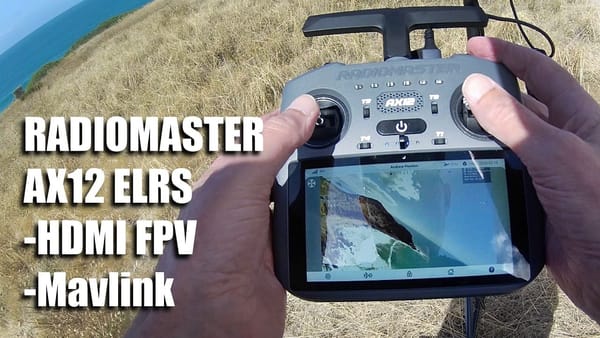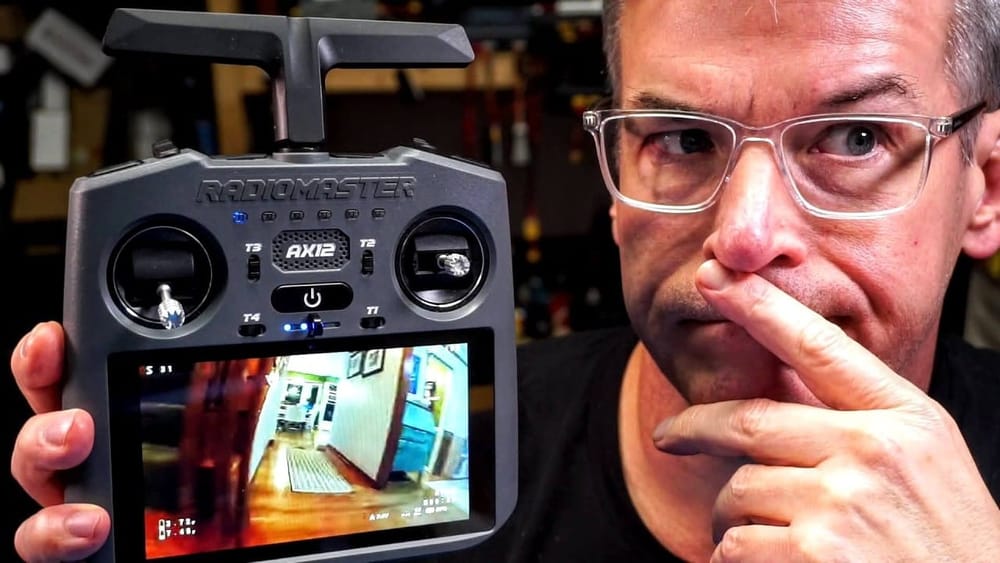
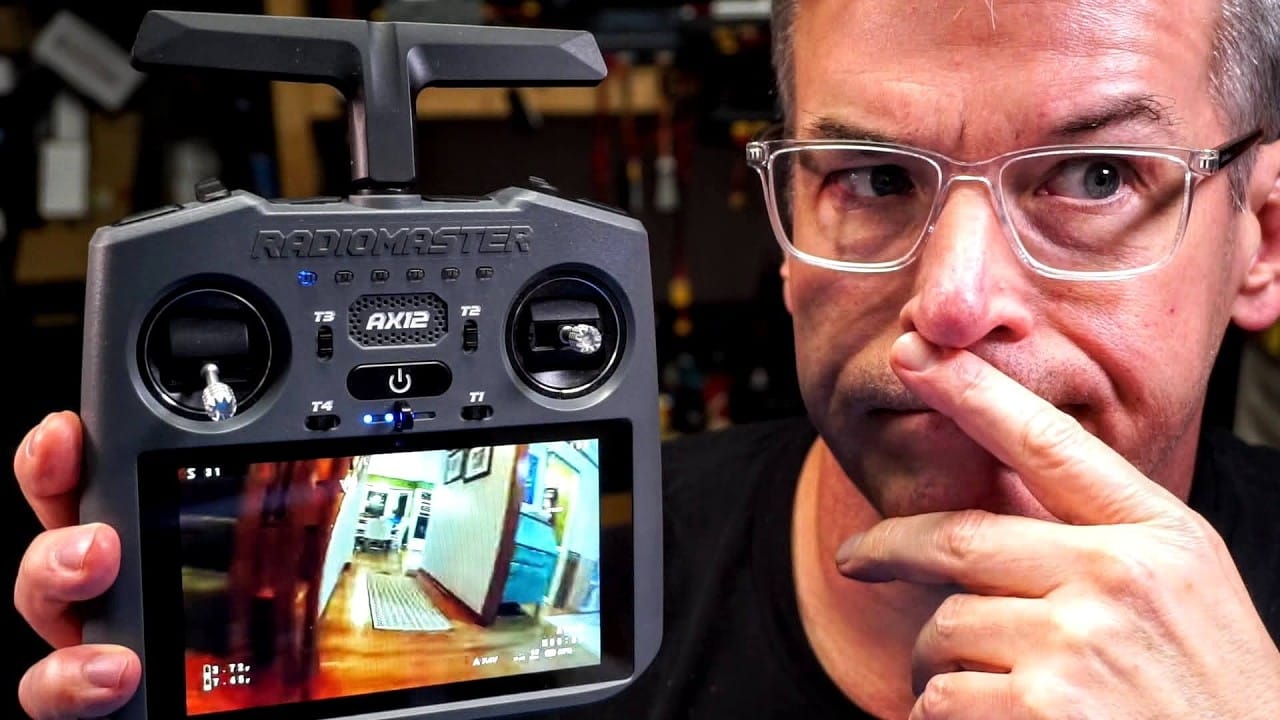
The RadioMaster AX12 is not just another FPV radio with a familiar shell. It stuffs an Android tablet into the transmitter, adds HDMI I/O, and then raises a fair question: who exactly is this thing for?
That question sits at the centre of Nick Burns’ take on the AX12. This is not a conventional review, because the usual hobby-pilot checklist does not really explain what the AX12 is trying to do. It works as a radio, yes, but its oddest features point well beyond backyard microquads.
At first glance, it looks like a normal RadioMaster radio
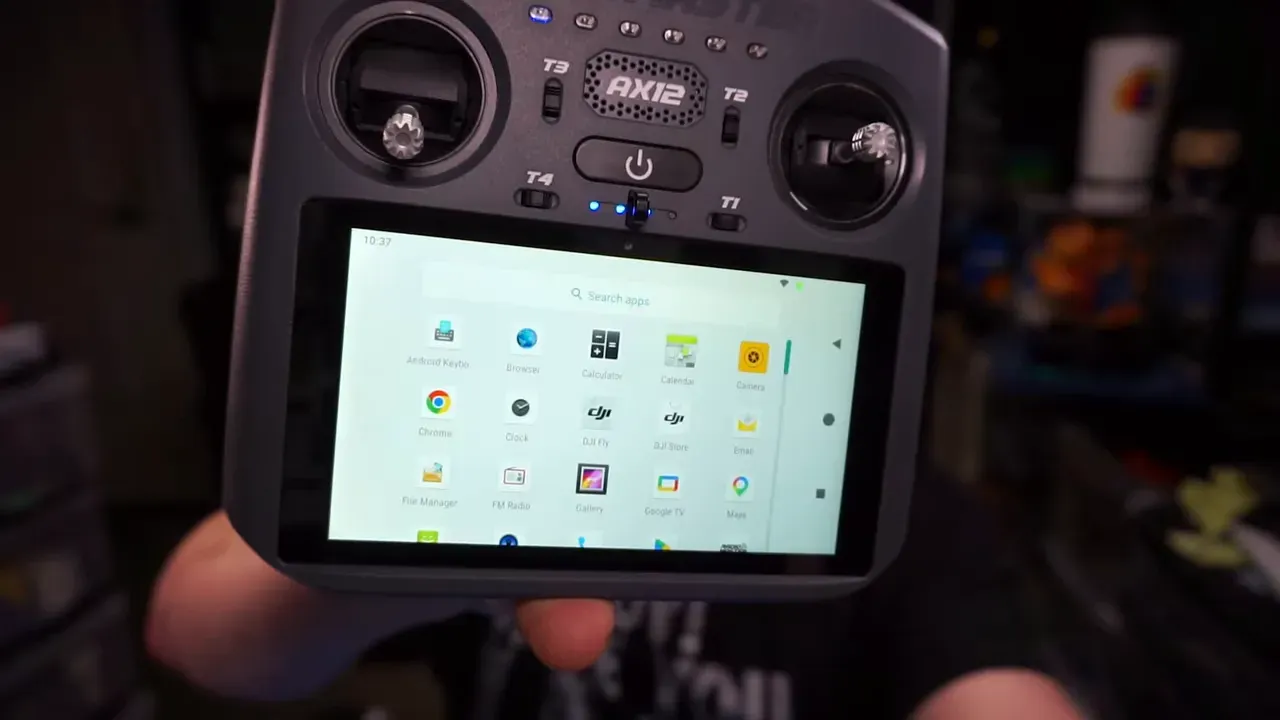
On the surface, the AX12 checks the expected boxes. It has gimbals, buttons, switches, trim functions, and the usual physical controls that make a radio a radio. If someone glanced at it from a few feet away, they might assume this is simply RadioMaster having another go at the same crowded transmitter market.
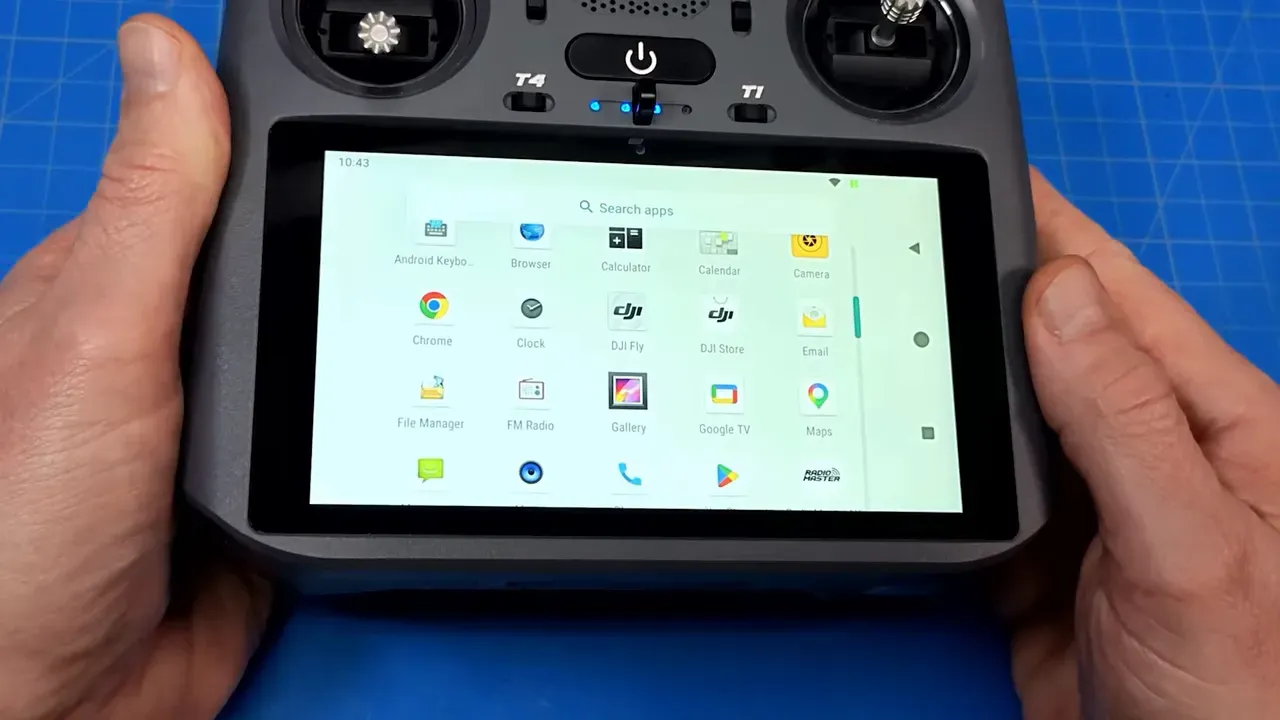
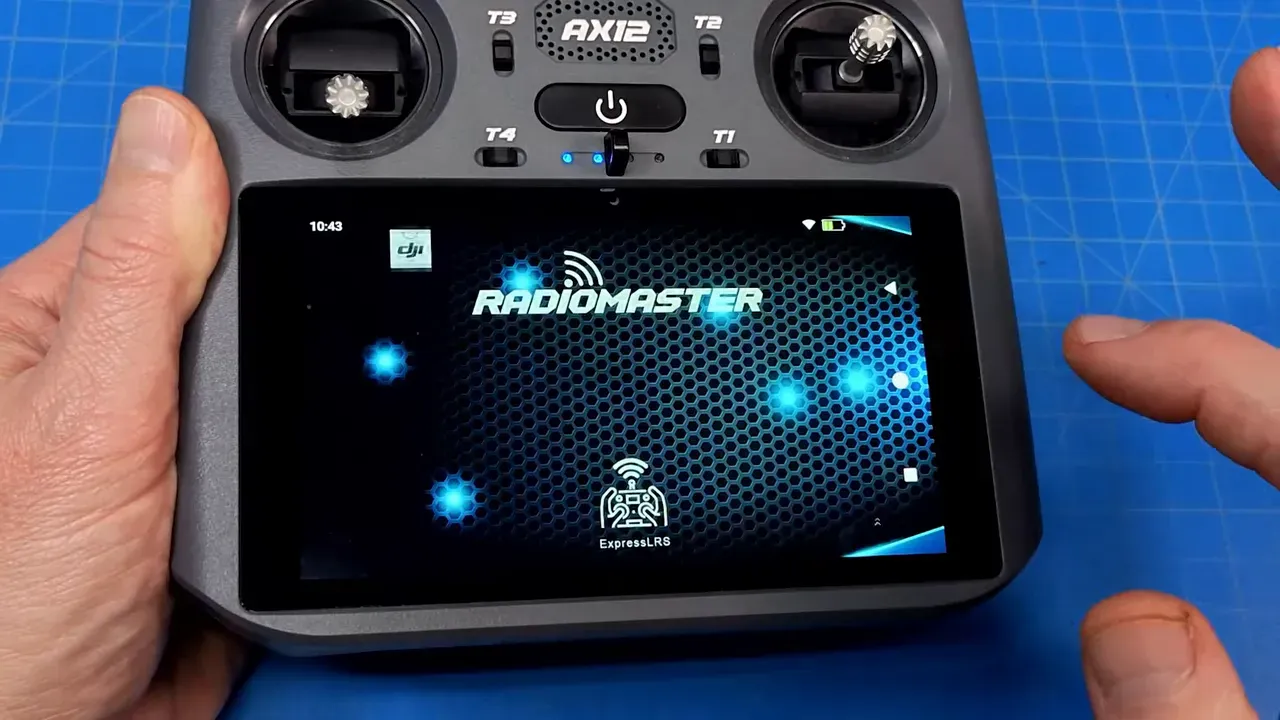
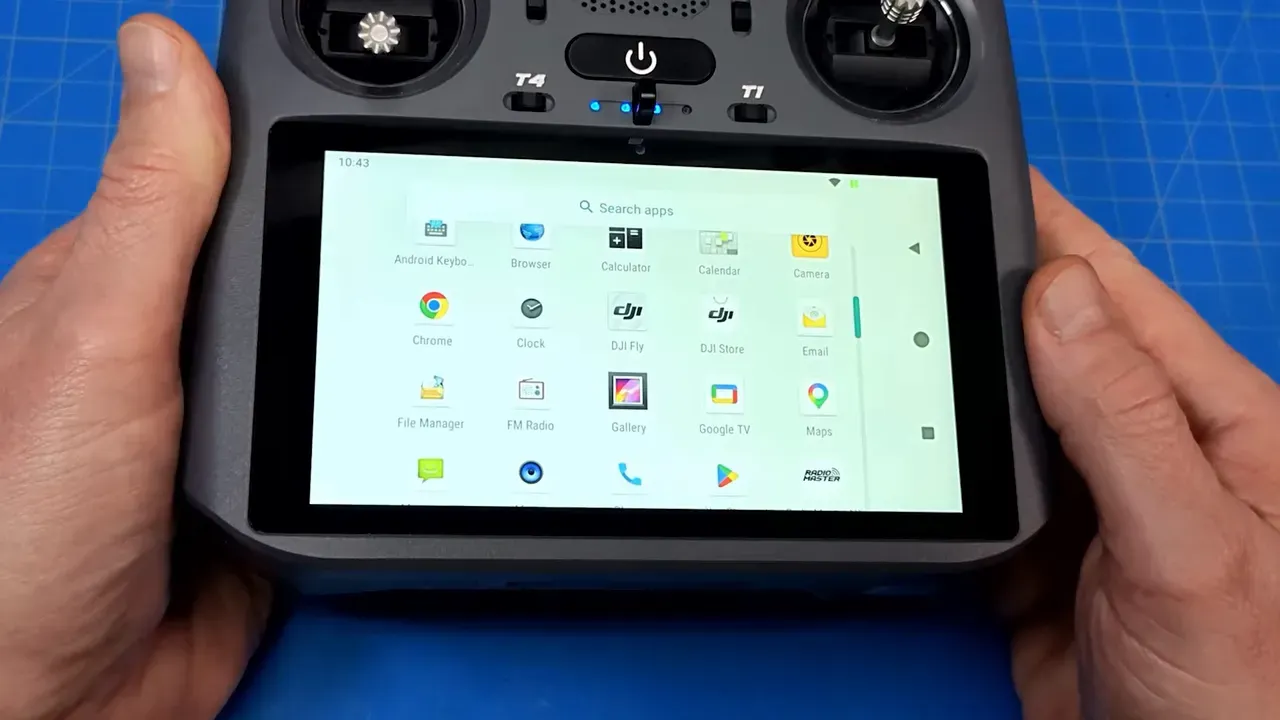
That assumption does not survive first contact. The AX12 has a built-in Android tablet. Not a tiny monochrome screen with a menu system pretending to be modern, but actual Android with access to apps, the Play Store, and sideloading support.
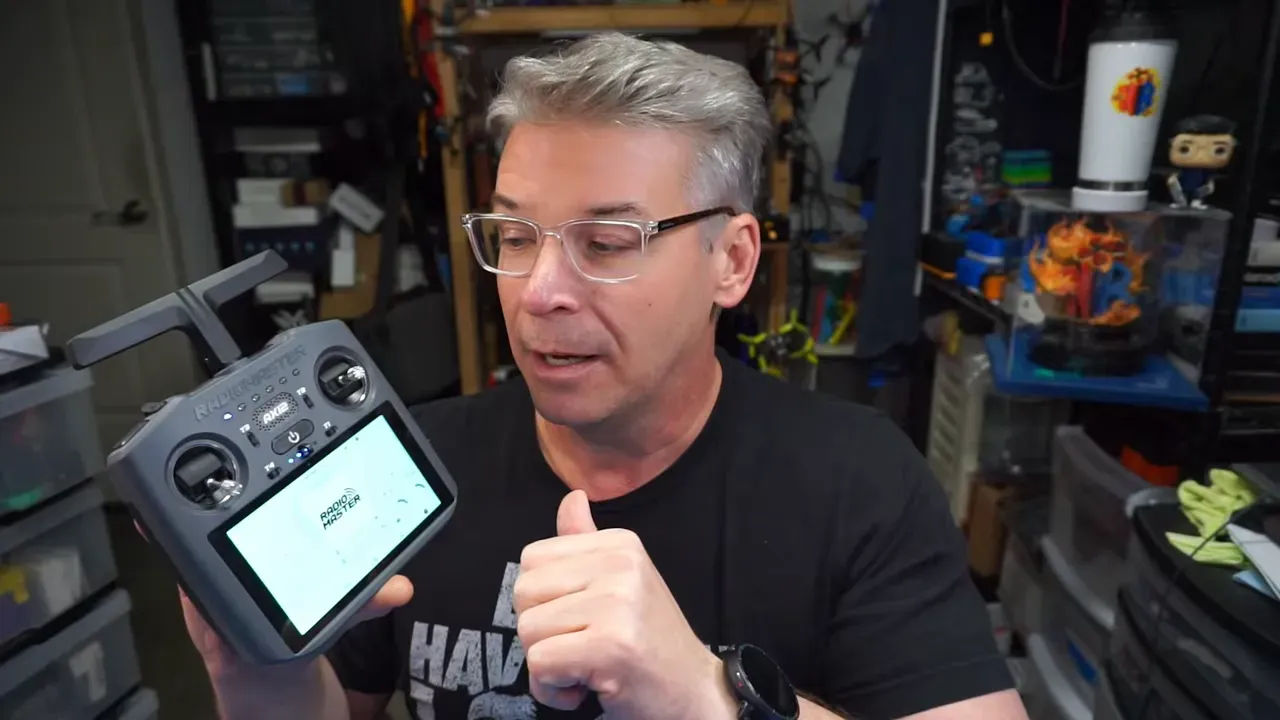
That changes the nature of the device. This is less “radio with a screen” and more “radio bolted to a general-purpose control terminal.” For some users, that could be brilliant. For the average FPV pilot flying little three-inch quads, it may just be extra silicon with nowhere to go.
The headline feature is Android, not the sticks
Nick’s core observation is simple: the AX12’s basic radio functions are not the interesting part. The Android side is. It runs the usual app for gimbal settings, trims, and adjustments, but it also lets the user move beyond those built-in tools and install software that matches a specific workflow.
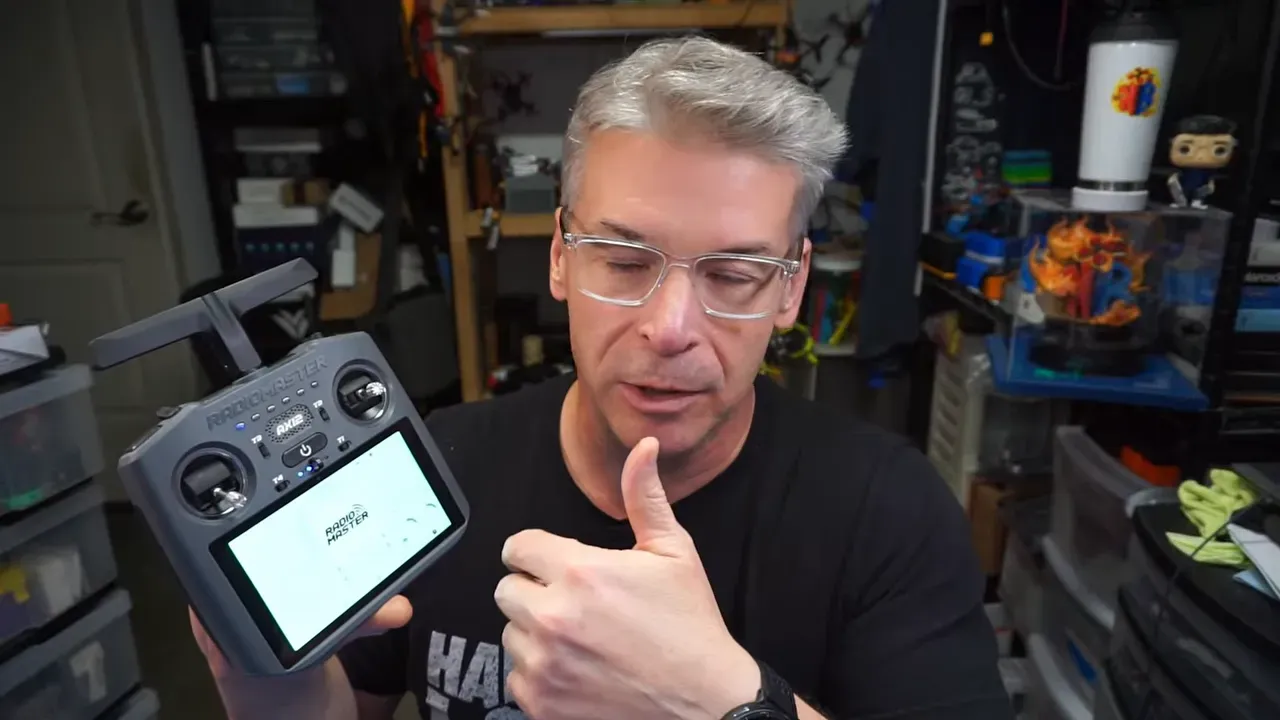
That flexibility is probably the point. If a pilot needs app-based controls, route planning, field mapping, or some custom interface tied to a specialised aircraft, an Android-powered transmitter starts to make sense. If not, it starts to look like a solution in search of a problem.
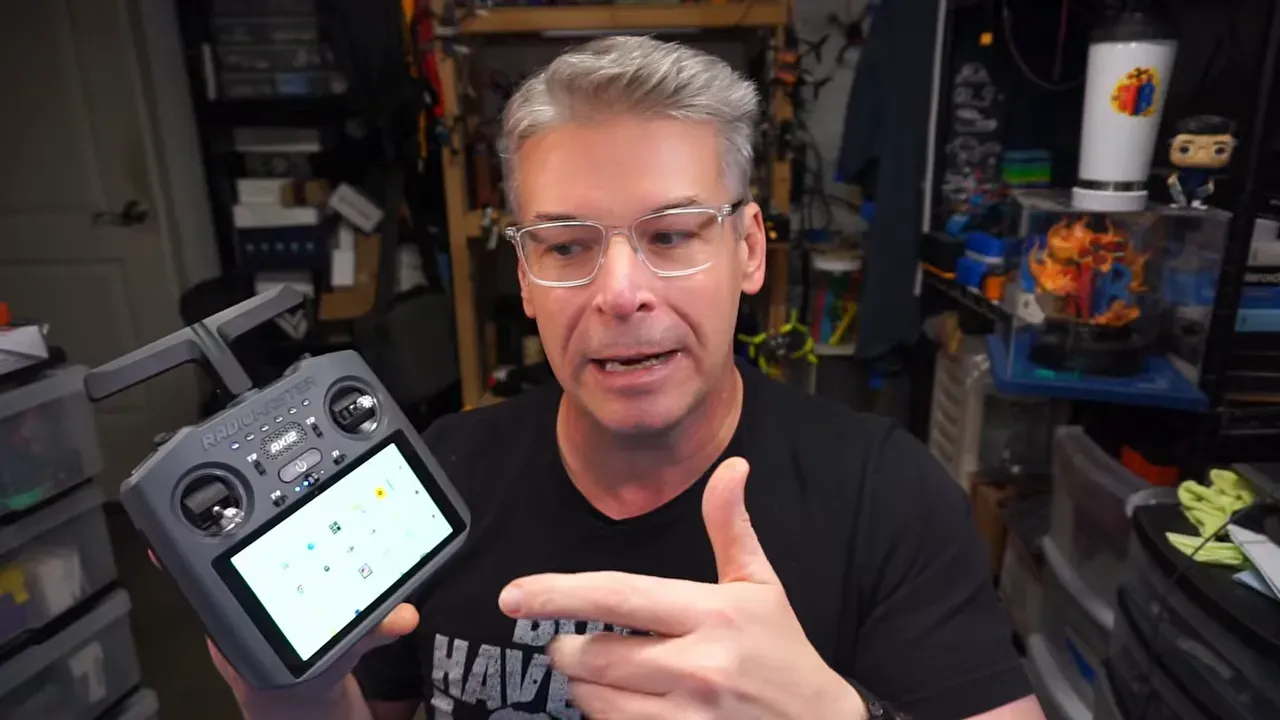
And that is where the AX12 gets awkward. A normal hobby radio is easy to explain. Better gimbals, better protocol support, nicer ergonomics, maybe improved battery life. Done. The AX12 asks for a different conversation, because its value sits in software and integration, not just hardware.
HDMI on a transmitter sounds clever. Reality is less tidy.
One of the AX12’s more unusual tricks is HDMI input and output on the top of the radio. That is not something commonly seen on FPV transmitters, and on paper it sounds handy. The obvious thought is stick-cam footage or feeding video into the built-in display.
Nick tested that with HDZero goggles and found mixed results. The menu image appears, so the connection does work. But once the source switches to analog or HDZero video, the built-in tablet screen does not update properly.
That smells like a refresh-rate issue or some similar compatibility snag. Anyone who has fought with VRX and goggle input quirks has seen this sort of nonsense before. The result is practical enough: do not buy the AX12 expecting a painless path to stick-cam recording from HDZero goggles.
That matters because HDMI is the kind of feature that grabs attention in product photos. It sounds futuristic. In actual use, at least in this case, it is not yet a clean win.
Why the AX12 does not fit the usual FPV hobby brief
Nick is fairly blunt about his own use case. He flies as a hobbyist, mostly traditional FPV and mostly small quads with three-inch props or less. In that context, the AX12 feels like overkill with paperwork attached.
That honesty is useful. Not every product has to suit every pilot, and not every pilot has to pretend a product makes sense just because it is new. The AX12 has “new” covered. Whether that novelty helps depends on what is in the air.
For a microquad pilot, Android on the transmitter may add complexity, weight, power draw, and distraction without fixing any obvious problem. Traditional FPV already has established workflows. Radios control. Goggles display. Phones do phone things. The AX12 collapses some of those roles into one unit, but many hobbyists were not asking for that merger.
The more likely market: industrial and commercial drone work
Where the AX12 begins to make more sense is outside the usual FPV hobby lane. Nick’s best read is that this radio targets commercial or industrial pilots using aircraft with app-based functions, route planning, or task-specific control systems.
Waypoint flying is the clearest example mentioned. If the aircraft, payload, or flight software depends on mapping and route entry, then having Android built into the radio could be very handy. Plot points, load a mission, tweak settings, and control the aircraft from the same device.
Agricultural spray drones are another obvious fit. A pilot handling field treatment for fertiliser or insecticide does not have the same needs as someone ripping a park on a tiny quad. Grid paths, operational planning, and app-linked controls matter more there than shaving grams or making the radio pocketable.
There are likely plenty of other uses in surveying, inspection, mapping, or industrial operations. Nick is careful not to overstate that, because he does not operate in those niches. That restraint is refreshing. Too much tech coverage treats unfamiliar use cases as a cue to bluff. Here, the honest answer is: this is probably built for a different class of pilot.
That “looks like another radio” issue
Part of the confusion comes from appearance. The AX12 resembles another radio already on the market closely enough to suggest a straightforward me-too product. Nick does not think that is what is happening.
Based on what the AX12 actually does, it seems less like RadioMaster chasing a shape and more like RadioMaster building a specialist control platform in a familiar form factor. The shell may say “standard transmitter.” The internals say “field terminal with sticks attached.”
That mismatch between looks and purpose is probably why the AX12 is hard to categorise. It presents like a hobby radio and behaves like a tool for jobs many hobbyists never do.
There are more features, but not all of them look practical
Nick also points to USB host mode support as one of the AX12’s notable extras. That means the gimbals can be used for an FPV simulator. It is a neat trick, though he is not convinced it matters much in day-to-day use.
That sums up much of the AX12 experience. It has a stack of capabilities that are technically interesting, but not all of them translate into obvious practical wins for ordinary flying. There is a difference between “can do” and “worth doing,” and the AX12 lives right in that gap.
If a pilot already knows why they need Android, HDMI, app integration, and specialised control workflows in one unit, the AX12 might be exactly right. If they have to ask, it probably is not.
So, is the RadioMaster AX12 good?
That depends on the question being asked. As a plain hobby FPV radio, it feels like too much machine for too little need. As a specialised transmitter for commercial or industrial setups, it starts to look much more sensible.
Nick’s refusal to force a conventional review is the most useful thing here. Not every product should be judged by the same template. The AX12 is interesting precisely because it does not fit the usual one.
For technically minded pilots, the AX12 is worth noticing even if it is not worth buying. It shows where at least part of the radio market may be heading: less pure transmitter, more integrated command console. Whether that future is appealing depends heavily on what flies out of the workshop.
FAQ
What makes the RadioMaster AX12 different from a normal FPV radio?
The standout feature is its built-in Android tablet. It also includes HDMI input and output, app support, and more software-driven flexibility than a typical transmitter.
Is the AX12 a good choice for microquad and traditional FPV flying?
For many hobby pilots, probably not. If the job is simply flying small FPV quads, the AX12’s advanced software features may add complexity without solving a real problem.
Does the HDMI feature work with HDZero goggles?
It partially works. Menu output appears, but when switching to analog or HDZero video sources, the built-in screen does not update properly, so it is not reliable for stick-cam use.
Who is the AX12 really for?
It appears better suited to commercial or industrial drone operators who need app-based workflows, waypoint planning, mapping, or other specialised control functions tied to Android software.
Can the AX12 be used with an FPV simulator?
Yes, USB host mode appears to support simulator use with the gimbals. It is a nice extra, though not necessarily a decisive reason to buy the radio.
Takeaway box
- The RadioMaster AX12 is less “new hobby radio” and more “Android control terminal with sticks.”
- HDMI on a transmitter sounds smart, but Nick’s HDZero test shows it is not yet a clean stick-cam solution.
- For microquad pilots, the AX12 may be fancy dead weight. For industrial operators, it may be the whole point.
- The most honest verdict: if the use case is unclear, this radio probably is not aimed at that pilot.
- Sometimes the best review is admitting a product belongs to a different corner of the sky.
This article was based from the video What? & Who? Brand New Radio Features // RadioMaster AX12 - Not a Review