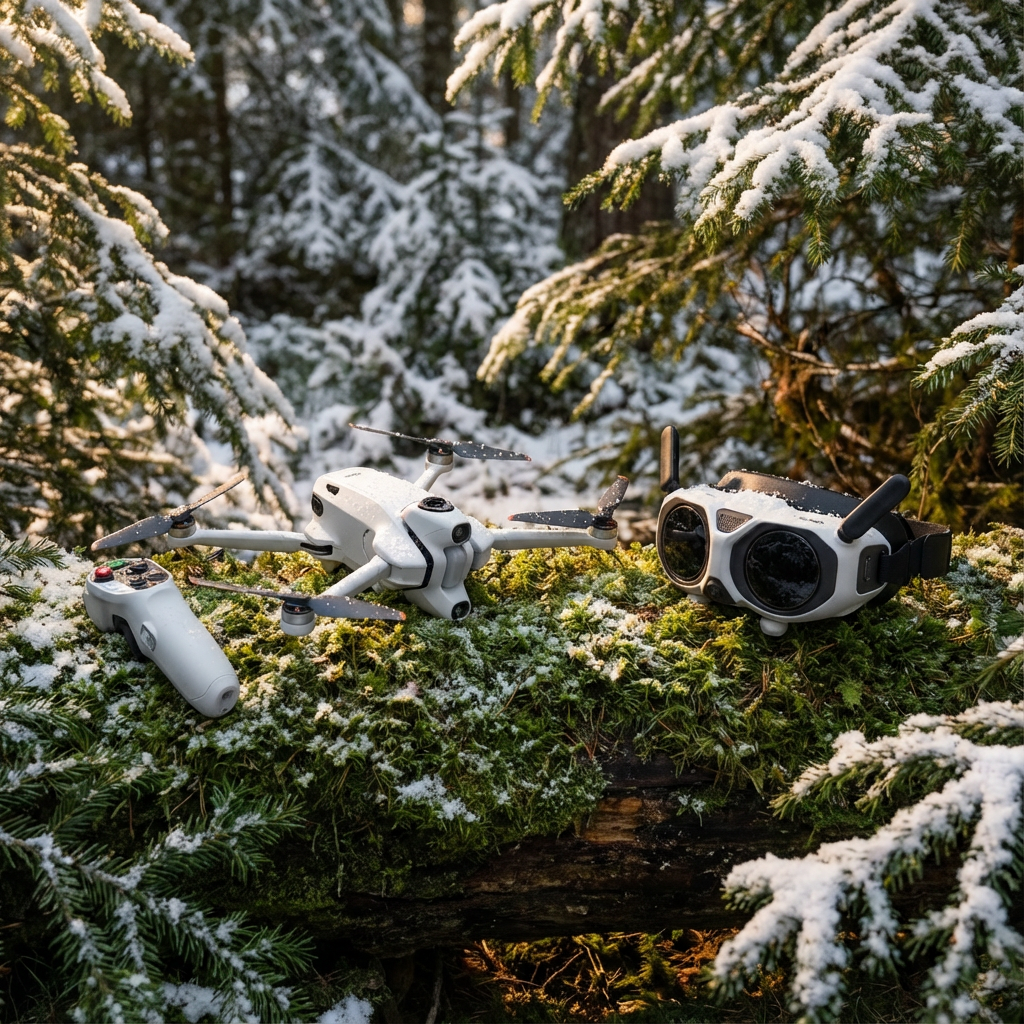
The Anti-Gravity A1 rewrites what a ready-to-fly FpV drone can show you. It pairs a true 360 camera with high-end goggles. That combo delivers an immersive view no other off-the-shelf quad currently matches.
The goggles steal the show — they feel like a VR headset married to FPV kit. The aircraft itself is competent but has odd quirks and radio weak spots.
TL:DR
The A1 gives a unique 360° FpV drone experience via stunning goggles and flexible in-software reframing. Flight is fine but not sporty. RF performance drops side-on. Editing needs special tooling.
First impressions and how it flies
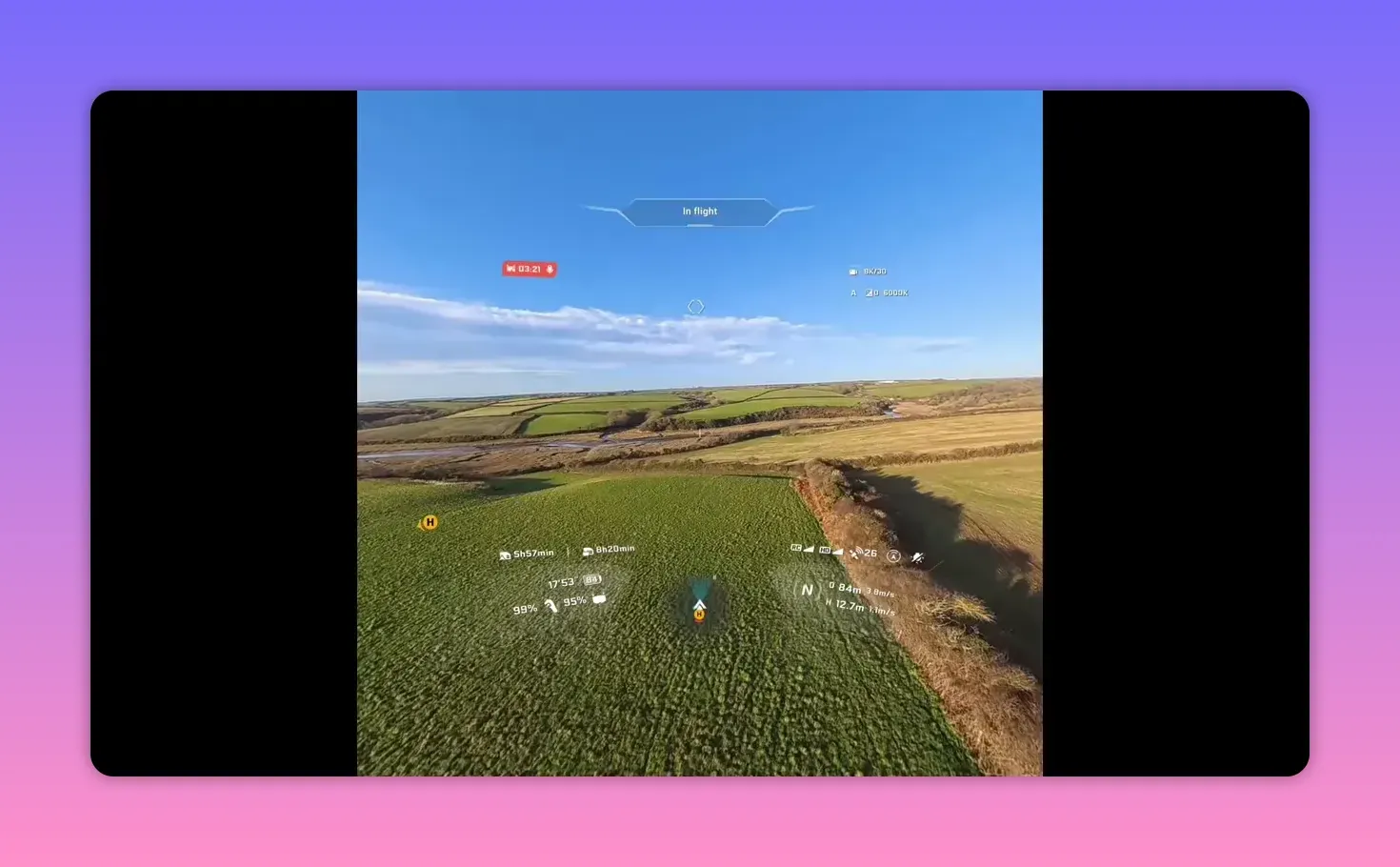
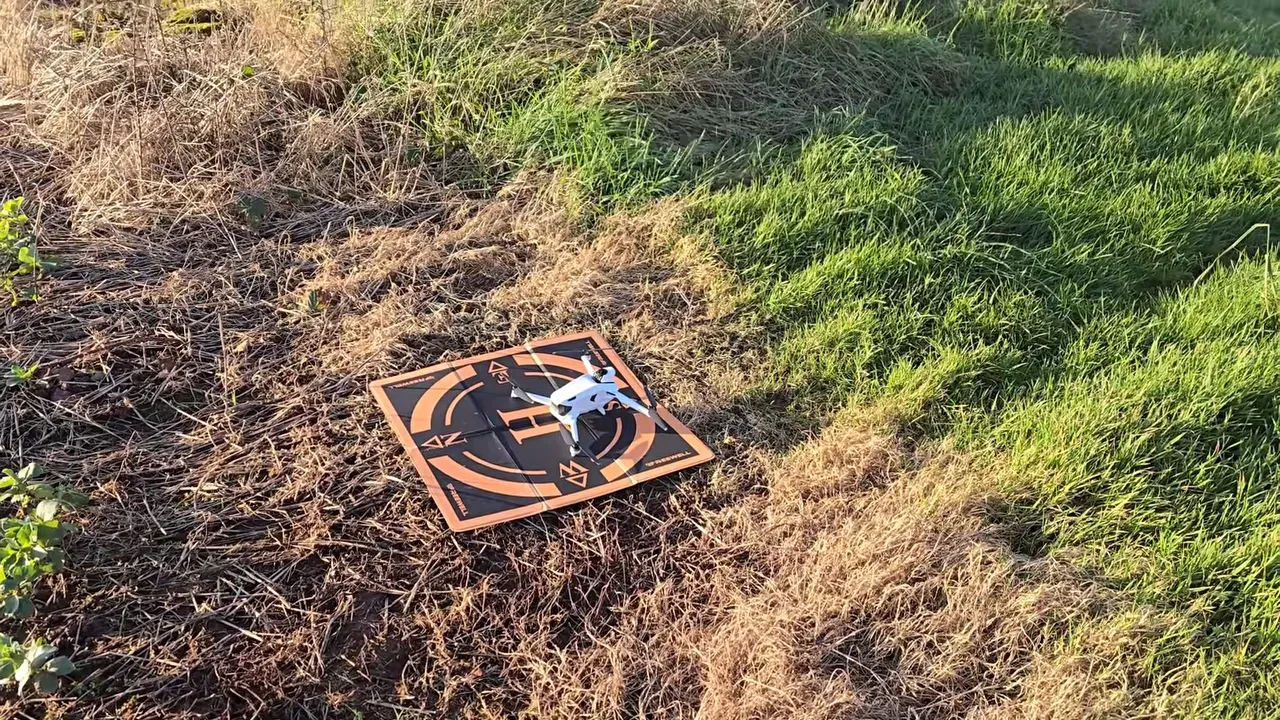
Takeoff is conventional. The folding legs tuck away; motors sound normal. The control scheme, though, forces you to rethink body position — free motion mode makes the aircraft follow your head and hand. That creates a strange learning curve.
Two main flight modes: Free motion and FPV mode
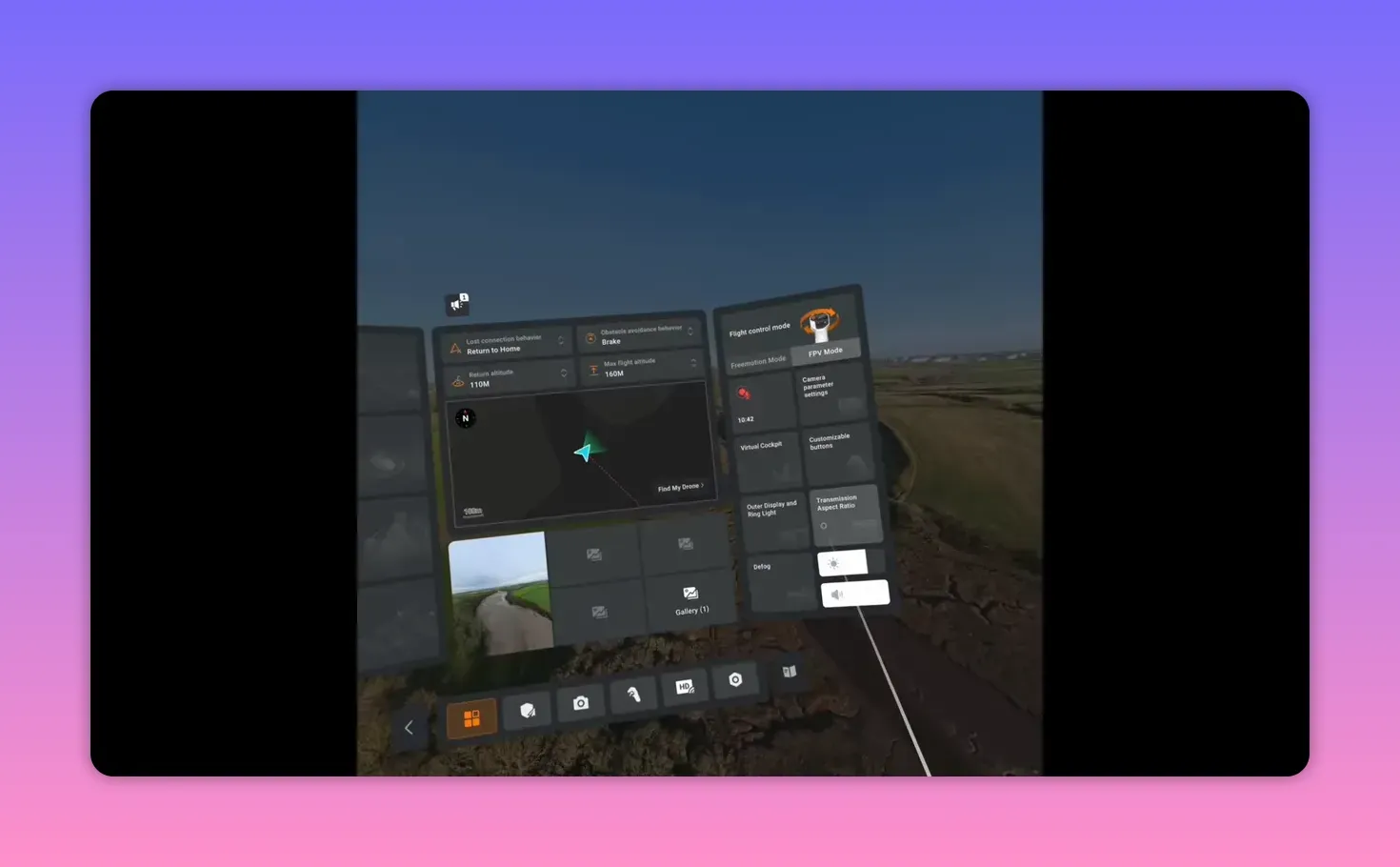
Free motion ties yaw and view to your head — you rotate your body to look. FPV mode feels more traditional: wrist tilt controls yaw and altitude. Use FPV mode for filming; it’s far less faff.
RF behaviour and a major downside
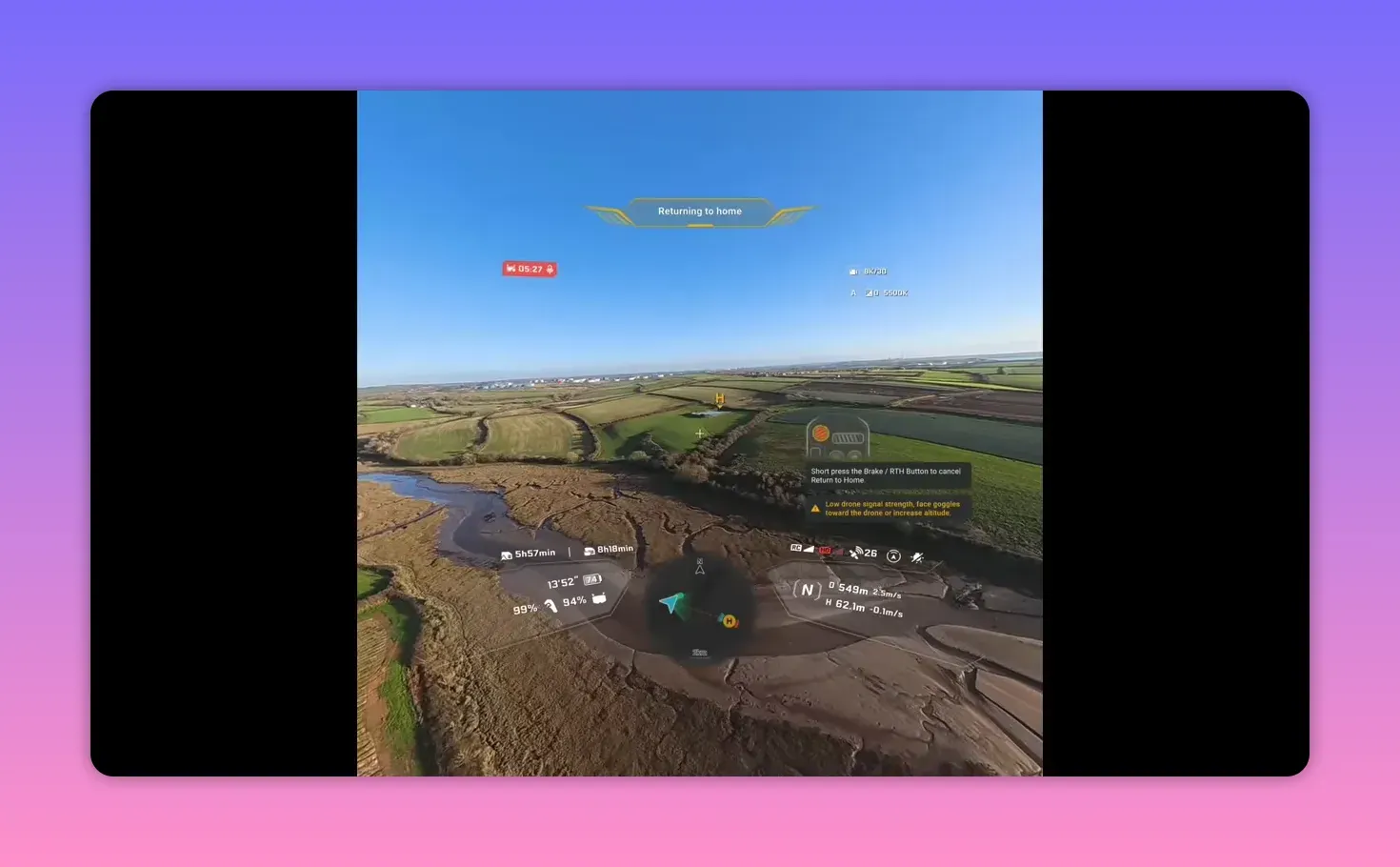
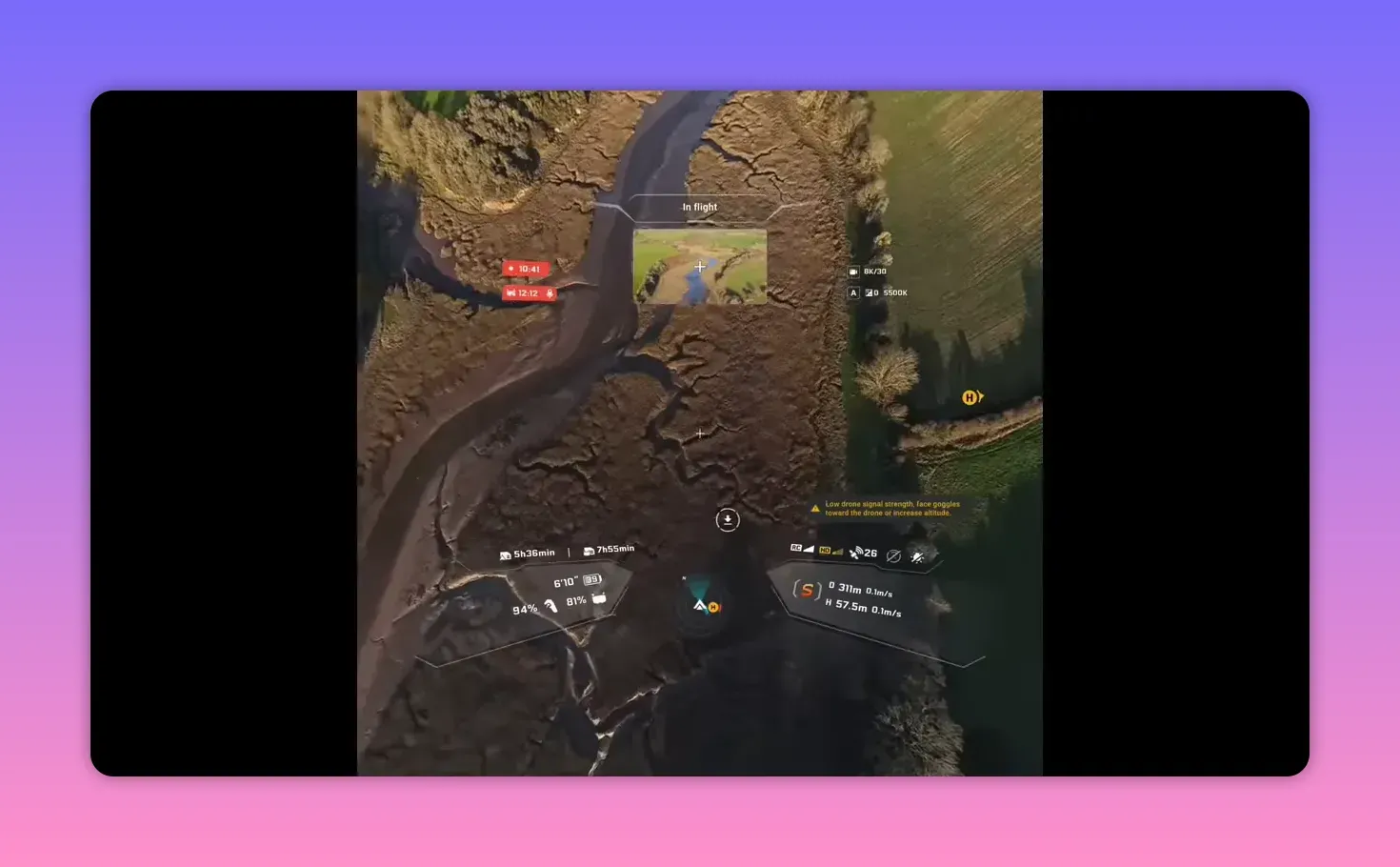
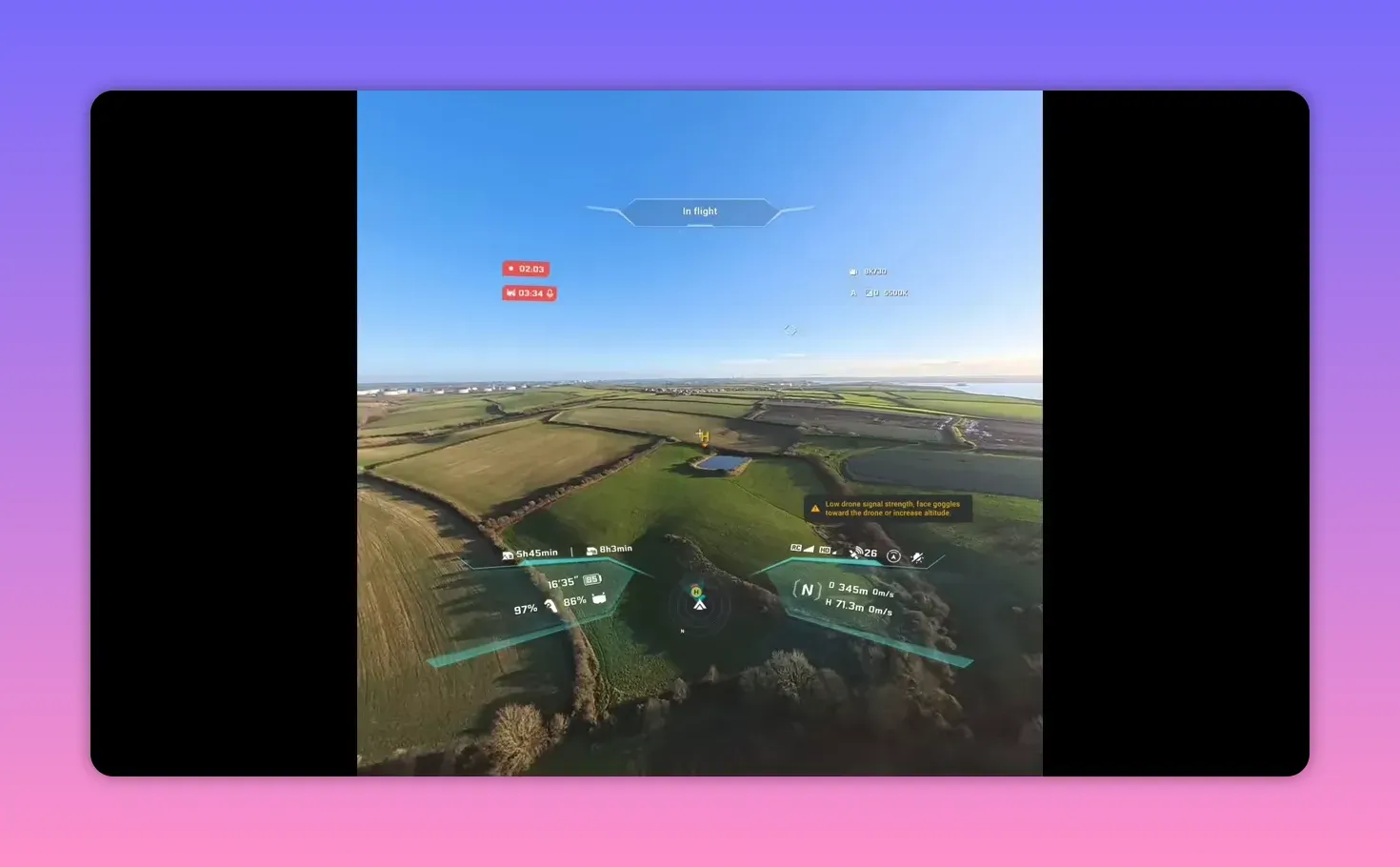
Signal strength varies wildly by orientation. Front and rear give good reception, but side-on kills the link quickly. In CE regions the default bands are low power — switching to 5.2GHz helped only marginally. If you care about reliable HD feed, test this in your local conditions.
Controller ergonomics — right-handed by design
The remote favours right-handed users. Lefties will reach awkwardly for C1/C2 and menu keys. That feels like an avoidable oversight for a product aimed at consumers and pros alike.
Goggles and augmented fun
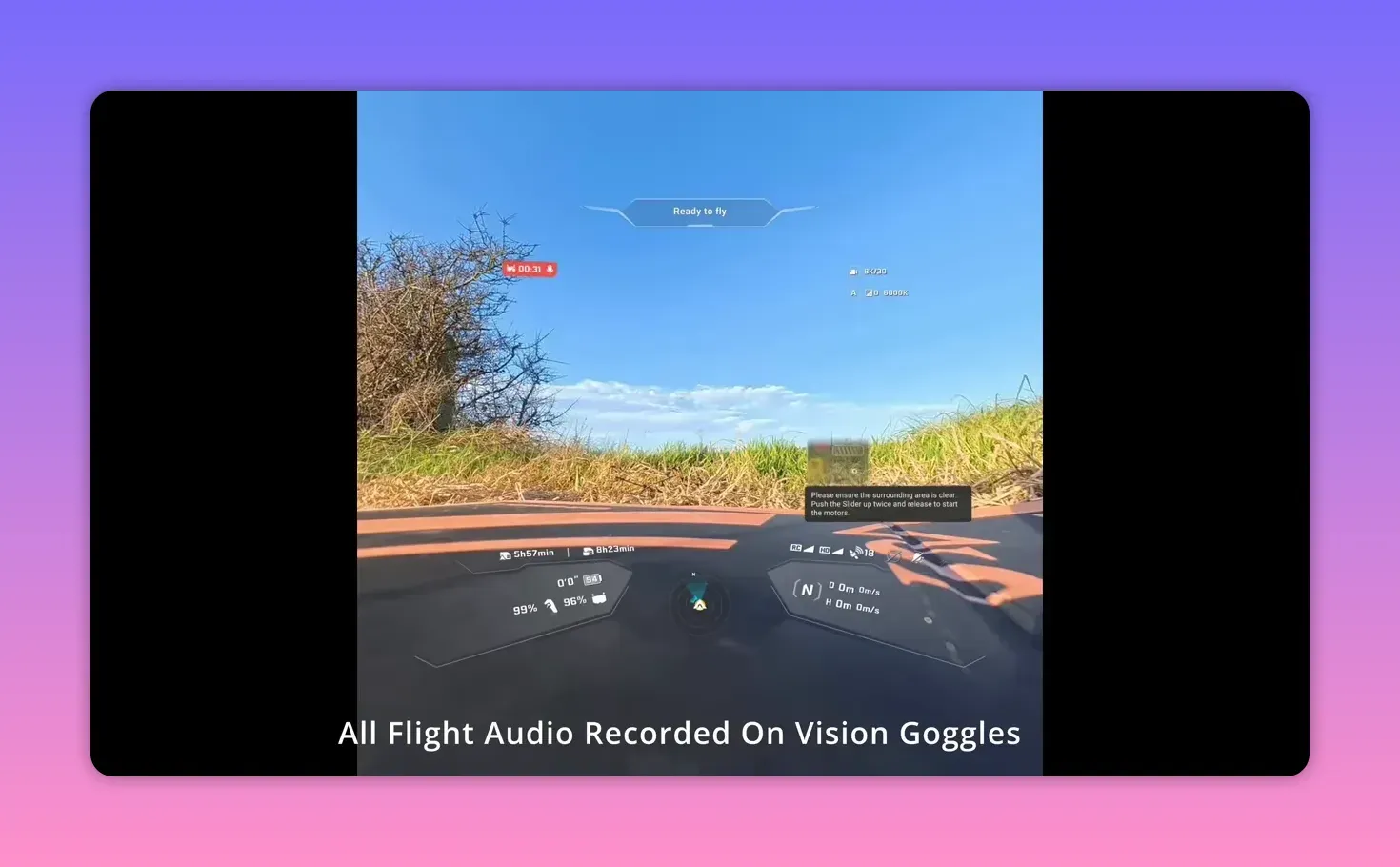
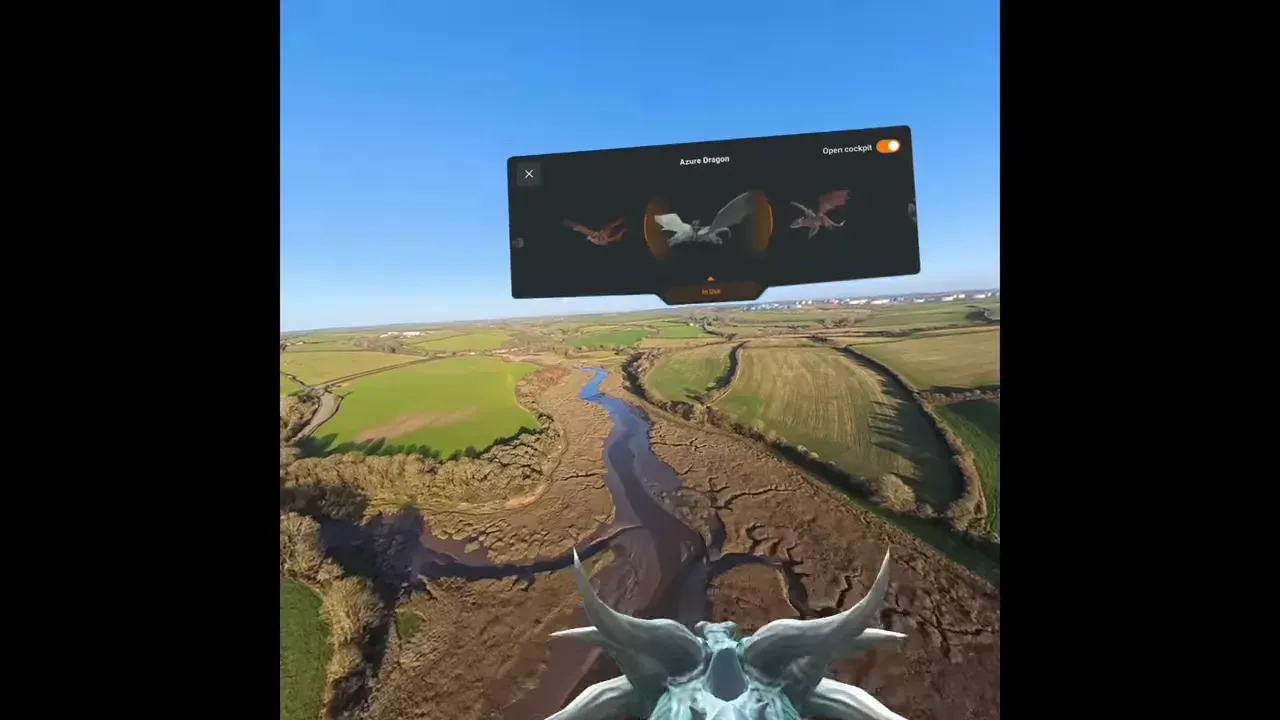
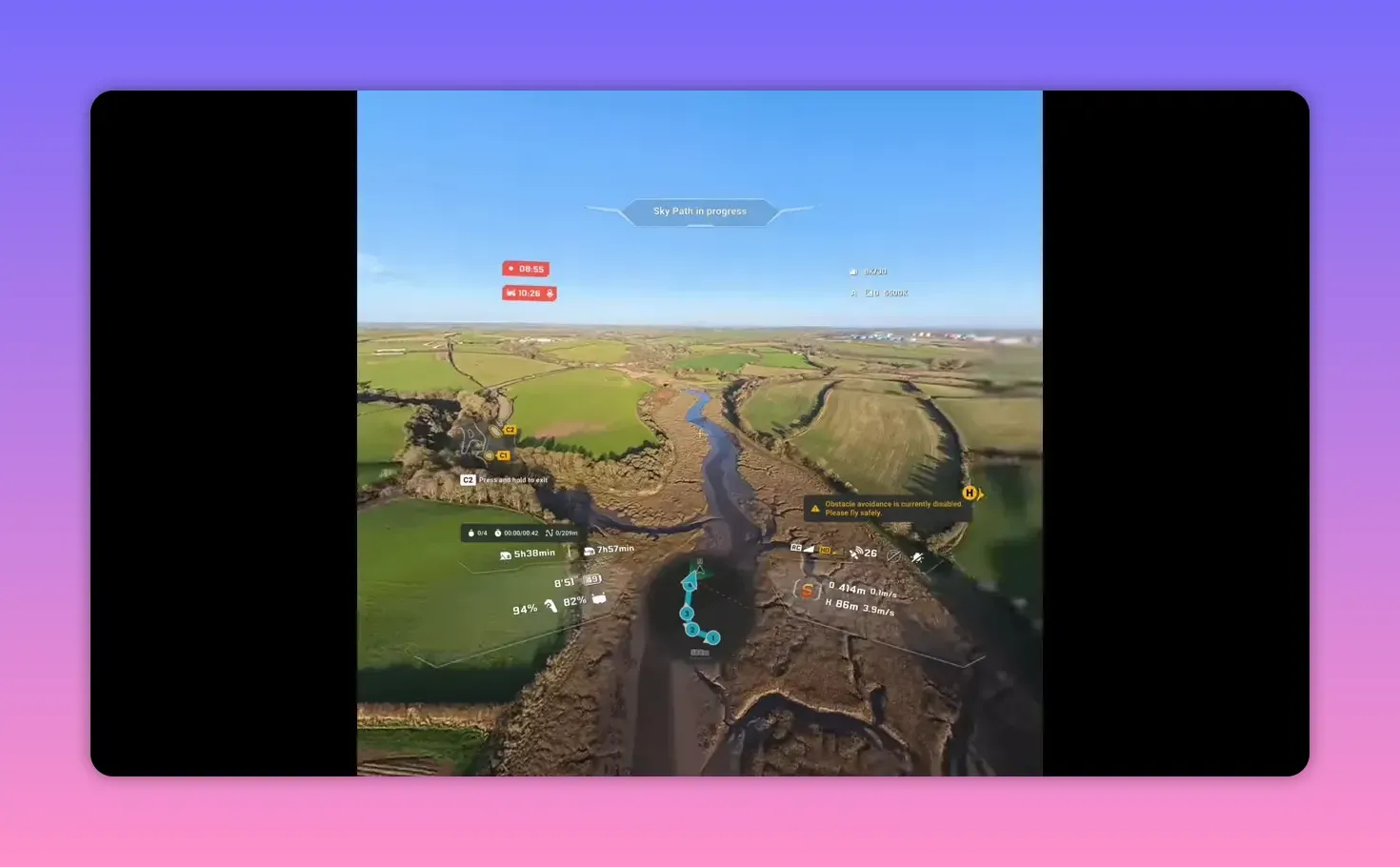
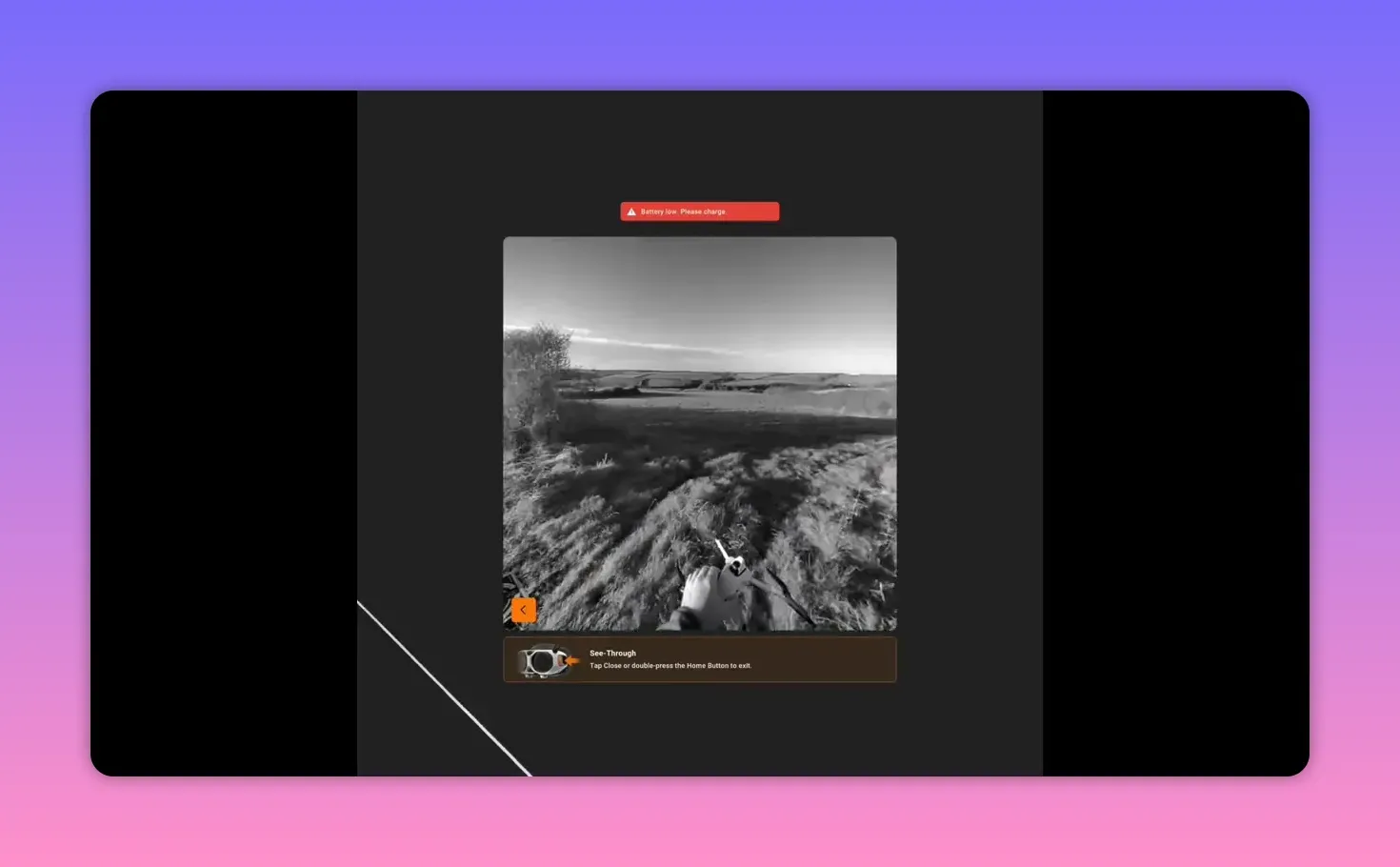
The goggles deserve praise. Large vertical field-of-view, pancake optics and AR overlays lift the experience. You can toggle virtual cockpits — dragon, plane, instruments — and kids will love it. From a hardware and UI standpoint, these are a standout feature.
Autonomy: Skypath, SkyGenie and waypoints
Waypoint tools work. SkyGenie offers orbits and custom paths triggered by the remote. Workflow differs from touchscreen interfaces, but you can save routes and replay them — useful for repeatable shots.
What the 360 camera actually buys you
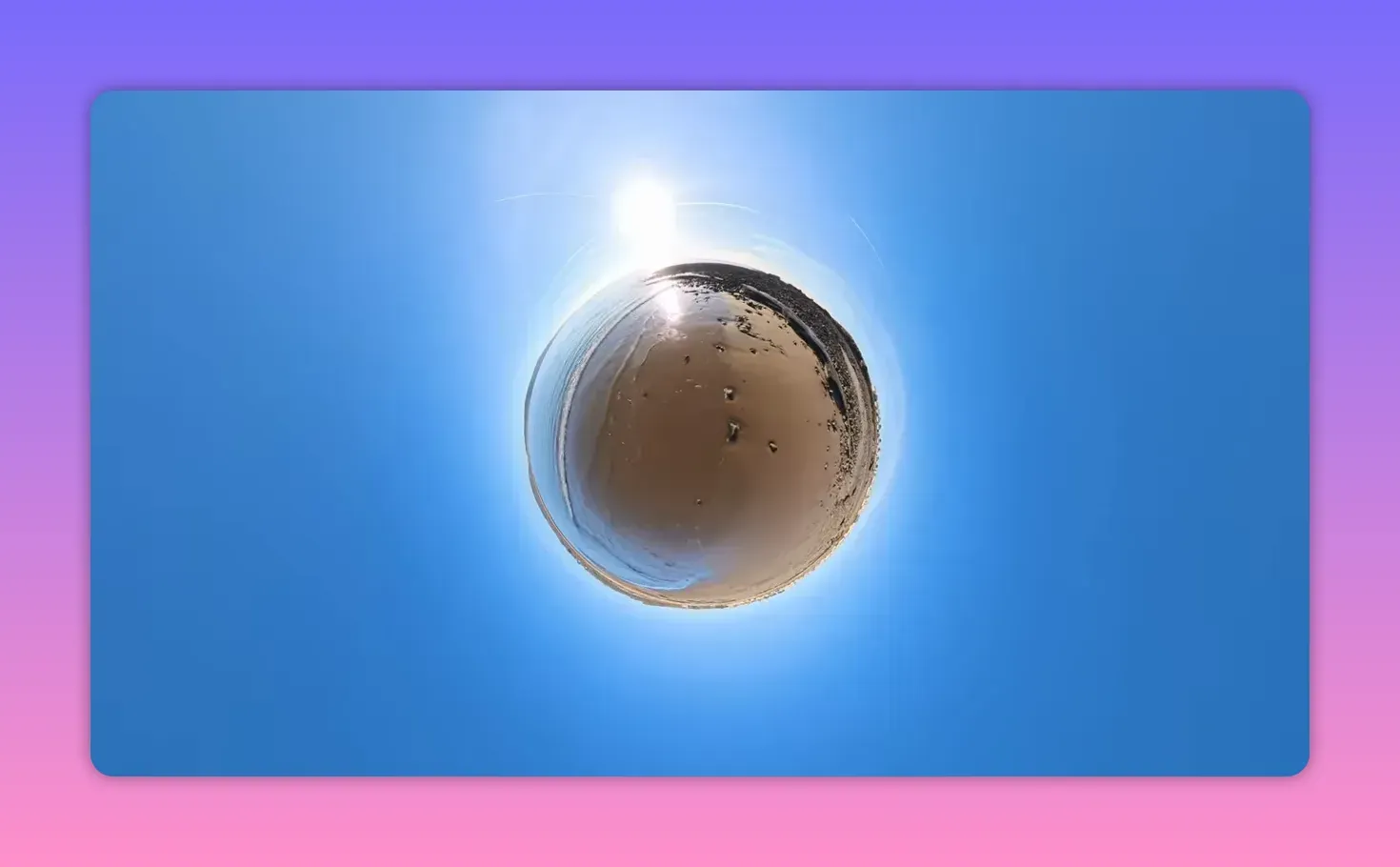
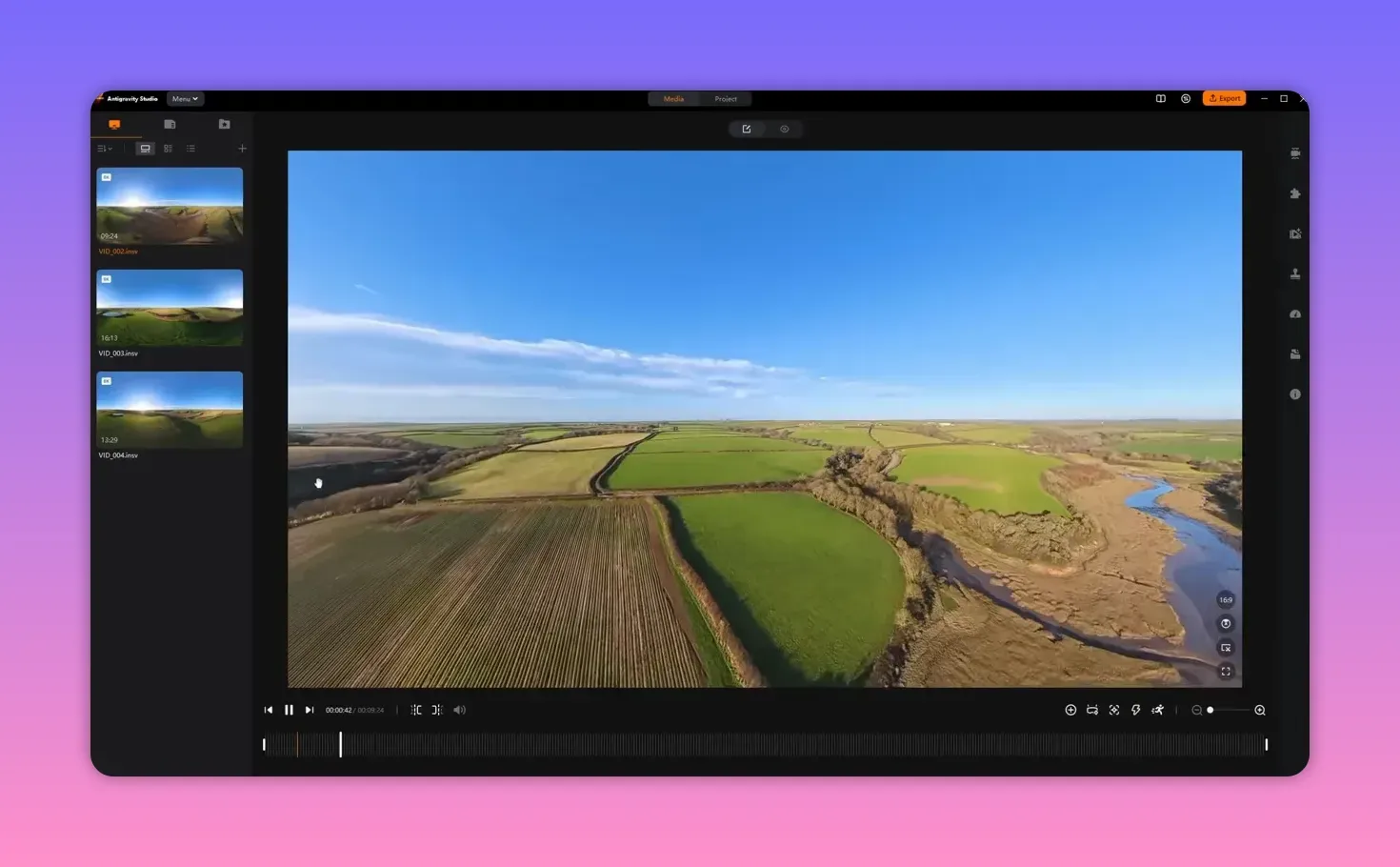
The A1 records full-sphere clips you reframe later. You can create tiny-planet, tunnel and rewind-style edits from a single take. That flexibility beats a fixed gimbal if you want novel perspectives rather than raw front-camera resolution.
Editing workflow and file compatibility
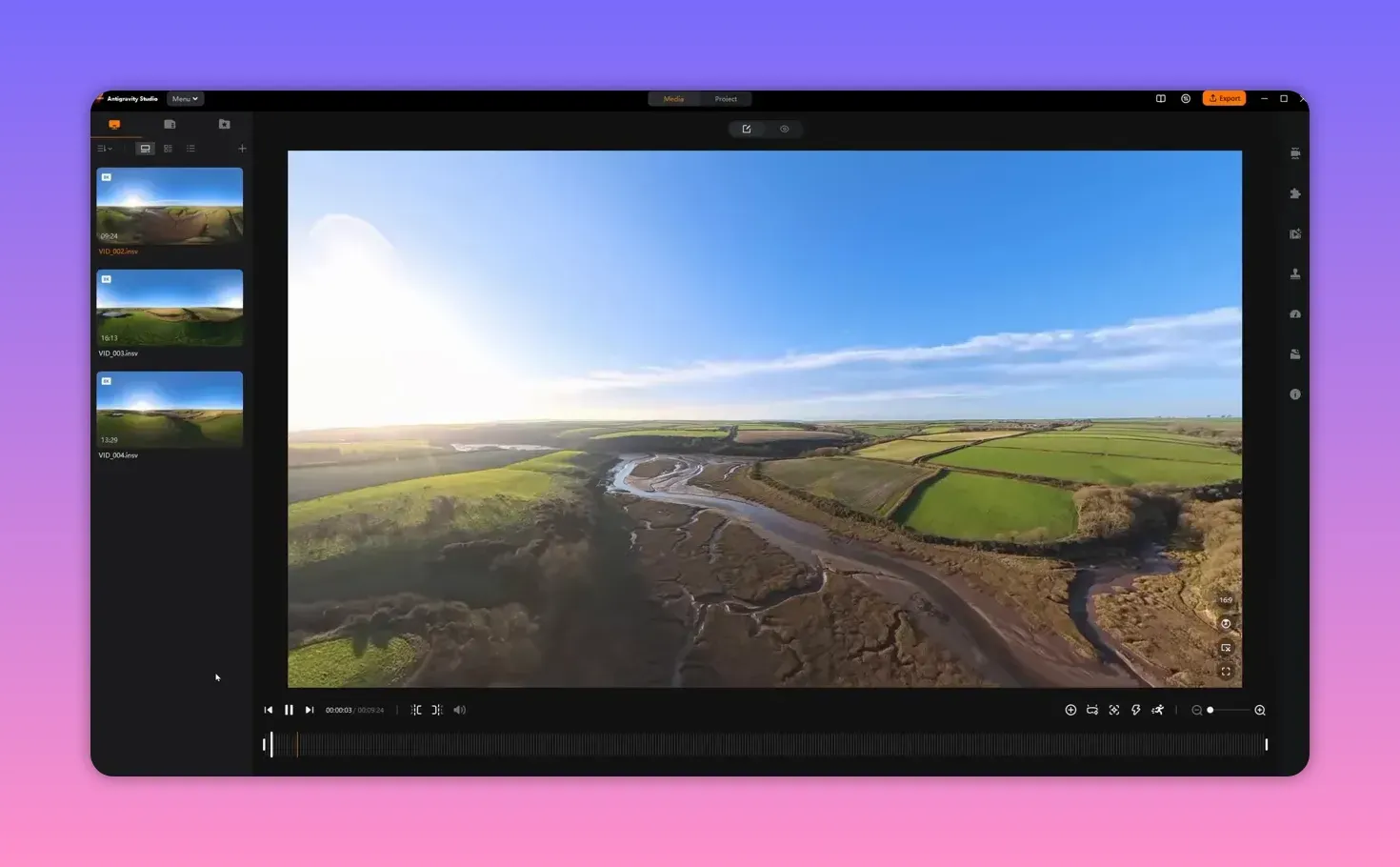
Files need conversion and work best in Anti-Gravity Studio. Premiere Pro has a plugin; Resolve lacks one. Expect an extra step compared to regular drone footage, but you gain framing freedom and creative passes you can’t get from a fixed camera.
Performance summary — where it shines and where it stumbles
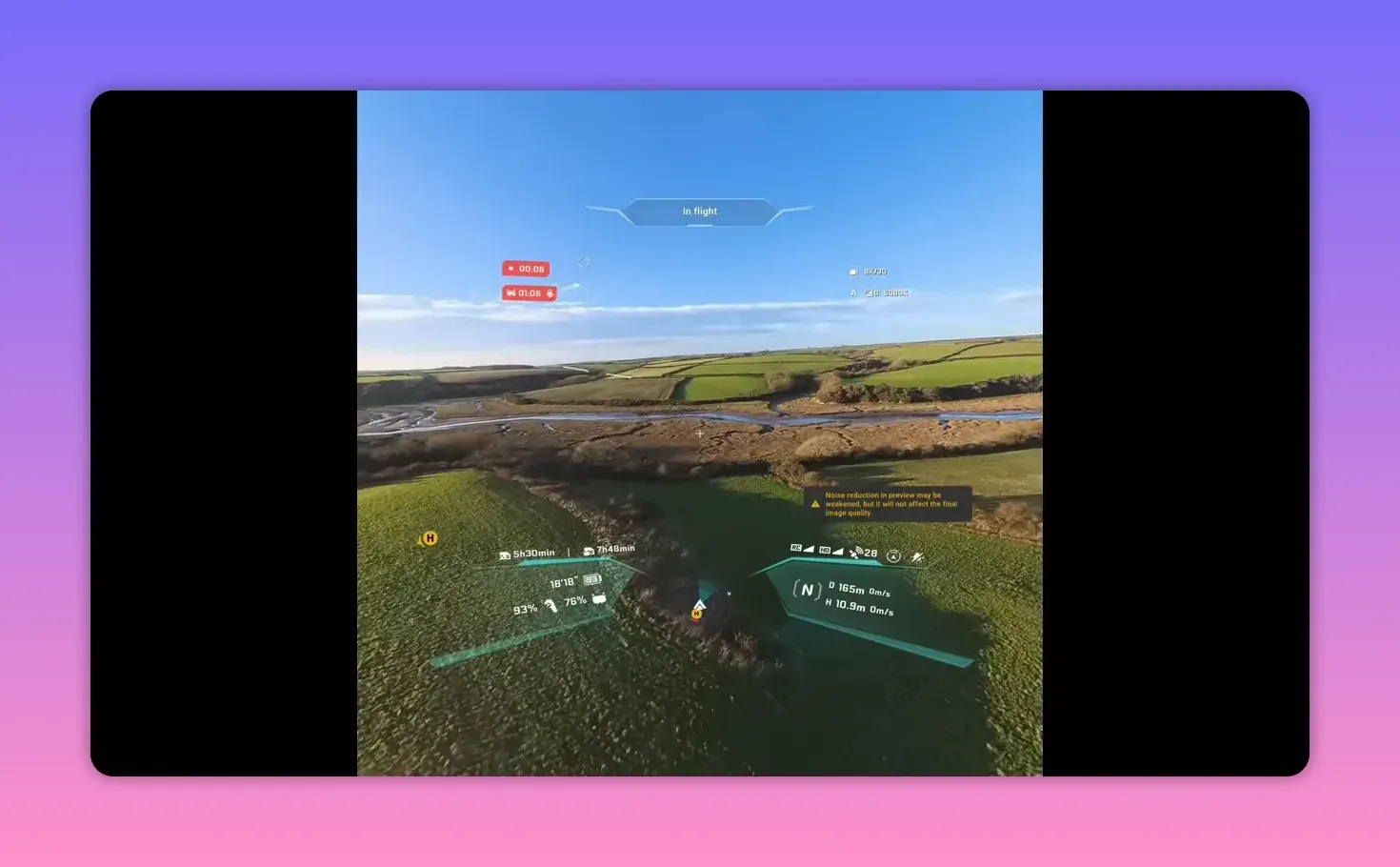
The A1 is special. Its immersive FpV drone experience is unique today. Flight handling is solid for a camera quad but not agile. Image quality is decent, but cropping from two 180° lenses reduces clarity versus dedicated forward-facing cameras. The RF setup needs refinement.
Verdict
If you want immersive footage and new framing possibilities, buy the A1 for the goggles and 360 workflow. If you want speed, simple hand landings or rock-solid side-on video links, look elsewhere. The A1 is a specialised tool — brilliant at what it does, flawed in other areas.
Where To Buy:
Amazon
Does the A1 let you fly backwards or hover sideways easily?
In normal free-motion mode the craft lacks an obvious reverse stick input. Close-range manoeuvres can feel clumsy; use the wheel control or switch to FPV mode for better handling.
How reliable is the video link?
Link reliability depends on orientation and frequency band. Front and rear views work well; side-on reception drops noticeably. In CE regions consider testing 5.2GHz and 2.4GHz for your local environment.
Can I edit footage in DaVinci Resolve?
Not natively. Convert the A1 files first or use Anti-Gravity Studio. Premiere users can try the plugin; Resolve users must plan for a conversion step.
Takeaway box
- FpV drone goggles are the A1’s killer app — huge vertical FOV and AR overlays.
- Use FPV mode for practical flying; free motion is immersive but awkward near launch.
- RF is orientation-sensitive — test front, side and back links before critical shoots.
- Editing needs Anti-Gravity Studio or conversion — but unlocks reframing magic.
- Not a sport flyer — designed for immersive capture, not raw speed.
This article was based from the video Antigravity A1 360 Drone First Flights Review - A Totally New Experience!