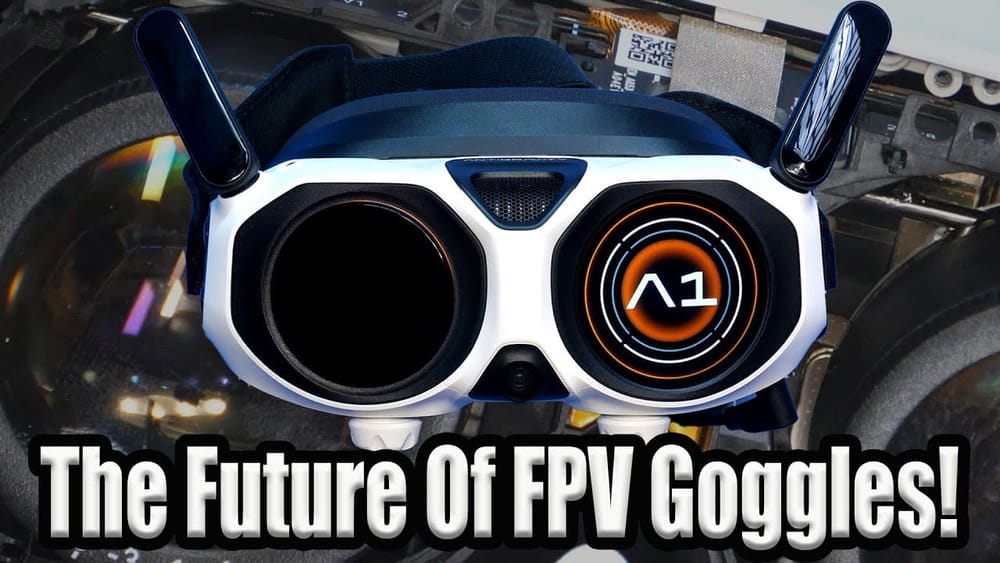
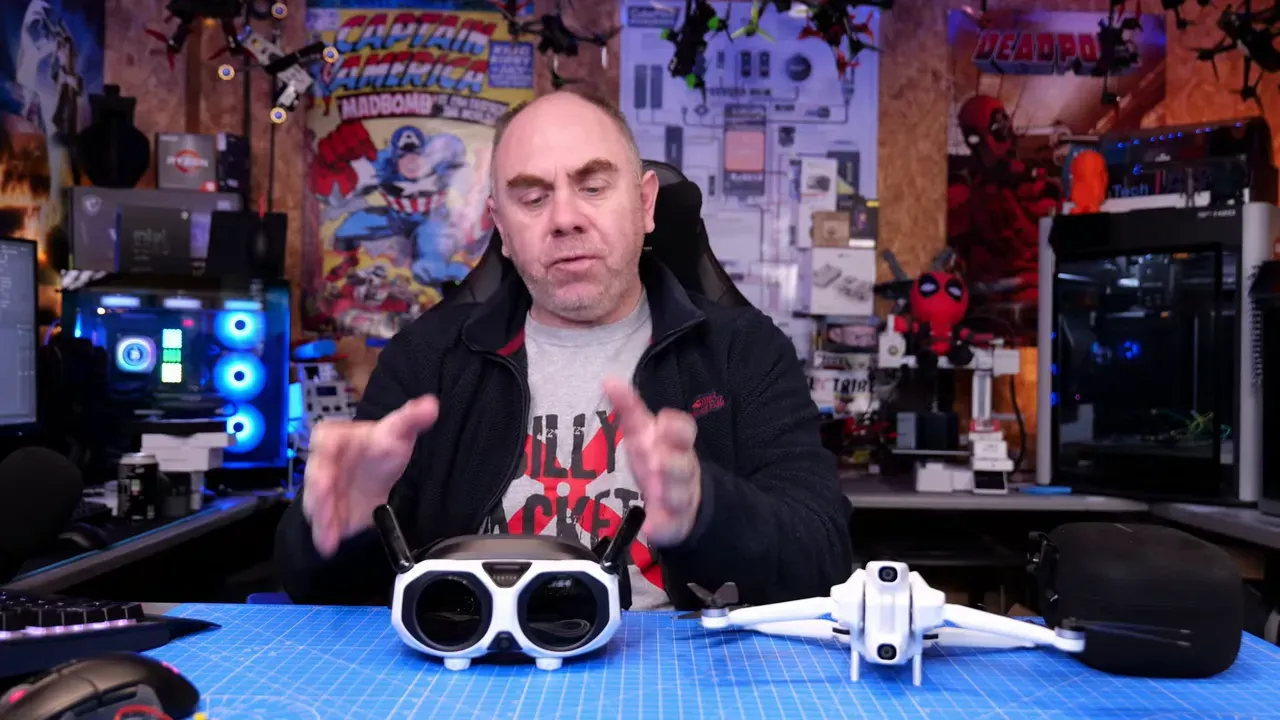
Mads Tech tested the Antigravity A1 Vision goggles because the FPV drone market needed someone to break things and write down the receipts. These goggles pair only with the Antigravity A1 aircraft, but they push what an FPV drone headset can be.
Hook
If you follow FPV tech, this matters: a small company shipped goggles that copy VR ergonomics, pancake optics and multi-band wireless into one compact package.
TL:DR
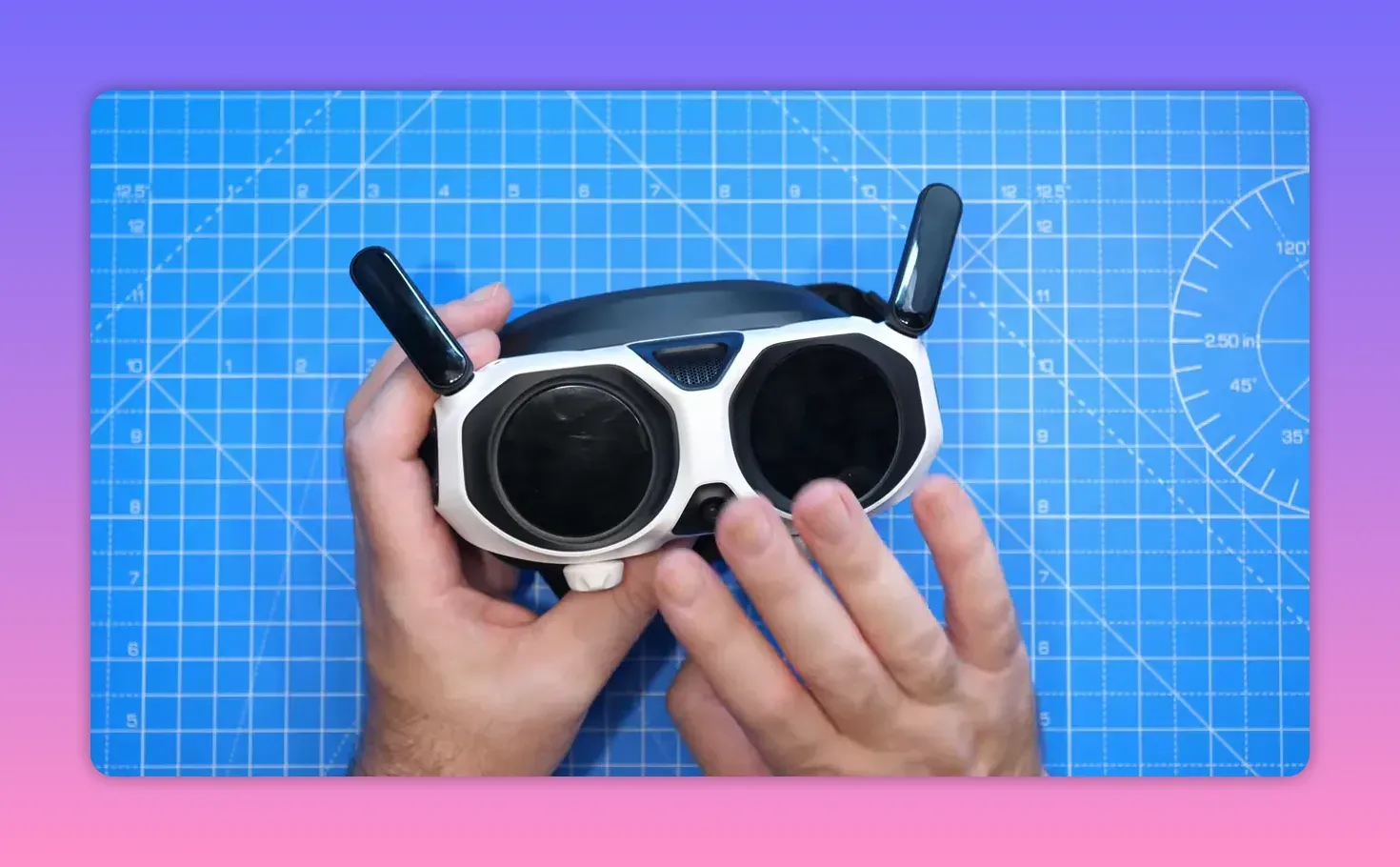
Antigravity built a VR-style goggle for its A1. Pancake lenses, 2560×2560 OLEDs, 360° stitched view, and an onboard DVR. RF uses Artisan AR8030 silicon across 2.4/5.2/5.8 GHz. Fit, optics and build compete with DJI. Latency sits around 150 ms — camera-drone class, not racer-fast.
What the A1 Vision is
This is Mads Tech's first clear verdict: the A1 Vision is a high-end FPV drone goggle that behaves more like a VR headset than traditional analog or digital FPV kits. It ships with Wi‑Fi, Bluetooth, and a built-in wireless link called Omnilink 360.
Hardware and optics
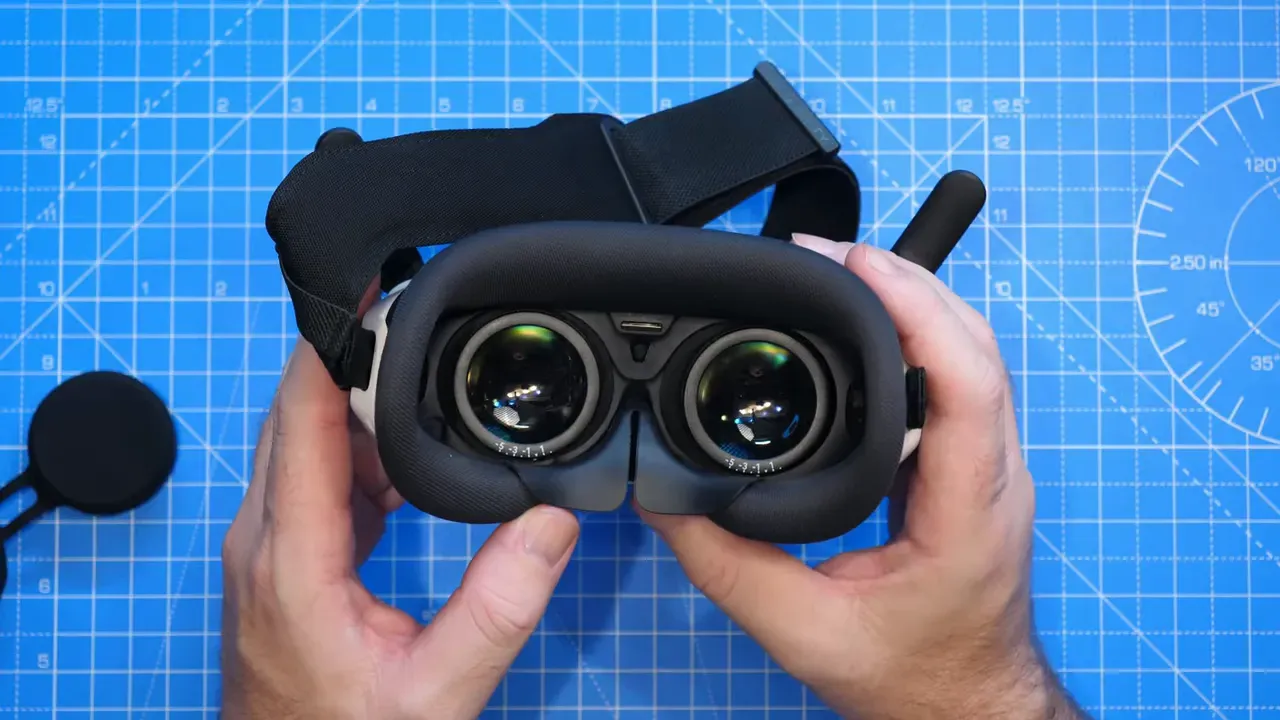
Antigravity fit pancake lenses — the rare, expensive kind that give wide fields and sharp clarity. Behind them sit 1.03" OLED panels at 2560×2560 each. The image is square, not 16:9, and the claimed FOV is 93° horizontal and vertical.
Displays, controls and ergonomics
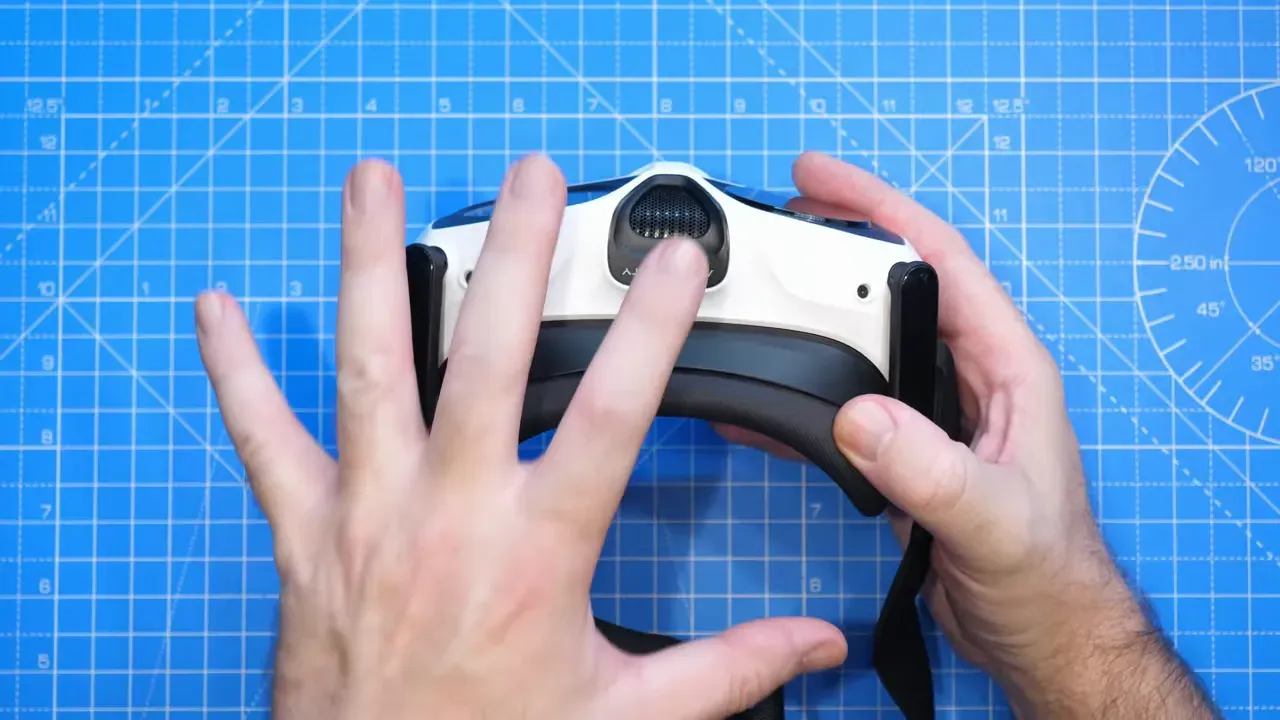
You get IPD and focus knobs, an external front display, a touchpad, and a pass-through camera. The foam faceplate seals well with no light leaks. The strap feels stiff and needs replacement for long sessions.
Wireless system and performance
Omnilink 360 runs on the AR8030 series chipset. It jumps between 2.4, 5.2 and 5.8 GHz. Bandwidth tops at 40 MHz, bit rate at 30 Mbps. Live view comes in at about 1088×1088 at 50 fps. Antigravity quotes average latency near 150 ms — camera-drone territory, in line with DJI-style systems.
How the 360 view behaves
The goggles stitch a 360° panorama and let you look around with head movement. If you look away from the flight direction, a forward-facing window shows the drone's travel vector. Stitch lines appear in some frames, and the system offers AI stitching and noise reduction settings.
Power, boot and controls
Goggles take a dedicated 2S 4,500 mAh pack that plugs into a DC jack. Boot time runs 15–20 seconds — normal for VR-style headsets. Most menu control happens via the included remote; the front touchpad only handles limited functions.
DVR and recording workflow
Onboard DVR records video and clean audio. Audio quality is notably good — usable for content. The caveat: recordings save in a proprietary format that needs conversion in Antigravity Studio before standard editing.
User interface and menus
The UI is a VR-inspired pop-up cockpit. You navigate flight modes, camera settings, maps and calibration via the remote. Options include Free Motion and FPV modes, return-to-home behaviour, obstacle avoidance toggles and a virtual cockpit for playful overlays.
Teardown highlights
Mads stripped the mask and removed 14 Torx screws. Inside: compact PCB behind the optics, a centre fan, proximity sensor, gyro for head-tracking, two OLED modules, and at least six RF antennas. Ribbon cables run tight along the sides and many parts are glued, so deeper disassembly risks irreversible damage.
Internal RF and antenna layout
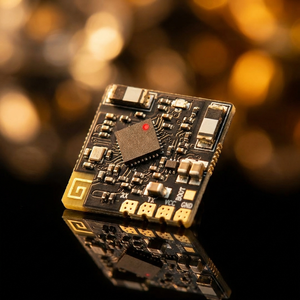
Antennas: two external, one on each side and a pair in the nose section. There are separate Wi‑Fi and GFSK antenna traces for Bluetooth/remote comms. The internal layout resembles DJI's goggles in packing density and cable routing.
Fit, finish and small annoyances
The face foam and nose flaps seal excellently. Plastic parts feel premium but the front housing scratches easily. Anti‑fog works. The strap needs work — it’s stiff and offers limited adjustment points.
How this changes FPV drone expectations
Antigravity managed hardware quality comparable to DJI, but with a closed ecosystem: these goggles only work with the A1. That limits hobbyist cross-compatibility, but the product proves smaller teams can build VR-style FPV headsets to a high standard.
Final verdict
If you want a polished headset for cinematic flying with an A1, the A1 Vision delivers optics, build and UI that punch above its price. If you want low-latency racing, this isn't the weapon of choice. This product raises the bar for future FPV drone headsets.
FAQ
Do the goggles work with other drones?
No. The A1 Vision is tied to the Antigravity A1 ecosystem. The wireless link uses a proprietary stack that pairs only with the A1 aircraft.
What kind of latency should I expect?
Antigravity quotes around 150 ms average. That's fine for camera-style flying and stable shots, but not ideal for racing or acrobatics that demand sub-50 ms responsiveness.
Can I record and edit raw 360 files?
The DVR records in a proprietary format. You must convert files in Antigravity Studio before editing in common NLEs. Audio quality is clean enough to skip external mics for many creators.
Takeaway box
Three quick nuggets for skimmers:
- Omnilink 360 runs AR8030 silicon across multiple bands; expect 150 ms latency targetted at camera drones.
- Tear-down shows high-density packaging and glued ribbon cables — excellent build, poor serviceability.
- Onboard DVR records great audio but uses a proprietary file format; conversion required.
Pancake lenses plus 2560×2560 OLEDs deliver a huge, sharp square image — unusual in FPV.
This article was based from the video Antigravity A1 Vision FPV Goggles - Overview - Teardown - Thoughts