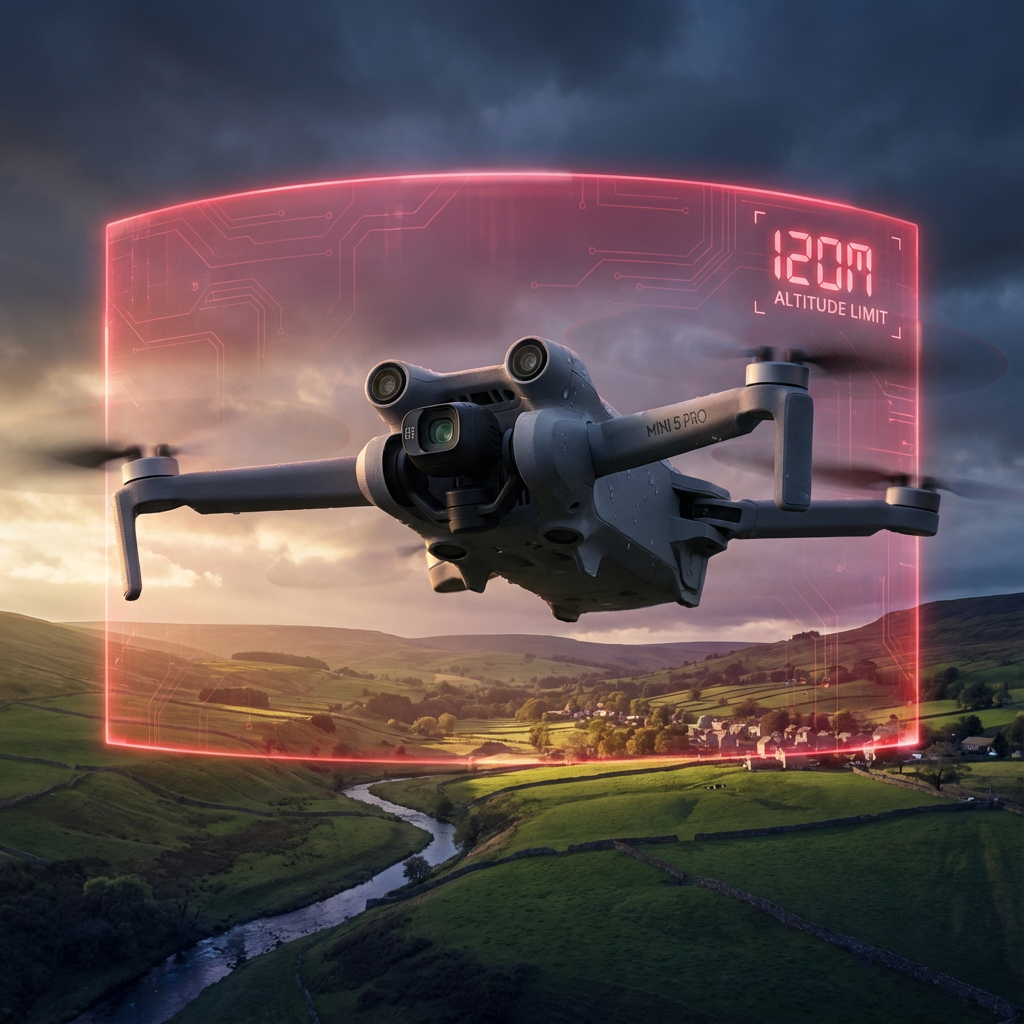
Mads Tech explains why your FpV drone suddenly won’t climb past 120 metres in the UK, and what you can do about it.
This matters because DJI pushed the limit quietly, changing behaviour on devices you already own. Owners lost the old 500m option overnight.
TL;DR
DJI pushed a background change to the Fly app that forces Mini 4 and Mini 5 models sold in the UK to obey a 120m maximum altitude. The change aligns with EU C0 specs during the UK transition to a UK class system. DJI added a button to request a higher limit — but it does nothing. Some remotes can be worked around with Drone Tweaks; RC and RC2 users have no easy bypass.
What changed
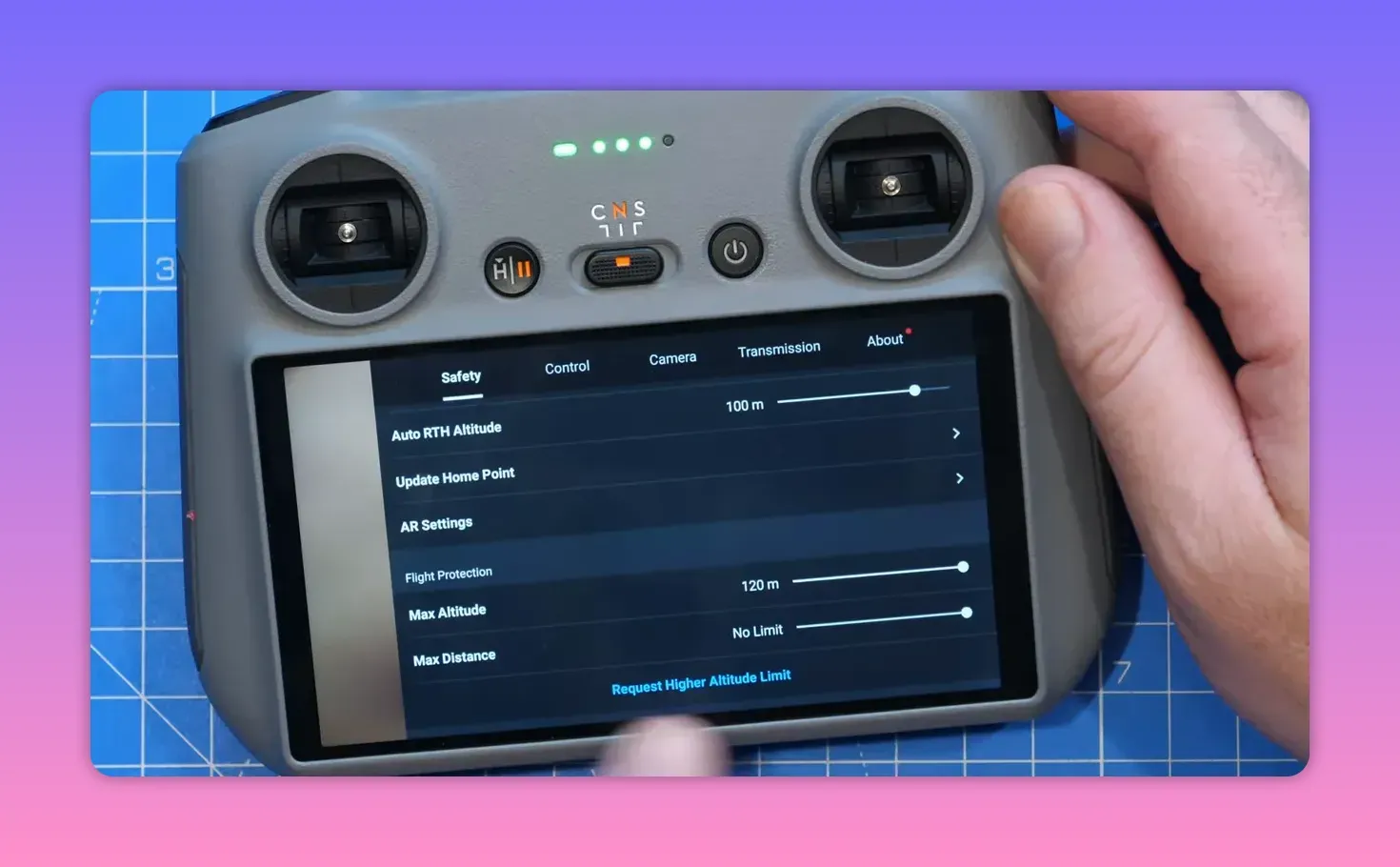
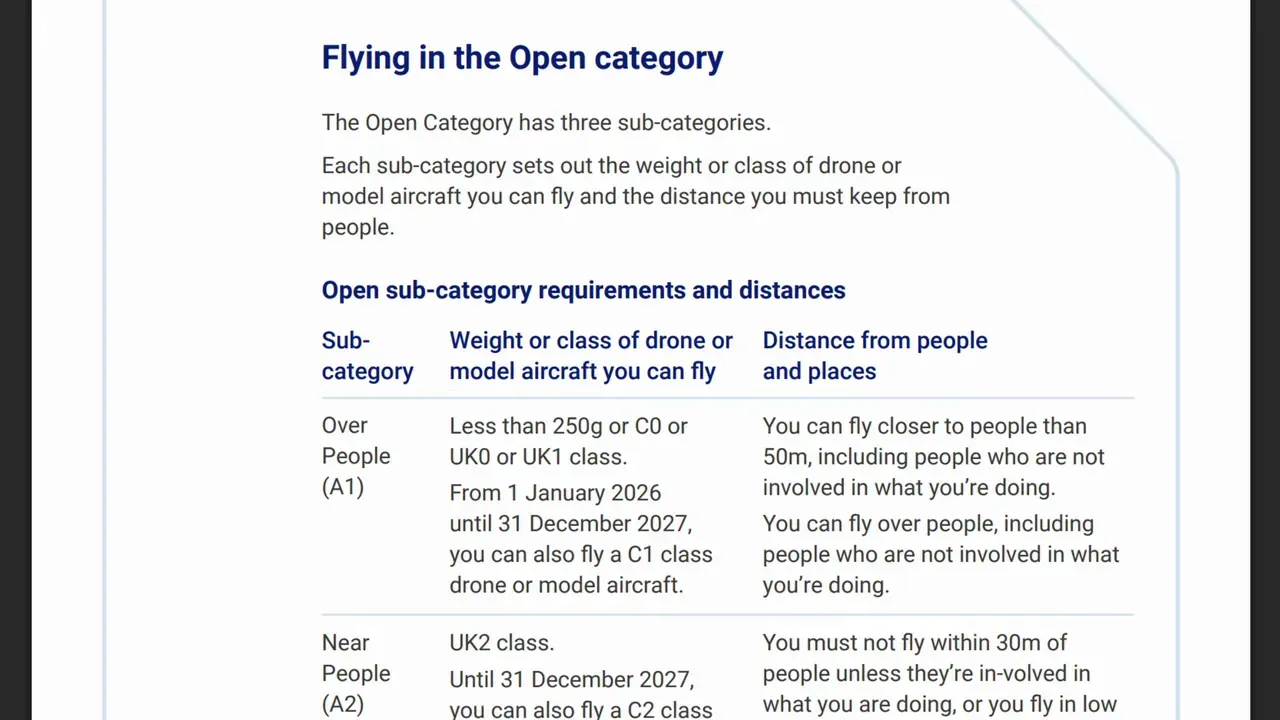
From 1 January 2026, UK Mini 4 and Mini 5 drones show a hard 120m maximum altitude in settings. The old 500m option vanished.
Why DJI did it
The Mini 4/5 are classed C0 in the EU. C0 devices must cap altitude at 120m from takeoff to qualify for A1 use. The UK’s transitional rules map EU C-classes to UK equivalents — so DJI forced compliance.
Why this breaks sensible flying
The UK rule actually limits altitude from the ground below, not takeoff. DJI’s change locks the limit to the takeoff point, so you can’t legally follow rising terrain while keeping 120m above local ground.
How the lock arrived on your drone
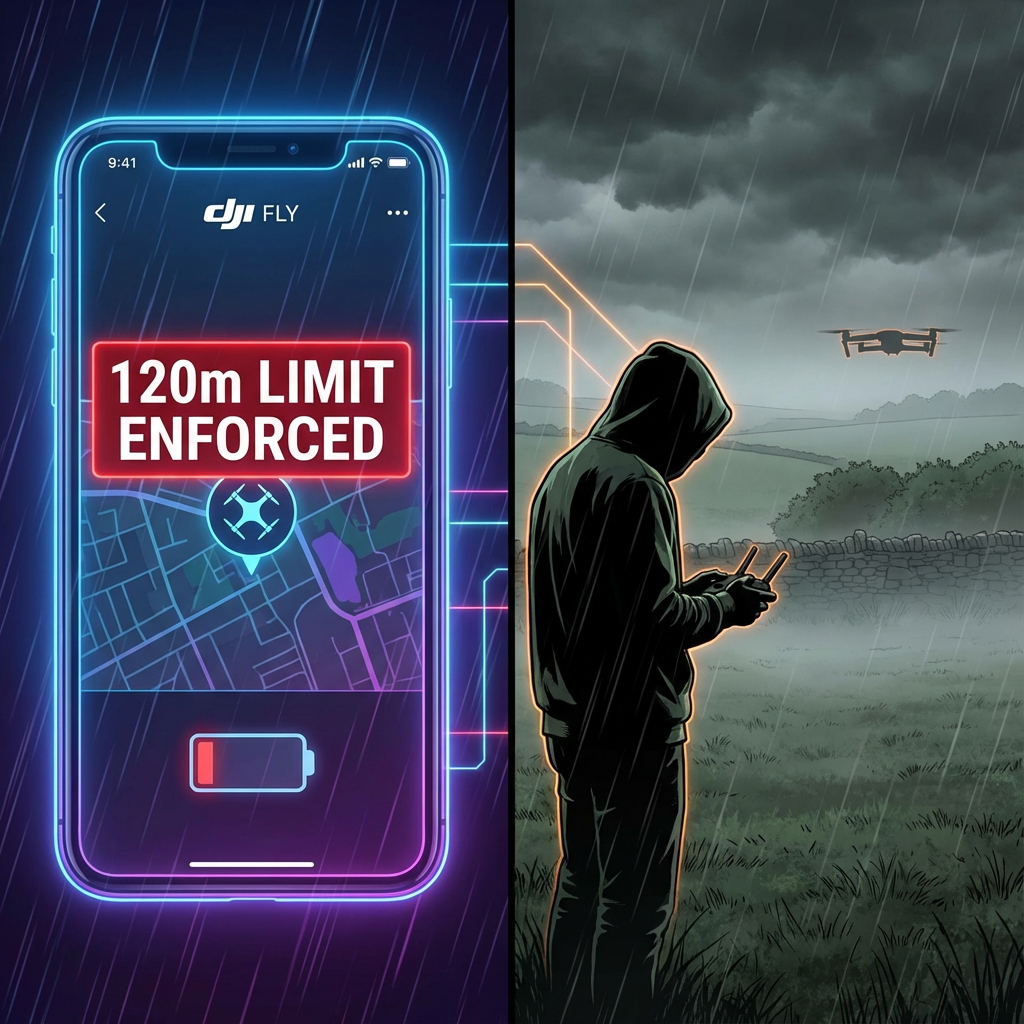
This wasn’t a firmware patch on the airframe. DJI pushed a background update to the DJI Fly app (phone or controller). Once the app talked to DJI and your drone had GPS, the app enforced the 120m cap.
Hands-on test (Mini 5 Pro)
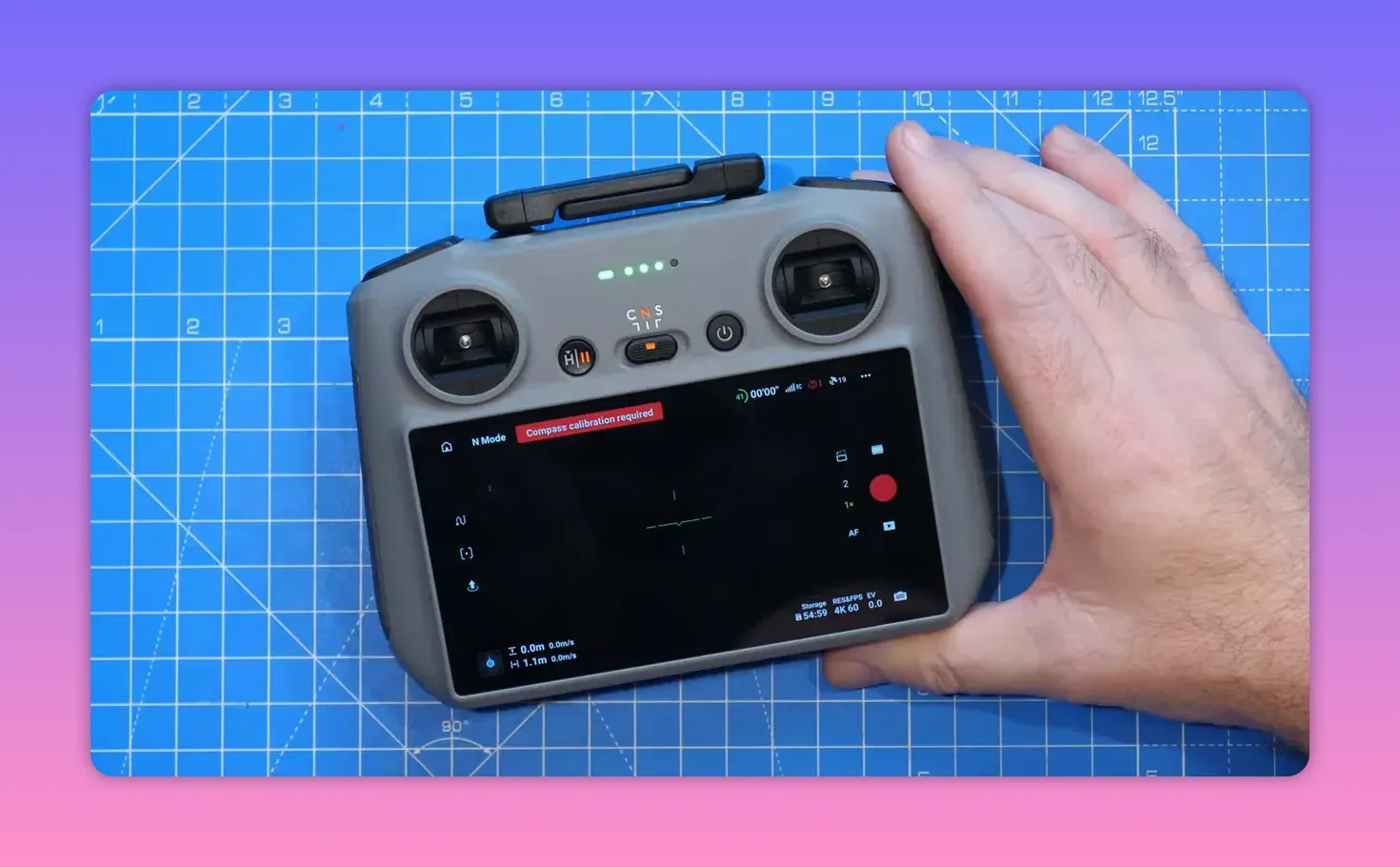
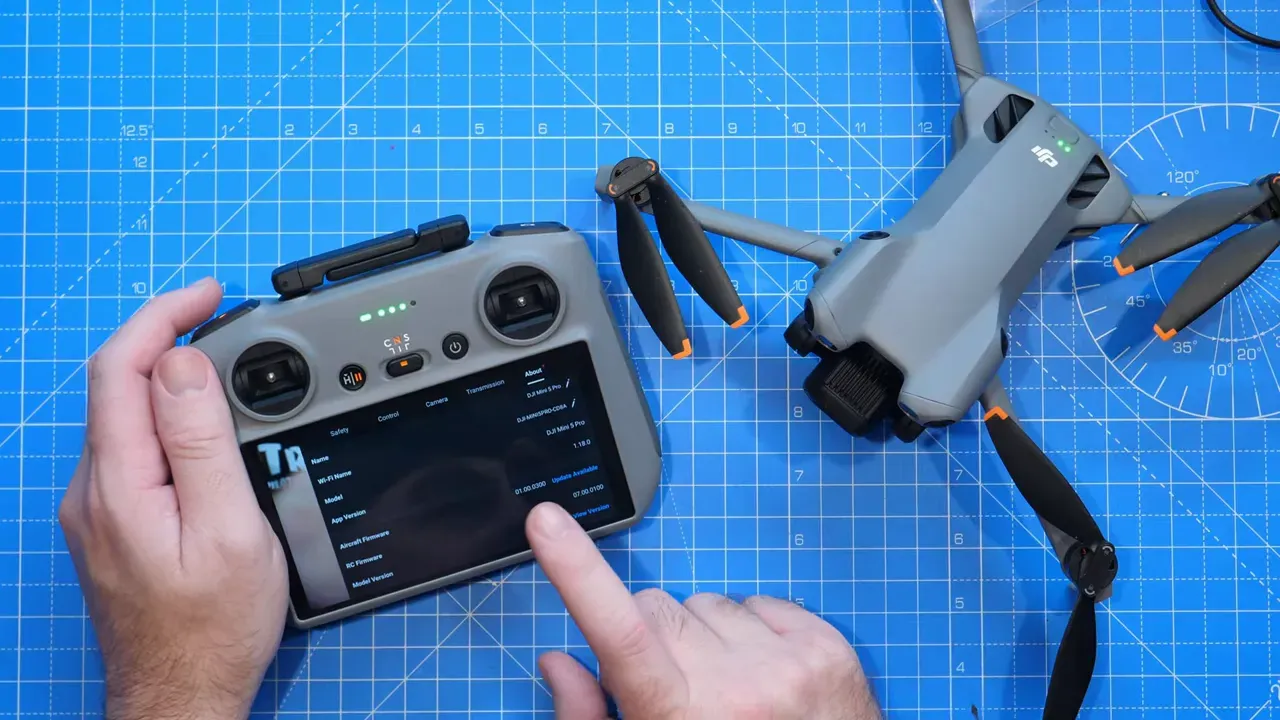
Mads powered an idle Mini 5 Pro. Without online/GPS it kept the 500m option. After getting GPS and an app handshake, a reboot applied the 120m cap.
What DJI shows you in-app
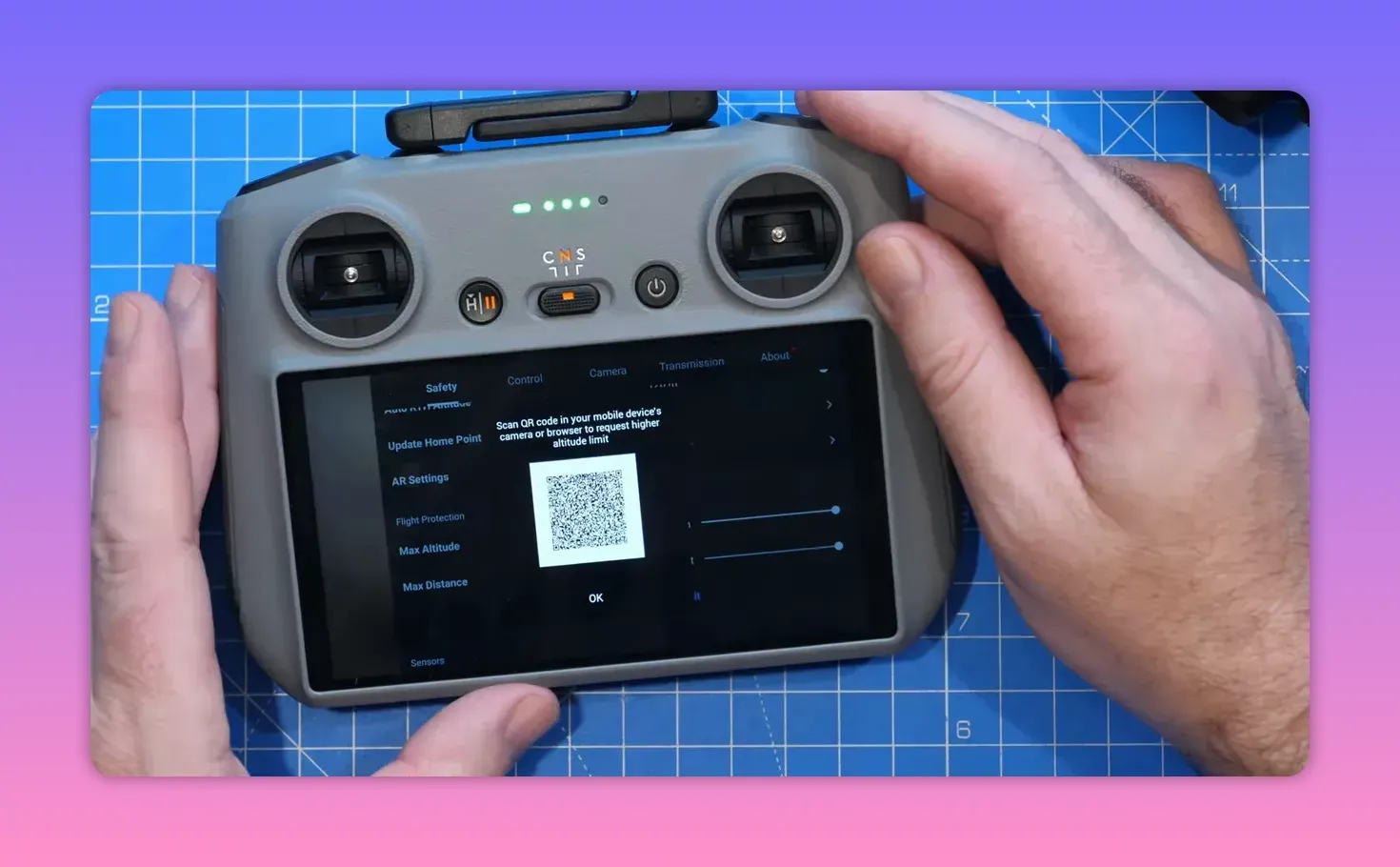
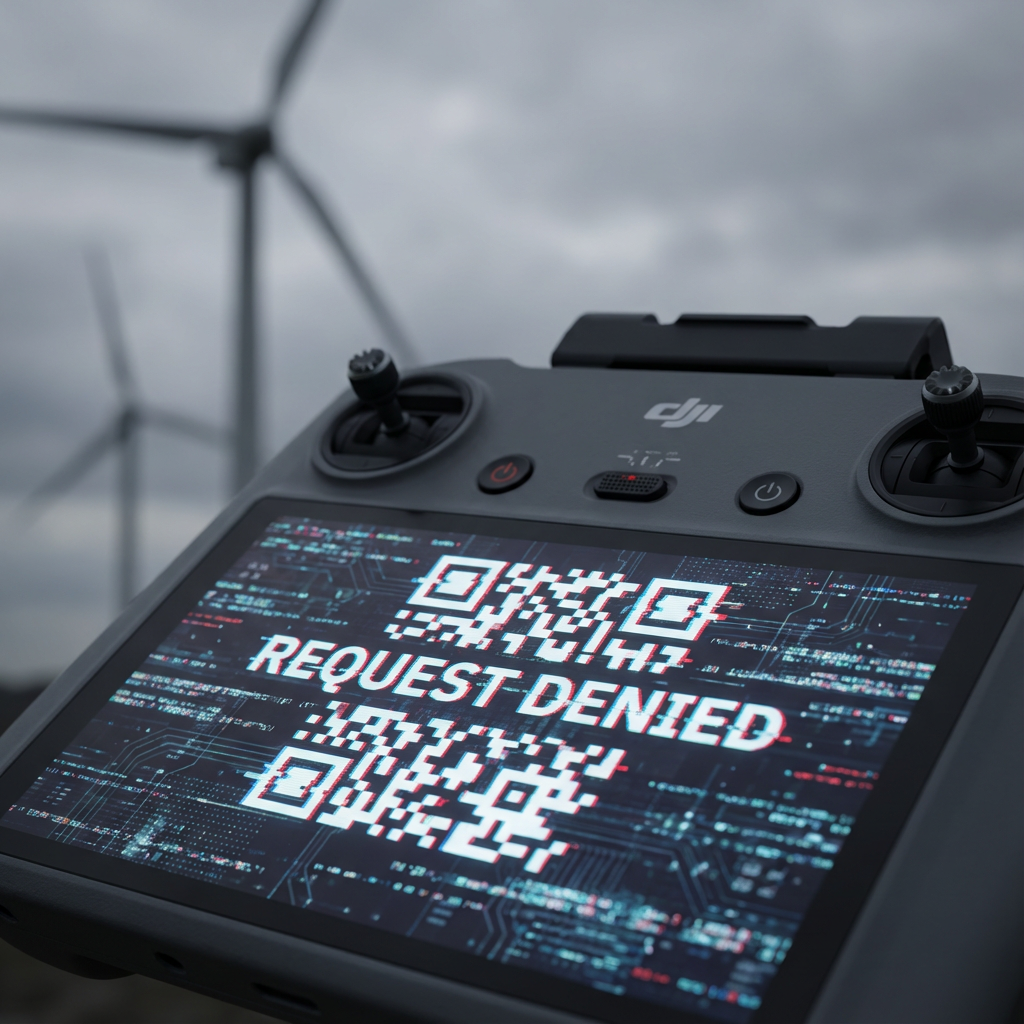
The altitude screen now includes a "request higher altitude limit" button. It opens a QR and a notice stating DJI will not update a product’s class label after purchase.
Can you get around it?
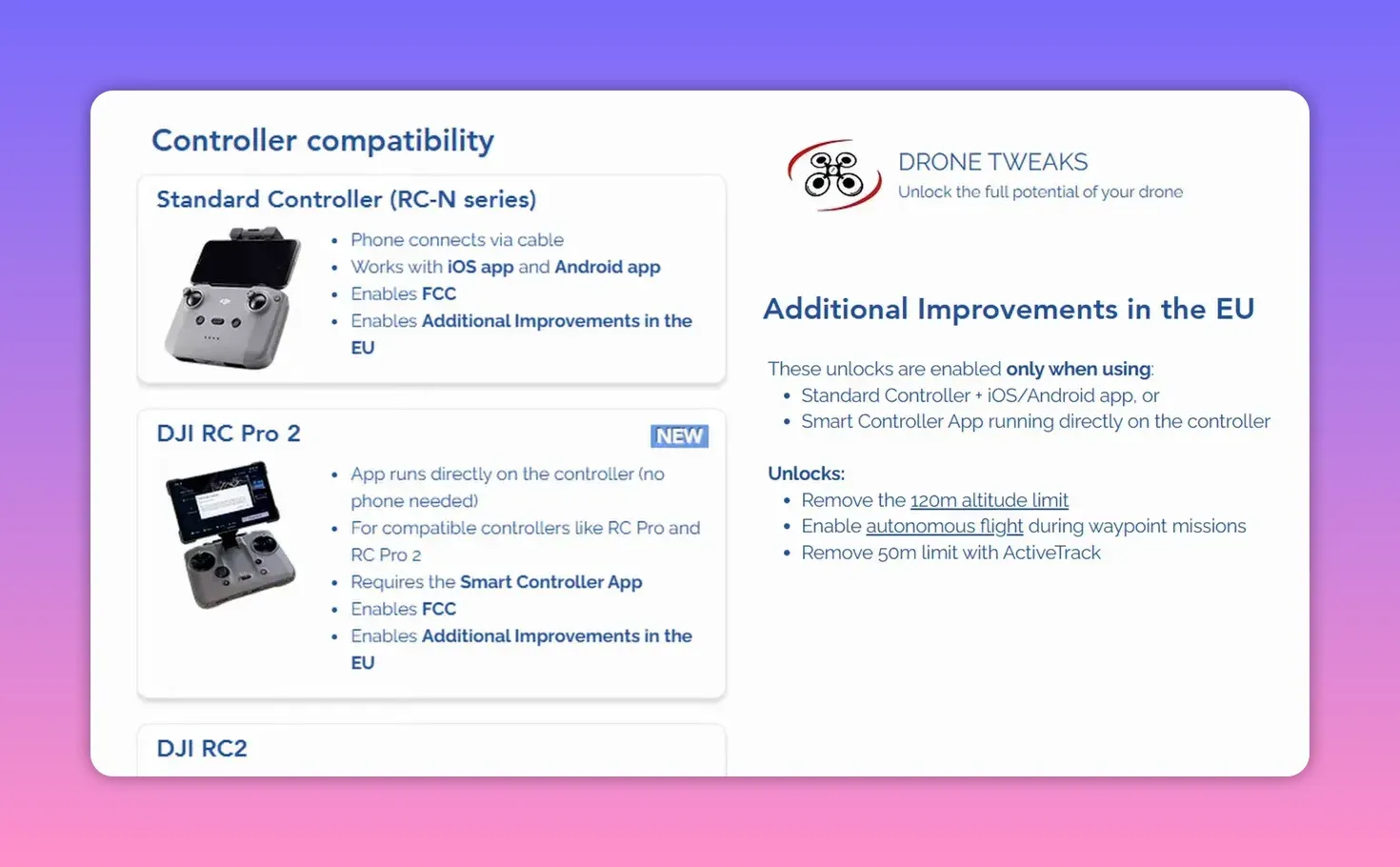
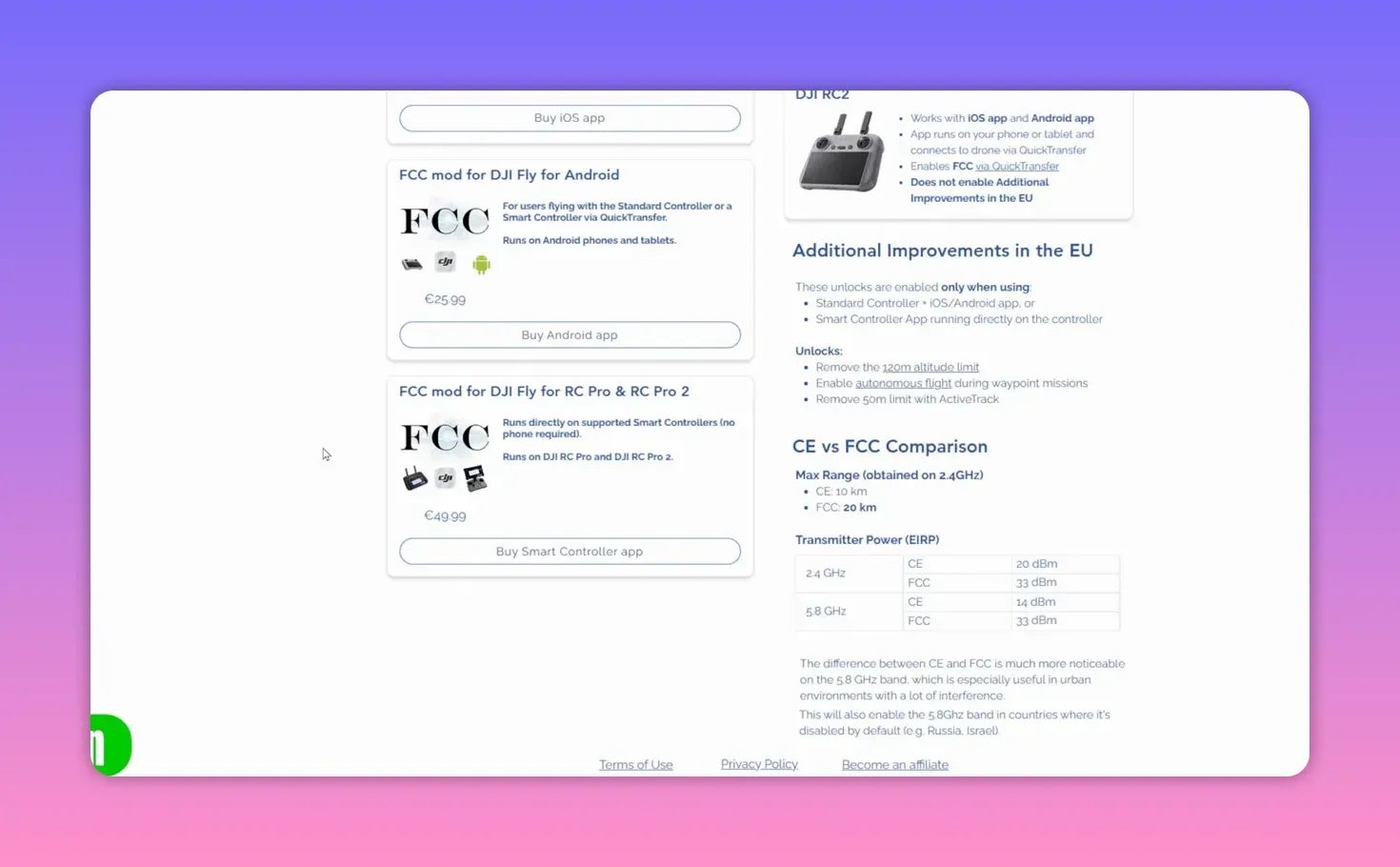
Yes — but only for some setups. Drone Tweaks can bypass the EU/UK 120m limit on controllers such as the RCN2, RC Pro and RC Pro 2. It won’t work with DJI RC or RC2 remotes.
Costs and caveats
Drone Tweaks pricing: iOS Fly app ~€37.99, Android ~€25.99, RC Pro/Pro2 ~€49.99. Modding voids warranties and shifts legal responsibility to you. Always follow UK rules when flying.
Legal note
Some operations still allow flying above 120m under UK law — but the drone’s hard cap may block legally permissible flights. Modding doesn’t change legal obligations.
What you can do if you’re unhappy
If you bought the drone in the last 30 days and you object to the enforced change, consider returning it. New units sold after 1 Jan with the cap are a different case.
Why this matters beyond Mini 4/5
This incident shows how much control the manufacturer retains via networked apps. DJI can push behavioural changes remotely — useful for compliance, alarming for user control.
Summary
DJI pushed a Fly app change to enforce the EU C0 120m limit on UK Mini 4/5 units during the UK class transition. Some controllers can bypass it using third-party tools; others cannot. The change aligns devices with regulations, but DJI applied it without an opt‑in.
FAQ
Does this affect Mini 3 series?
Not yet — Mads notes DJI hadn’t applied the same change to Mini 3 units at the time of testing.
Will a firmware update revert the cap?
Unlikely. The cap comes from the Fly app’s enforcement of C0 specs. Firmware alone isn’t the control point.
If I use Drone Tweaks, am I breaking the law?
Using Drone Tweaks can let the drone exceed the manufacturer cap, but you still must fly within UK law. Bypassing app limits may void warranties and put legal risk on you.
Why didn’t DJI ask users first?
DJI say they monitor regulations and will not post‑purchase change class labels. They didn’t offer an opt‑in for retroactive changes, which angered owners.
Takeaways
- Your FpV drone’s 120m cap came from the Fly app, not drone firmware.
- Drone Tweaks can bypass the cap — only on certain controllers.
- DJI forced the change to meet EU/UK class rules during transition.
- If you bought within 30 days and object, consider returning the drone.

Quick actionable nuggets
- Price check Drone Tweaks before buying a new controller.
- If you need more than 120m for compliant missions, document legal justification first.
- Turn off online sync during setup to spot whether the cap is local or pushed.
This article was based from the video DJI Mini 4 & 5 120m Altitude Limit Forced On UK Users Explained & How To Get Around it!