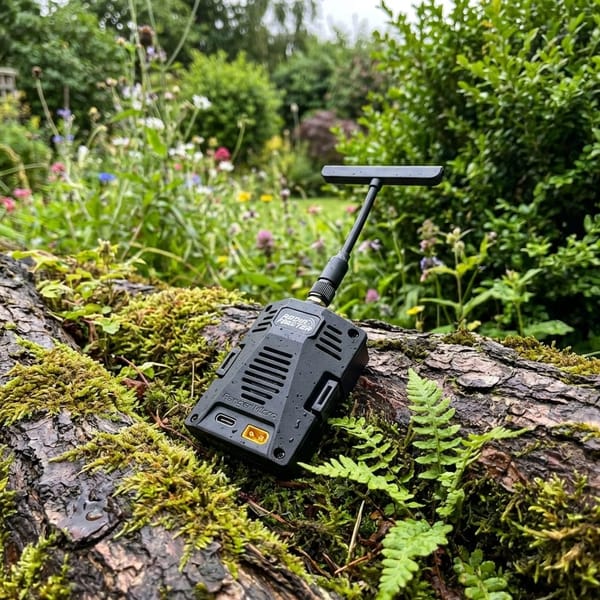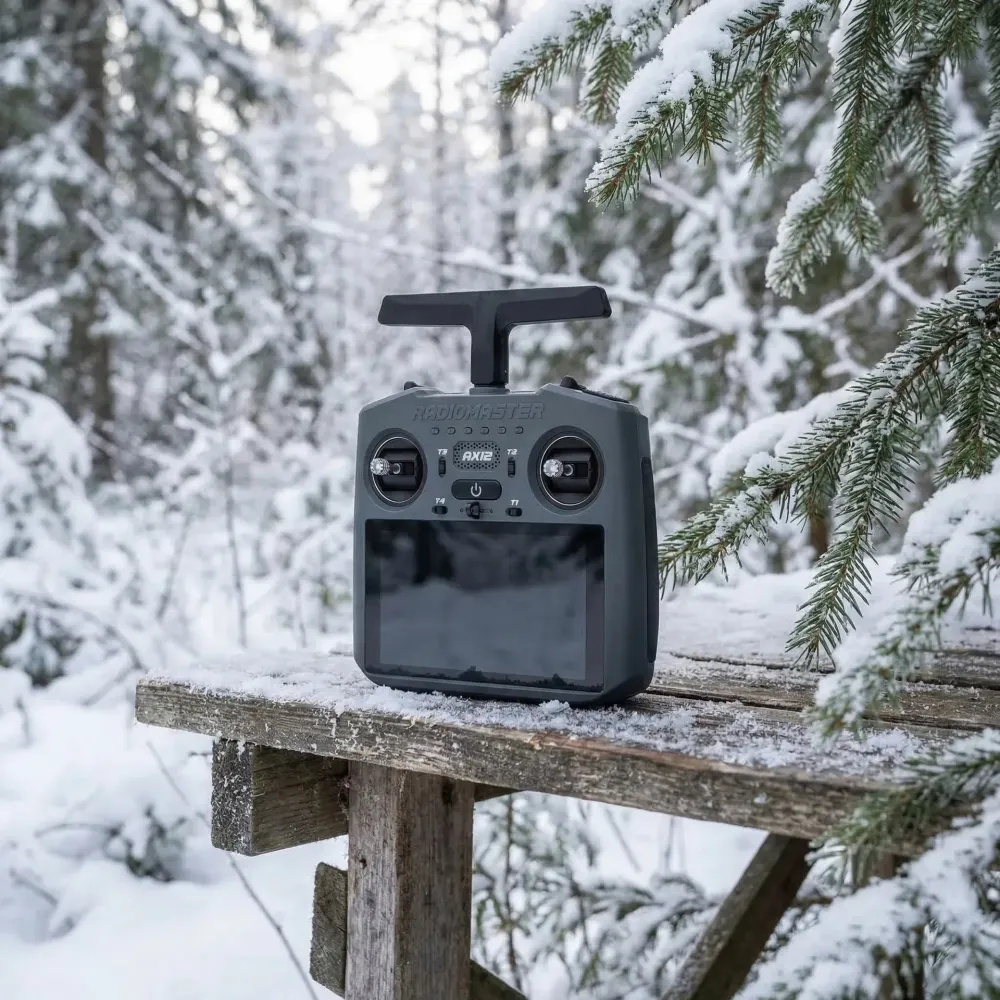
This matters because handheld radios that double as a ground control station change how you fly Uav kits and ready-to-fly systems. RadioMaster put Android and ExpressLRS into a single unit.
TL;DR
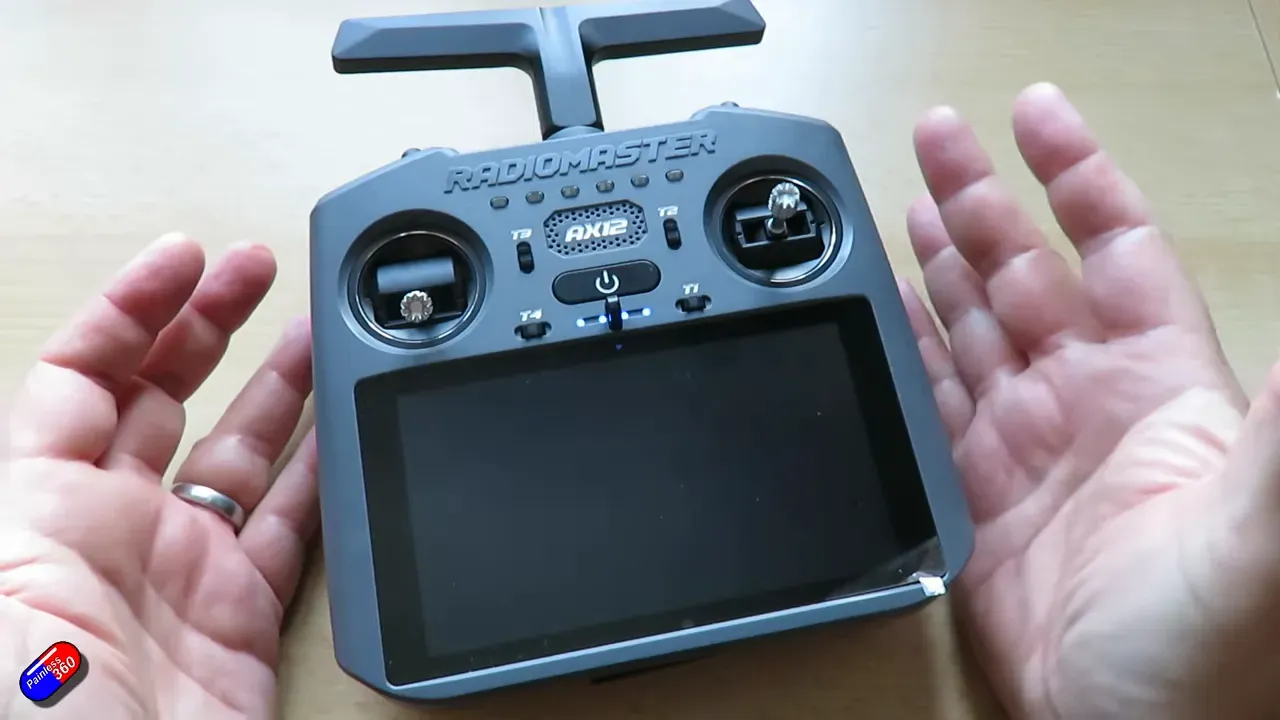
RadioMaster AX12 runs Android 9 with a RadioMaster OS app. It bundles ExpressLRS, HDMI in/out, a 5.5" touchscreen and a 10,000mAh battery. If you need a portable Uav ground station, this is the first obvious off-the-shelf option.
What is the AX12 and who it targets
The AX12 swaps a full EdgeTX stack for Android. That move targets bind-and-fly Uav users and operators who want a single device for control and telemetry.
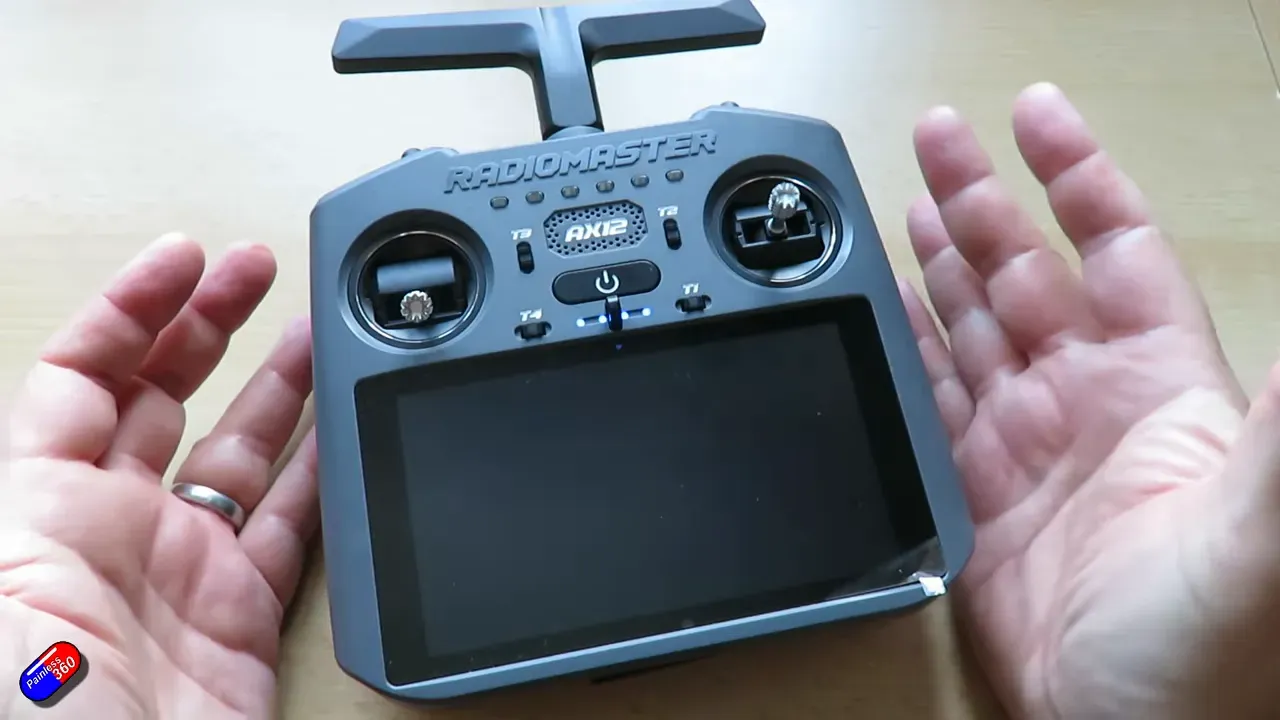
Think handheld Android tablet fused to a radio — smaller gimbals, fewer dedicated knobs, but a giant screen for apps. Manufacturers can ship custom Uav control apps or plain QGroundControl on it.
Hardware headlines
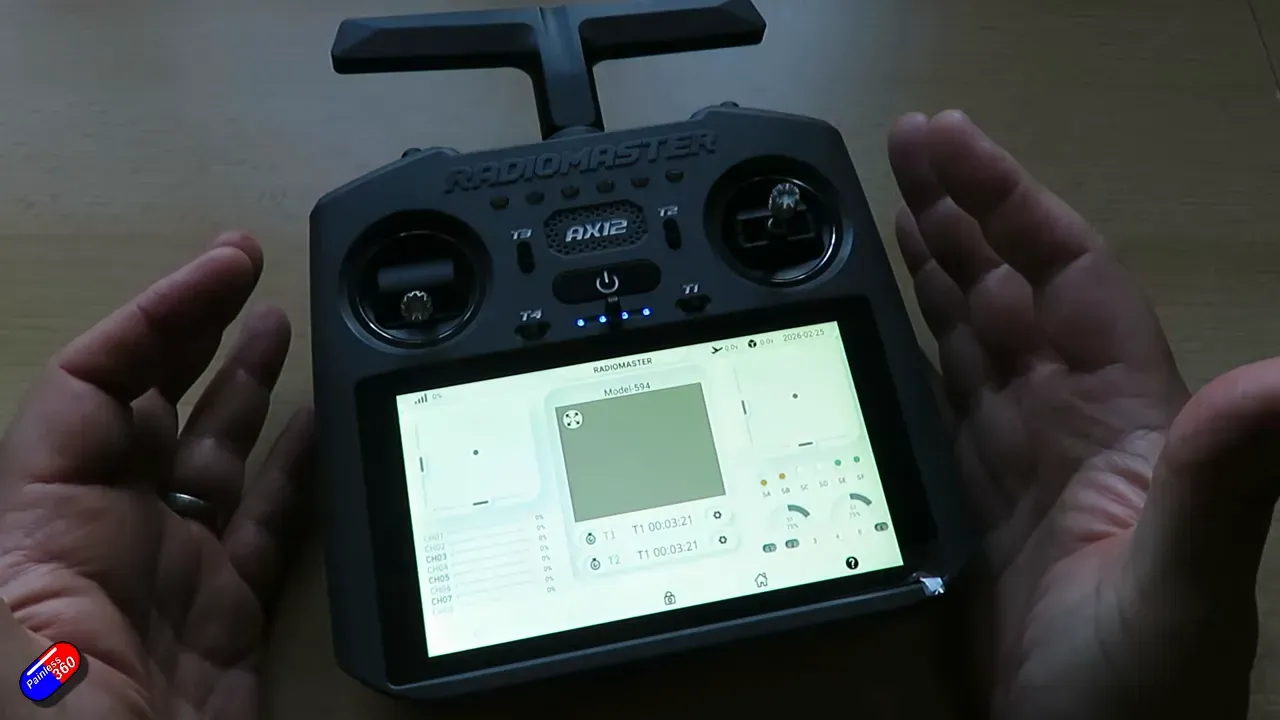
Specs that matter: octa-core CPU, 4GB RAM, 64GB storage, 5.5" 1280×720 touchscreen, X5 Hall gimbals, and a built-in LR1121 ExpressLRS module. Battery is a 10,000mAh pack with PD fast charge.
- ExpressLRS: LR1121 single module, 250mW, 2.4G or 868/900MHz, 16 channels.
- Inputs: HDMI in, HDMI out, USB data, headphone jack, DSC port, nano external module bay.
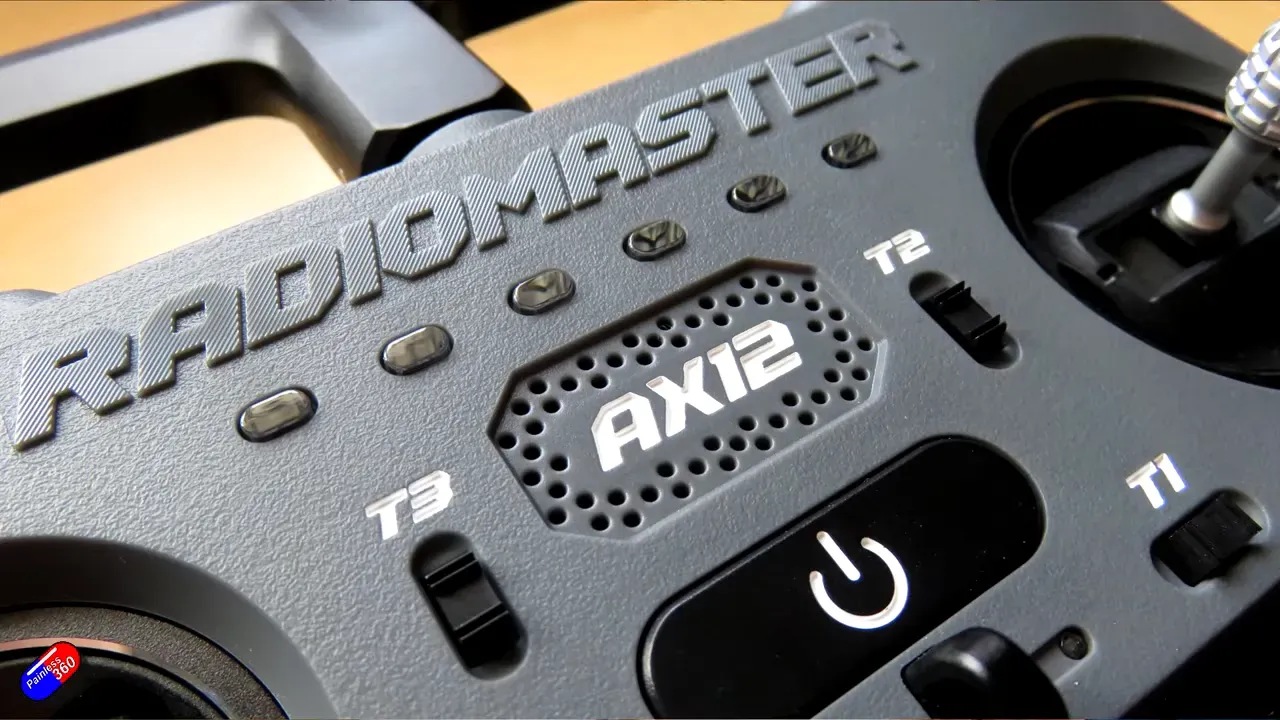
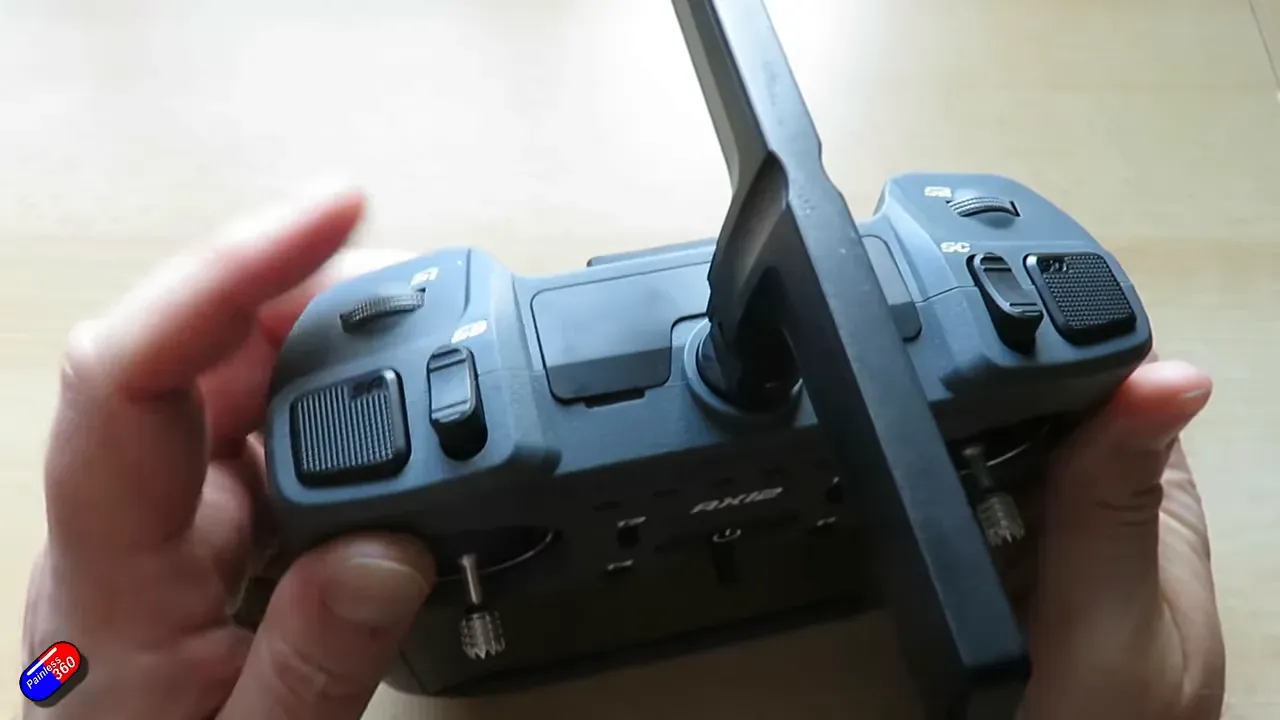
- Controls: two 3-position switches on the back, two 3-position on front, latching switches and a notched rotary.
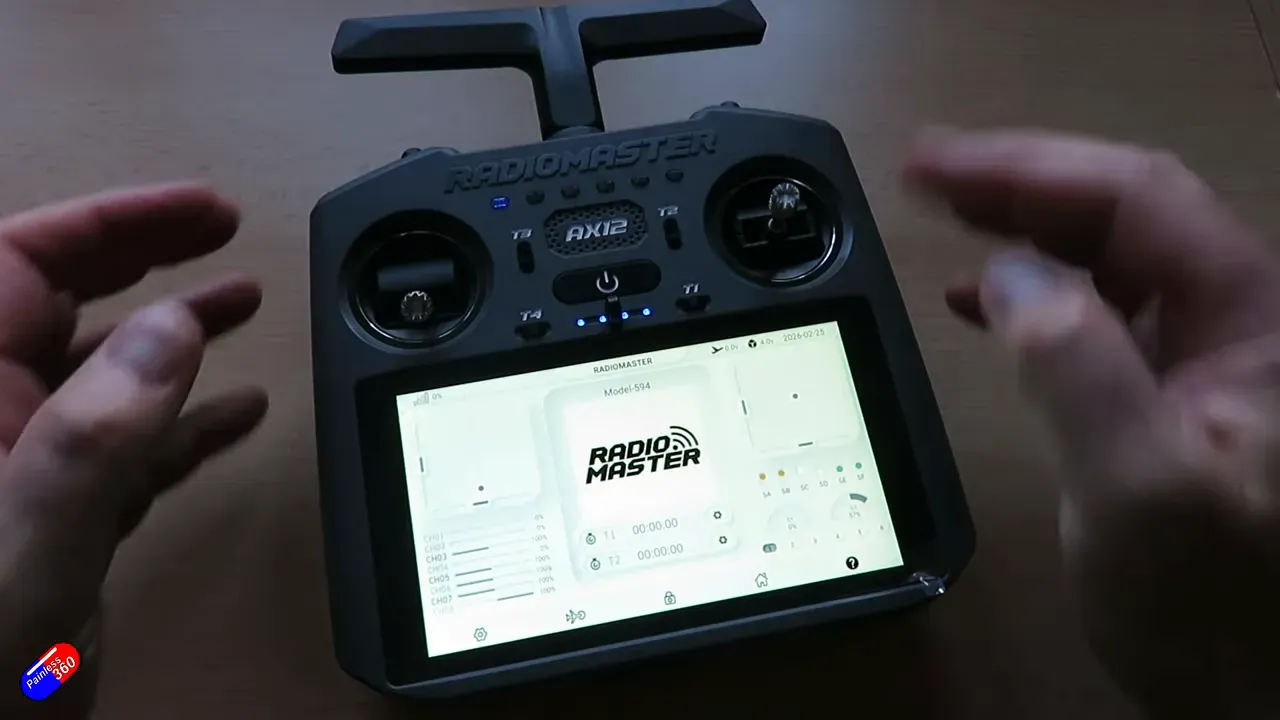
The touchscreen runs the RadioMaster AX app to set mixes, curves, channel trims, Lua scripts, and ExpressLRS binds. It mimics an EdgeTX workflow but inside Android.
Inputs, outputs and the FPV angle
HDMI in accepts FPV sources — DJI, Foxeer/DJI hybrids, or anything that outputs HDMI. Open the Camera app and the feed appears on the large screen.
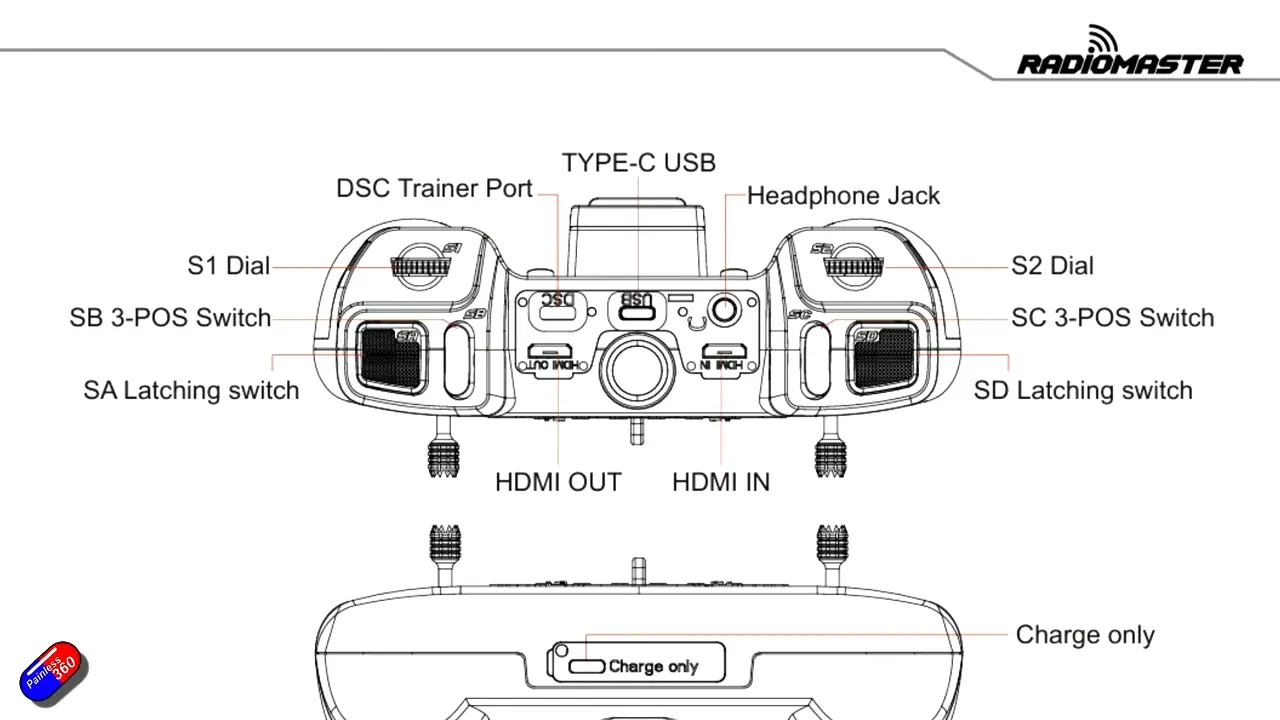
HDMI out mirrors or extends the display for broadcast or shared telemetry. That turns the AX12 into a mobile telemetry monitor or a field briefing device.
Software: Android, apps and limitations
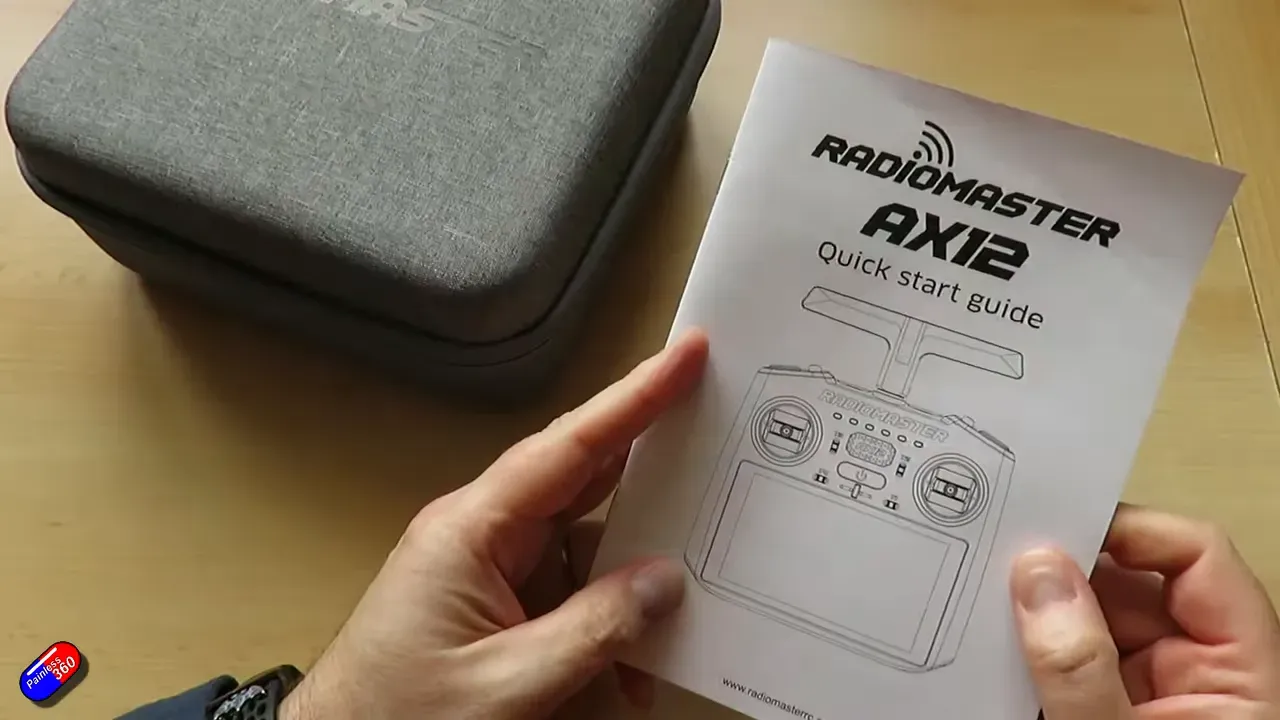
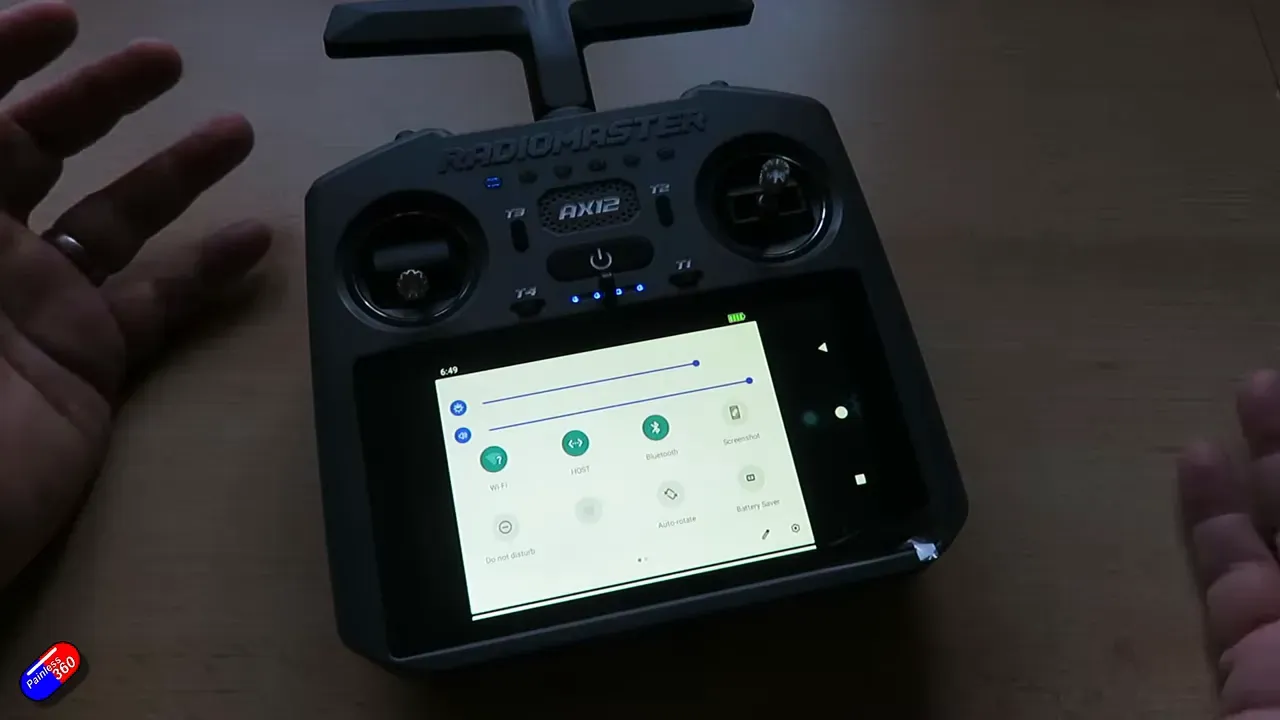
RadioMaster ships Android 9 and its own AX app. You can also run Betaflight, RotorFlight, QGroundControl and other Android GCS apps.
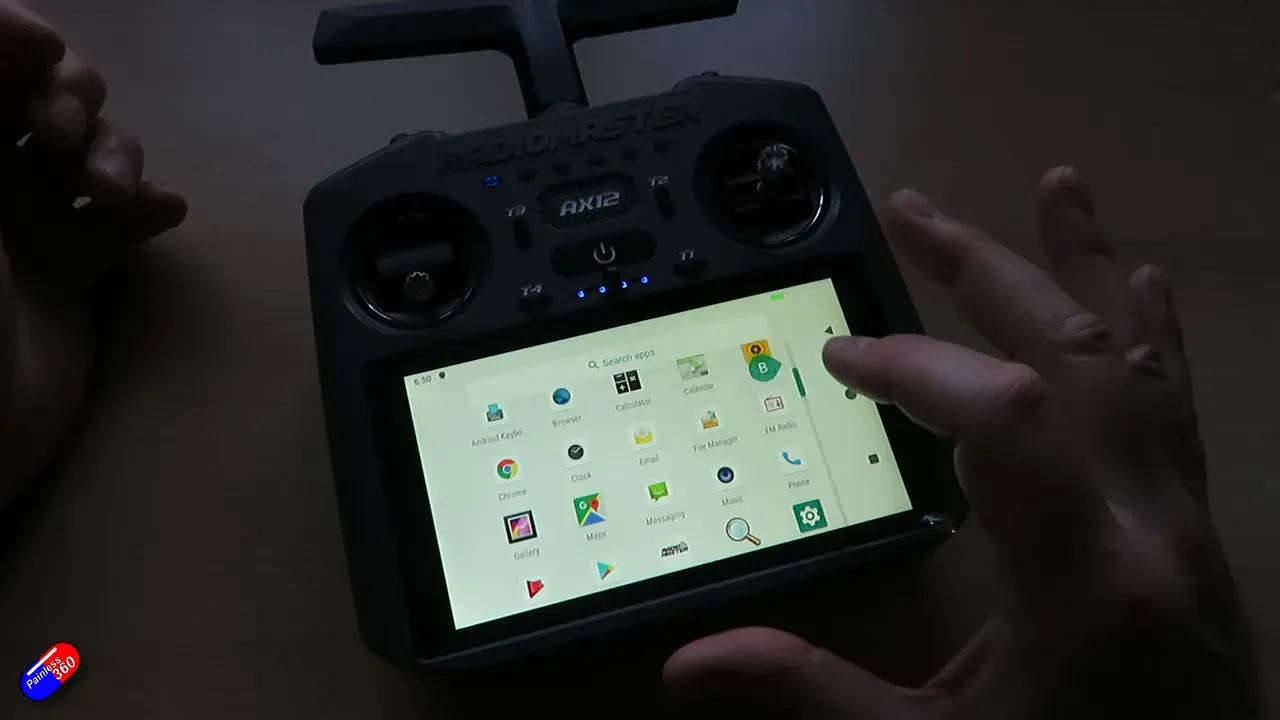
EdgeTX does not yet provide an Android build. RadioMaster hopes EdgeTX will port an app later — that would let firmware-loving pilots keep their usual workflow.
Practical Uav use cases
This is ideal for ready-to-fly Uav systems, agricultural sprayers, inspection craft, and pilots who want a single handheld GCS. You can map buttons to takeoff, RTL, loiter, photo and video.
For ArduPilot users, the AX12 can host a live ground station in your hand — telemetry, mission planner, and camera control all together. That removes the laptop-from-the-field problem.
First impressions and caveats
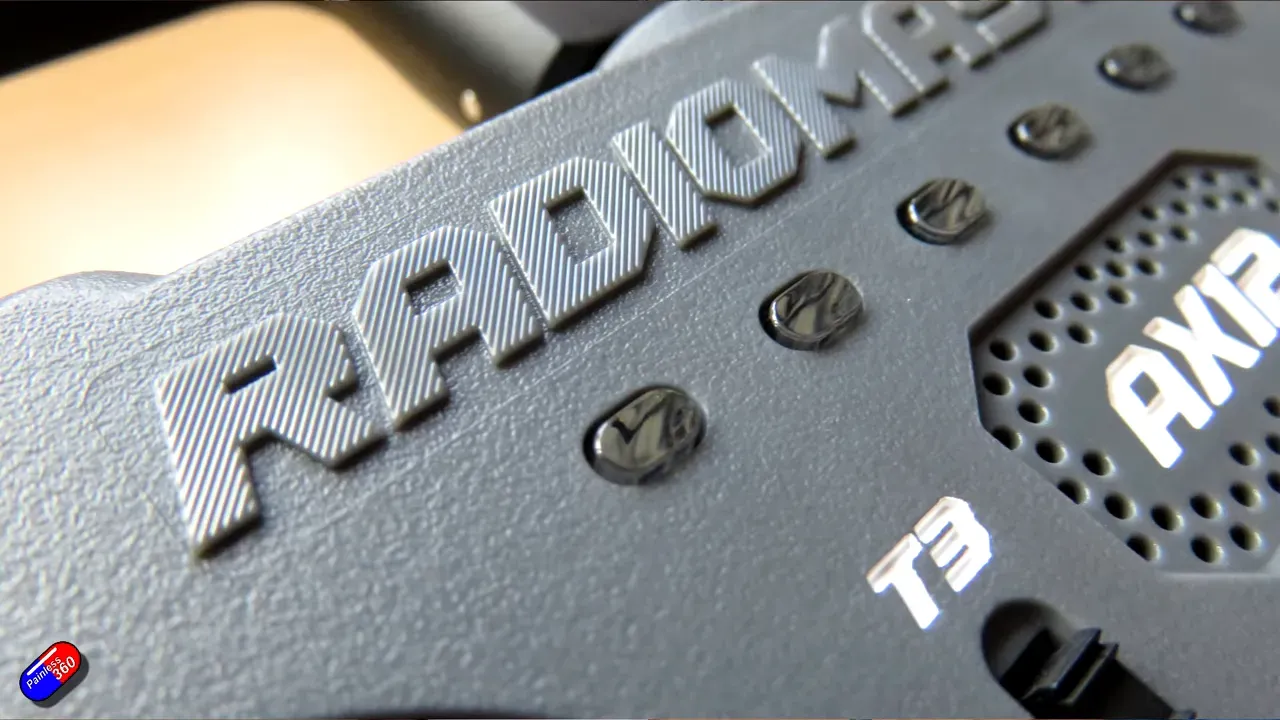
The AX12 feels like a proper product from a responsive company. That matters after years of niche handheld radios with poor English and flaky support.
Language packs and voice prompts sound rough now — RadioMaster will update them. Also expect fewer physical controls than a full EdgeTX radio; you trade knobs for screen real estate.
Quick tips
Enable USB host when connecting a flight controller — otherwise telemetry passthrough will fail. Use the HDMI out if you need an extended display.
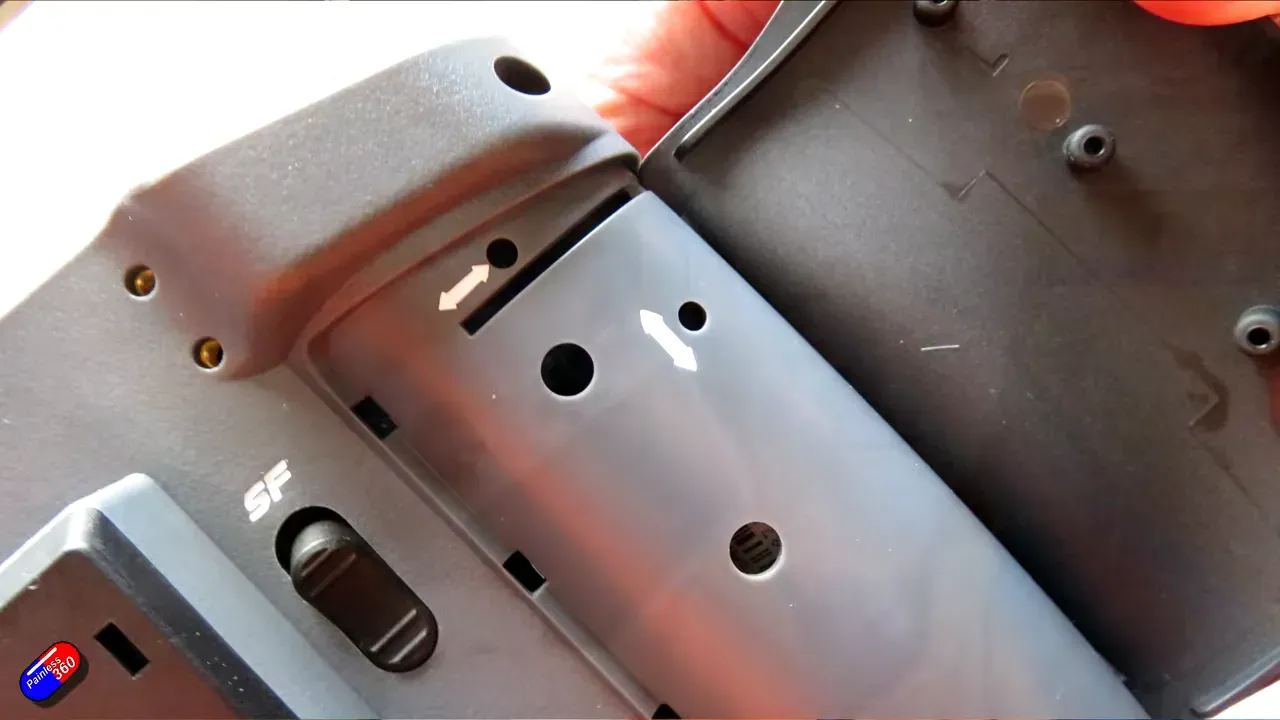
Joysticks stow under the radio. The USB on the bottom is charge-only. Small touches like a firm detented roller add useful precision.
Verdict
RadioMaster AX12 is the pebble that might shift the Uav controller pond. It won't replace full-on hobby radios for everyone, but it opens new workflows.
If EdgeTX ships an Android app, this becomes a very interesting device for tinkerers and pros alike. Until then, the AX app and Android GCS options give real capability.
FAQ
Does the AX12 run EdgeTX?
No — not yet. It runs Android 9 and RadioMaster's AX app. RadioMaster hopes EdgeTX will produce an Android app in future.
What radio protocols and power does it support?
Built-in ExpressLRS via LR1121: 250mW, selectable 2.4GHz or 868/900MHz, 16 channels. You can add nano modules for other protocols.
Can it act as a Ground Control Station (GCS)?
Yes. Android apps like QGroundControl and Mission Planner run on it. HDMI in shows camera feeds; HDMI out shares telemetry or video.
Takeaway
Quick bites for skimmers.
- AX12 consolidates radio and GCS — good for Uav ops that hate laptops.
- Android app ecosystem lets makers ship custom controls for specific Uav models.
- Not a drop-in EdgeTX replacement yet — but it’s a practical, supported Android radio.
- If you need HDMI FPV and pass-through telemetry on one handheld, this is worth testing.
This article was based from the video RC News: RadioMaster AX12 radio, ExpressLRS and GCS in one! (powered by ANDROID)