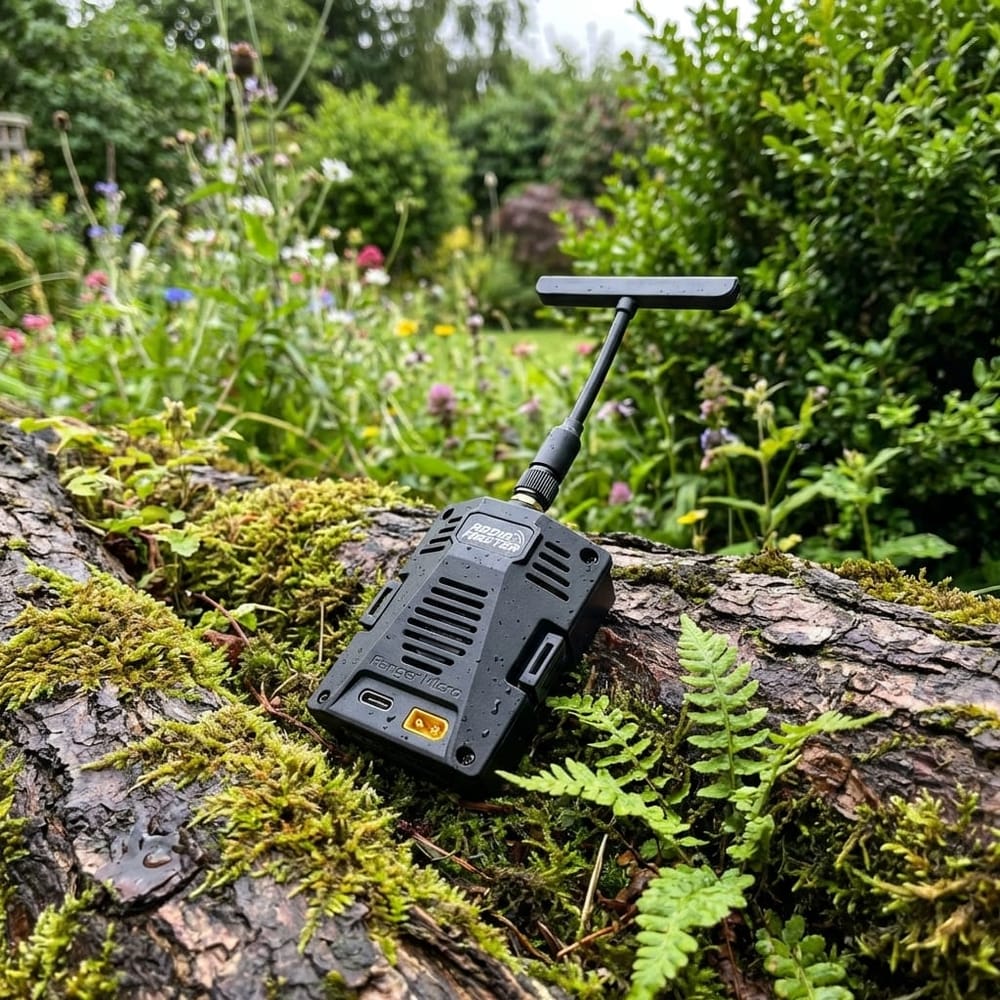
Updating an ELRS backpack on a RadioMaster Ranger Micro fixes compatibility issues and unlocks features for your Uav stack. This short method uses a USB cable when the backpack’s Wi‑Fi update path is too old or flaky.
Hook
This matters if you run the ELRS radio ecosystem with a Uav — a mismatched backpack firmware breaks links and features. The USB pass‑through method gets the backpack to firmware 1.5+ fast.
TL:DR
Power the Ranger Micro backpack via USB, open ExpressLRS Configurator, pick the backpack option, choose pass‑through and the radio's COM port, then click Flash. The Configurator builds and flashes firmware to the backpack, bringing it to version 1.5+ for Uav integration.
What this fixes and why it matters for your Uav
Backpacks don’t auto‑update when you flash the radio. That leaves your Uav gear split between radio versions. Newer features such as MaveLink over ELRS need backpack firmware 1.5 or later. Flashing the backpack via USB solves that mismatch.
Before you start — quick checklist
- RadioMaster Ranger Micro (or compatible RadioMaster model).
- Micro USB cable for powering the backpack.
- ExpressLRS Configurator installed on your computer.
- COM drivers for your radio (so the Configurator sees a COM port).
- Patience — the build and flash step is automated.
Step‑by‑step: Flash the backpack over USB
1. Plug the USB cable into the Ranger Micro — this powers the backpack board separately from the radio shell.
2. Launch ExpressLRS Configurator on your computer. Select the backpack option rather than a normal module or flight controller.
3. Confirm the target firmware version. The Configurator will show the current recommended build — at the time of testing that was 1.54, which satisfies MaveLink requirements for Uav setups.
4. Set the hardware: choose RadioMaster and then Ranger Micro. Select Pass Through because the radio is connected by USB and you want the Configurator to tunnel to the backpack.
5. Pick the COM port that represents your radio. Hit Flash — the Configurator will build the firmware and attempt a connection to the backpack over the pass‑through link.
6. Wait while the tool compiles and writes the firmware. The app shows progress; the whole operation is usually quick. When the Configurator reports success, the backpack now runs the updated firmware required for Uav features.
Verify and reassemble
After success, unplug and reinstall the backpack into the radio. Power on the radio and check the ExpressLRS menu to confirm the backpack reports the new firmware version. Your Uav setup should now accept MaveLink and other 1.5+ features.
Notes and troubleshooting
If the Configurator doesn't find a COM port, install or update USB drivers for your radio. If the build fails, re-run the flash and double‑check the hardware selection. For very old backpacks you may still need to update via the backpack's Wi‑Fi recovery method, but USB pass‑through usually works.
How do I know the backpack actually updated?
Open the ExpressLRS menu on the radio after reinstalling the backpack. The device version will display — it should match the build number shown in Configurator, e.g., 1.54 or later for Uav MaveLink compatibility.
Can I update the backpack wirelessly instead?
Yes. You can enable the backpack Wi‑Fi in ExpressLRS menus, connect from your computer, and copy the firmware file. But very old backpack firmware may not expose Wi‑Fi reliably, which is why USB pass‑through is safer.
Will flashing the backpack void warranty or brick the radio?
Flashing a firmware via the Configurator is standard practice and usually safe. Follow the hardware selection and COM port steps carefully. If you fear warranty issues, check your vendor terms — the process itself is not invasive.
Takeaway
- Use USB pass‑through when backpack Wi‑Fi update fails or firmware is too old for Uav features.
- ExpressLRS Configurator builds and flashes the backpack once you select pass‑through and the correct COM port.
- Version 1.5+ on the backpack is required for MaveLink-style features on your Uav system.
This article was based from the video Update your ELRS Backpack firmware easily