An unofficial tool takes aim at troublesome motion data, a van gets a flying-room makeover, and EdgeTX has a small update for the right radios.
The FPV · 19 October 2026 · Published by Unmanned Tech
A way back to Gyroflow for newer DJI O4 units?
Newer isn’t always better—particularly if you use Gyroflow. DJI’s switch of gyro in newer O4 Pro units introduced a problem: under motor vibration, the sensor can report movements that never happened. Gyroflow follows those readings and turns otherwise clean footage into jerks and slow swaying.
That gives pilots who rely on post-flight stabilisation a practical reason to favour older O4 Pro units with the original gyro. Not for nostalgia: for motion data they can work with.
FPVFlow aims to remove that disadvantage. Its new repair corrects the false motion data and can save a copy for use in your existing Gyroflow workflow, without re-encoding the video or changing the audio. If it works well on your recordings, newer O4 hardware becomes a more useful proposition—not merely a source of clips you have to work around.
It remains a partial workaround, not a DJI fix, and requires footage recorded with RockSteady and HorizonSteady off.
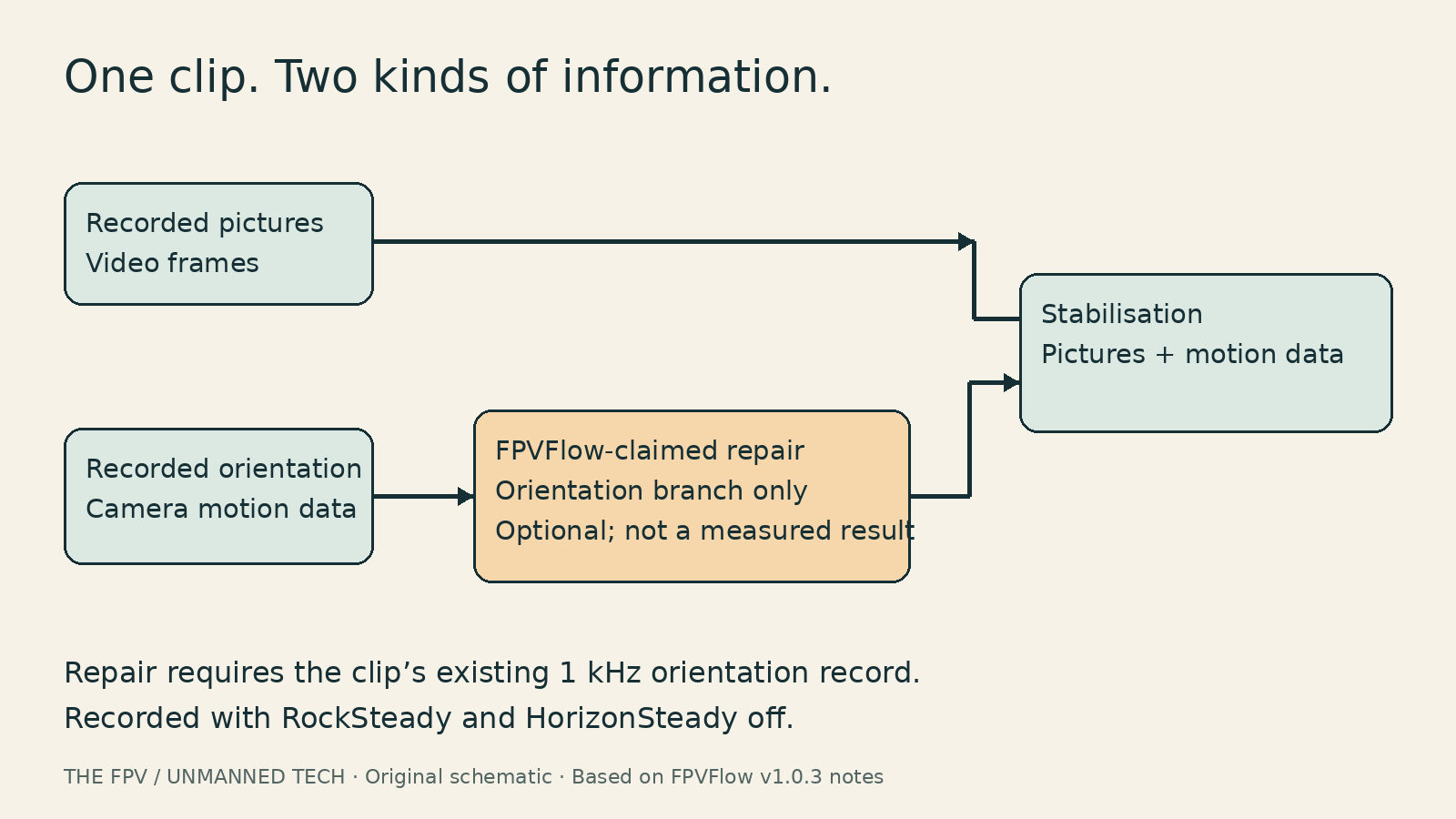
FPVFlow’s proposed repair acts on recorded motion data. A workflow illustration, not a measured before-and-after. Original diagram for The FPV / Unmanned Tech, based on FPVFlow v1.0.3 release notes.
For this repair, the clip must already contain the camera’s 1 kHz orientation record—the “attitude track”. It cannot conjure missing data or undo baked-in stabilisation.
Read the FPVFlow v1.0.3 release notes and the o4fix investigation, keep your originals and try a copy of a qualifying clip. Compare the result with your usual workflow before committing a whole afternoon’s flying.
Before installing: we haven’t tested it. Desktop builds are unsigned, and FPVFlow shares Gyroflow’s preferences and lens profiles—side by side does not mean separate settings. Preserve those too.
A flying room with a parking brake
Over on Reddit, u/itsjackfpv’s van setup brings the hobby into the living room. Literally: the owner says they live in the van full-time.
The useful detail is the owner-described connection: HDZero monitor outside, HDMI cable to the TV inside. A lovely bit of field-kit ingenuity, not a reception or latency recommendation.
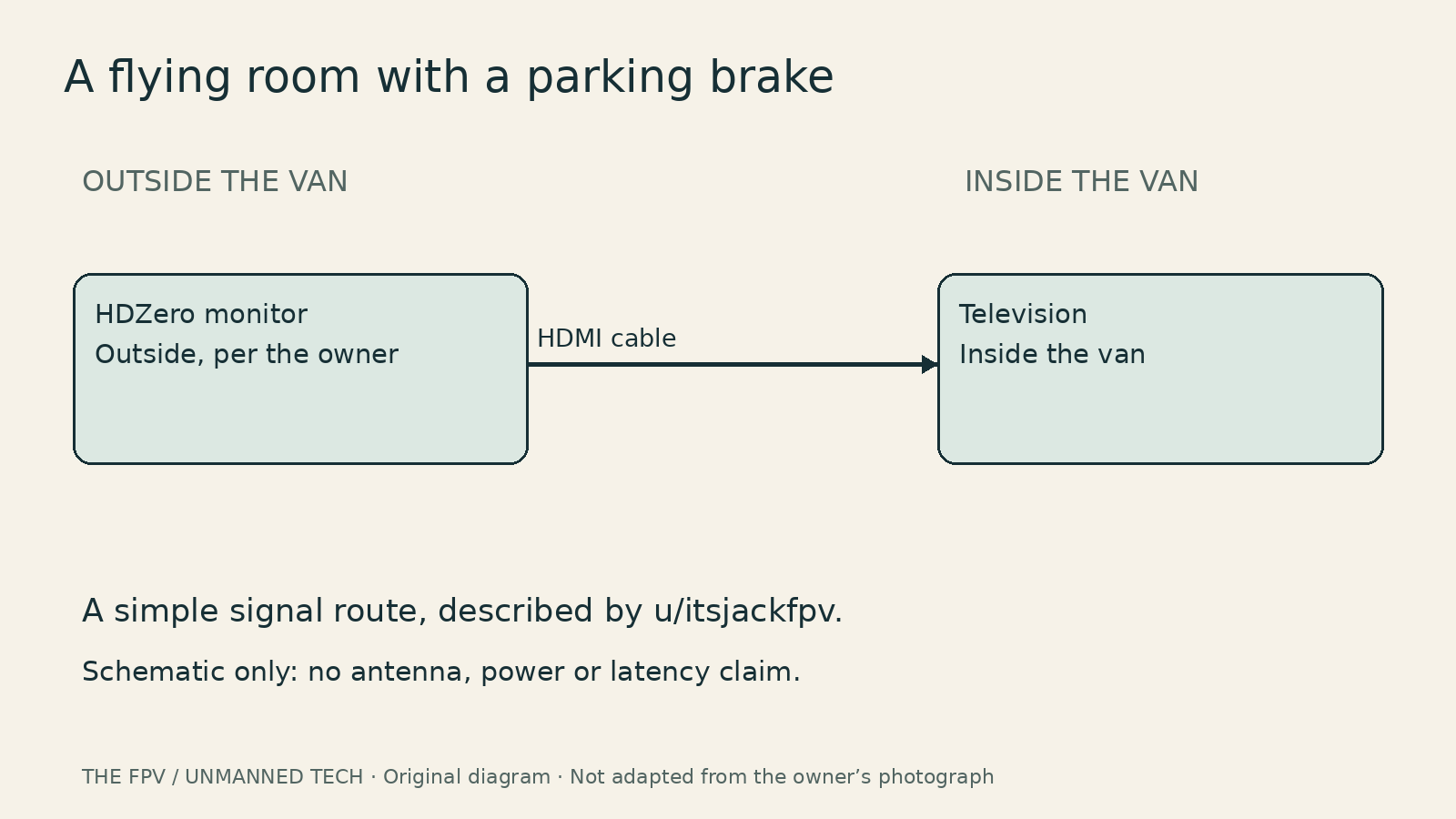
The owner’s outside-monitor-to-inside-TV route. Schematic, not to scale. Original diagram for The FPV / Unmanned Tech; arrangement described by u/itsjackfpv.
EdgeTX: a bench job, not a blanket upgrade
EdgeTX 2.12.5 is recommended for existing 2.12.x users. Its fixes include flashing hangs/possible firmware or bootloader corruption, an excessive-Lua-telemetry crash, and trim with an inverted mix source.
Check your exact radio’s support, back up models and radio settings, then fully bench-test after updating. STM32 F2 radios stay on the supported 2.11 series. H7 owners need the H7-specific process: UF2 via the bootloader or Companion 2.12+, not generic older flashing instructions.
What’s the one thing in your field kit that makes a flying day better—van-sized or pocket-sized?