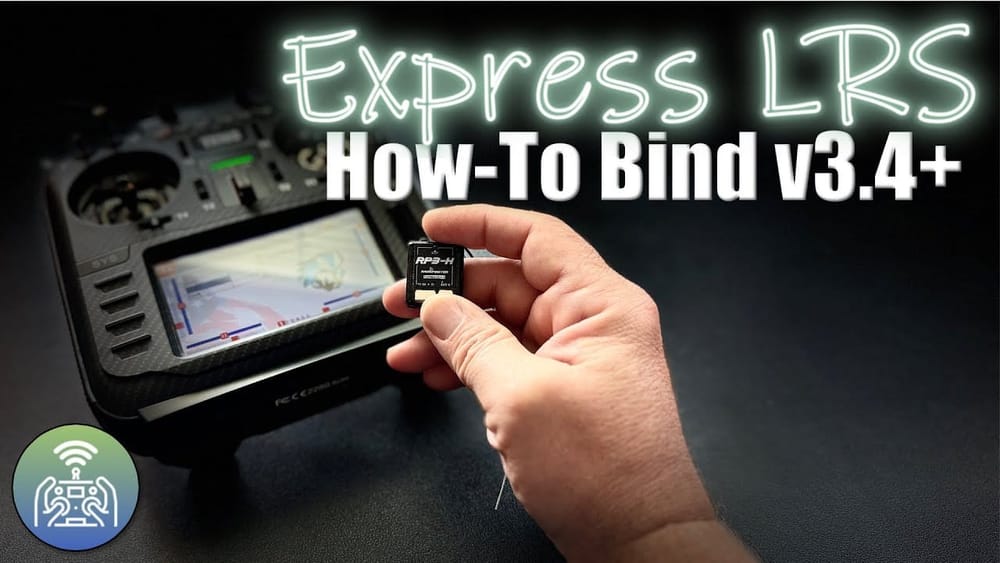
How to bind ELRS matters because binding is the gatekeeper between flight and a brick. This guide cuts through the guesswork and lists four fast, reliable binding methods.
If your receiver blinks but your radio ignores it, you need a plan. Read the steps, pick the method that fits your hardware, and get back to flying.
TL:DR
How to bind ELRS: use BetaFlight CLI bind_rx for onboard receivers; use binding phrases for wireless convenience; press the receiver bind button for classic hardware; power-cycle thrice for a hidden shortcut. All four work under v3.4.
Why four methods?
ExpressLRS 3.4 added flexibility. Different boards and radios mean different paths to the same end. Pick the method that matches your setup and tools.
Option 1 — BetaFlight (serial / CRSF)
Use BetaFlight when the receiver sits behind a flight controller. Cross RX and TX. Set the correct UART to Serial RX and pick CRSF as the protocol.
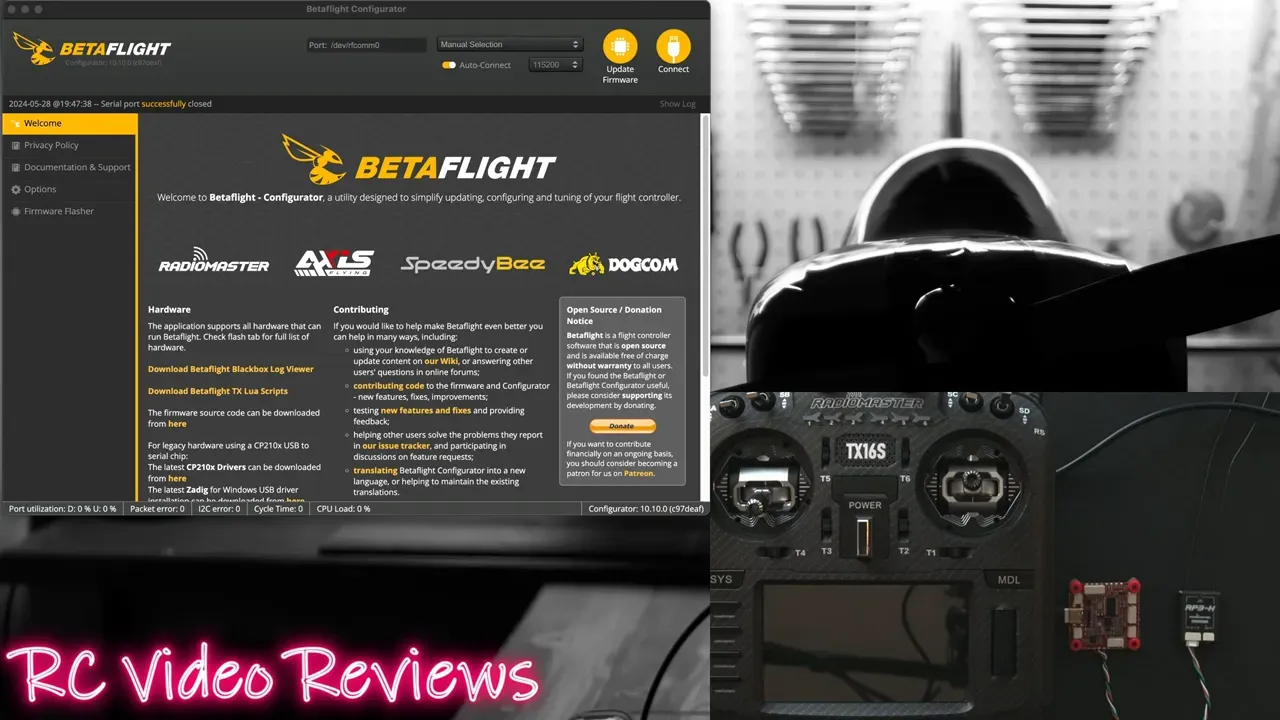
Steps: connect the FC, open the CLI and type bind then hit Tab to complete bind_rx. Run the ExpressLRS Lua on your radio and select bind. Look for a solid red light and receiver movement in the Receiver tab.
Option 2 — Binding Phrase (Configurator)
Binding phrases let you flash an identical phrase to receiver and radio. Useful when you prefer Wi‑Fi or USB flashing over physical button presses.
Steps: open the ExpressLRS Configurator, choose your target, check Binding Phrase, enter a memorable phrase, and flash the receiver. Then attach your radio via USB (or pass-through), set the same phrase, and flash the module. Verify a solid red LED on the receiver.
Option 3 — Receiver Bind Button
Pressed buttons never die. Hold the receiver bind button for ~2 seconds until rapid dual flashes appear. Then trigger bind from your radio’s ExpressLRS Lua. Wait for a solid LED and a signal bar on the radio.
This method suits field fixes. No computer. No cables. Just press, confirm, and fly.
Option 4 — Power Cycle Three Times
Power-cycle the receiver quickly three times to enter bind mode. The receiver flashes twice to indicate bind mode. Then hit bind in the Lua on your radio. The light will go solid when bound.
Troubleshooting and quick checks
If sticks don’t move in BetaFlight, confirm UART assignment and that RX/TX are crossed. A steady blinking LED usually means no bind. CLI bind_rx is the single-line fix for that scenario.
If the configurator shows no IP for Wi‑Fi flashing, switch to USB or UART flashing. If flashing the radio fails, confirm you picked the correct device type (OpenTX vs EdgeTX) and the same binding phrase on both ends.
FAQ
How quickly does the receiver enter bind mode when using the bind button?
Hold the bind button for around two seconds until you see dual rapid flashes. That indicates bind mode is active.
Can I use BetaFlight bind if my receiver is built into the flight controller?
Yes. If the receiver is onboard you might need SPI as the receiver mode in BetaFlight instead of serial. Match the hardware settings to the FC layout.
What if the binding phrase method gives no connection over Wi‑Fi?
Switch to USB flashing or UART passthrough. Verify your machine shows a VCP serial device and that the phrase is identical on both receiver and radio.
Takeaway
Pick a method that matches your toolbox: CLI for builders, phrases for convenience, button or power-cycle for field work.
- How to bind ELRS with BetaFlight: set UART, select CRSF, run bind_rx in CLI, then run Lua bind.
- How to bind ELRS with phrases: flash same binding phrase to receiver and radio via Configurator.
- How to bind ELRS with button: press receiver bind button 2s, select bind in Lua, watch for solid LED.
- How to bind ELRS with power-cycle: cycle power three times, then select bind in Lua.
This article was based from the video How-to Bind v3.4 Express LRS Receivers • All 4 Methods [ELRS]