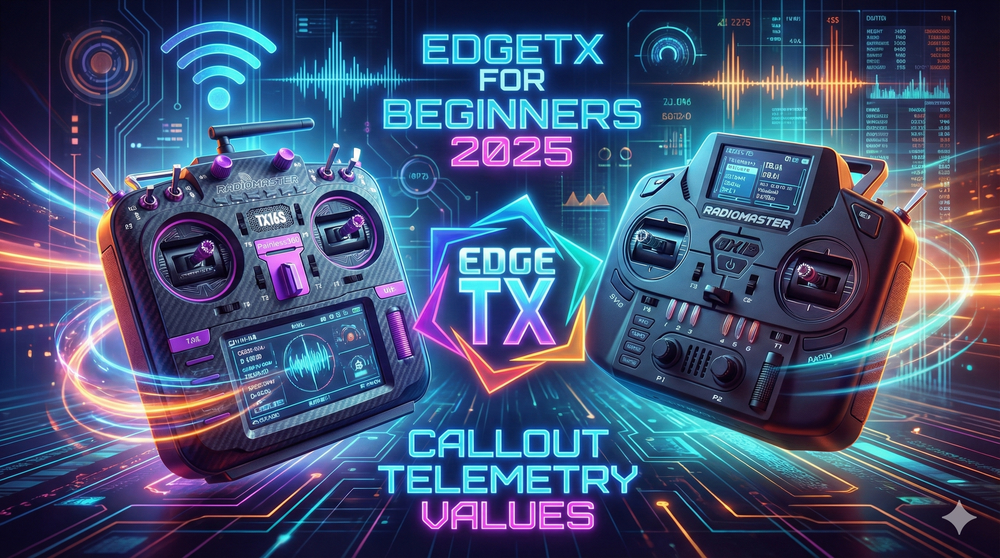
EdgeTX can speak telemetry back to you. That matters for any Uav pilot who prefers data over guesswork. Short audio callouts save seconds and reduce risk. A radio that announces battery, altitude or speed stops you eyeballing numbers mid-flight. Set it on a switch or make it trigger automatically when a value crosses a limit.
TL:DR
EdgeTX reads telemetry values aloud. You map a switch or logical switch to "play value." The radio speaks the selected telemetry item when triggered. Useful for Uav battery, airspeed and altitude alerts.
What this does
EdgeTX lets your transmitter announce telemetry values it receives. The radio pulls sensor items from your receiver or flight controller. Then it can play a spoken value on command or when a condition occurs.
How it works — quick
Open Model → Telemetry to confirm sensors. Open Special Functions and add a trigger. Set the trigger to "Play Value" and pick the telemetry item, for example RX-BAT.
Manual callouts (switch)
Assign a physical switch to the Special Function. Flick the switch. The radio announces the current value, e.g., "7.8 volts." Repeat count and enable flag control behaviour.
Automatic callouts (logical switches)
Create a logical switch that tests telemetry. Example: LS1 = RX-BAT < 6.5 volts. Use duration or delay to avoid false triggers. Tie LS1 to the Special Function to play the value automatically.
Airspeed callouts and common uses
If your Uav supplies airspeed or groundspeed telemetry, set a logical switch for a threshold (say 100 km/h). Trigger a "Play Value" on that event. Other uses: altitude ceilings, RSSI warnings, and range checks.
Quick setup checklist
Follow these steps:
- Confirm telemetry items in Model → Telemetry.
- Create a Special Function: switch or logical switch → Play Value.
- Select the telemetry field (RX-BAT, Alt, Speed).
- Test with a switch; refine with logical switches and delays.
FAQs
Can the radio read any telemetry item?
Yes. Any telemetry field that appears in Model → Telemetry can be selected for "Play Value."
Will the announcement repeat forever?
No. You control repeats in the Special Function. Use repeats for persistent warnings; keep them low for non-critical updates.
Can I prevent false alarms from momentary spikes?
Yes. Logical switches accept duration and delay parameters. Require a value to hold for a short time before triggering the callout.
Where can I learn more?
Check out the official EdgeTX documentation page
Takeaway
EdgeTX adds spoken telemetry without extra hardware. Map a switch for occasional checks. Use logical switches for automatic, condition-based alerts. That keeps your Uav flight informed and less stressful.
Quick nuggets
• Radio announces telemetry: battery, altitude, speed. • Map to a switch for manual reads. • Use logical switches for auto alerts based on thresholds. • Add delays to suppress false triggers. • Saves time and reduces in-flight guesswork.
This article was based from the video EdgeTX 2025 callout telemetry values