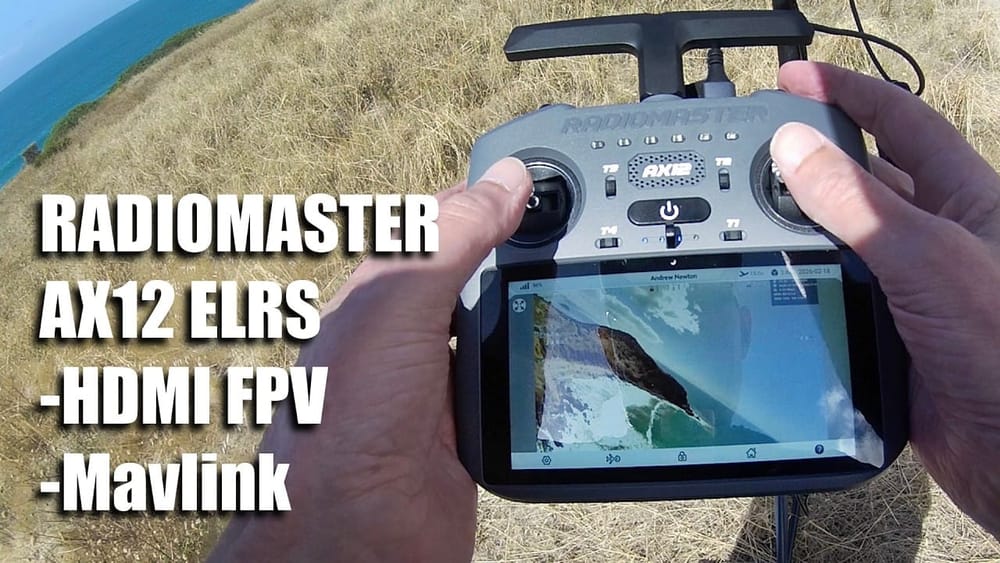
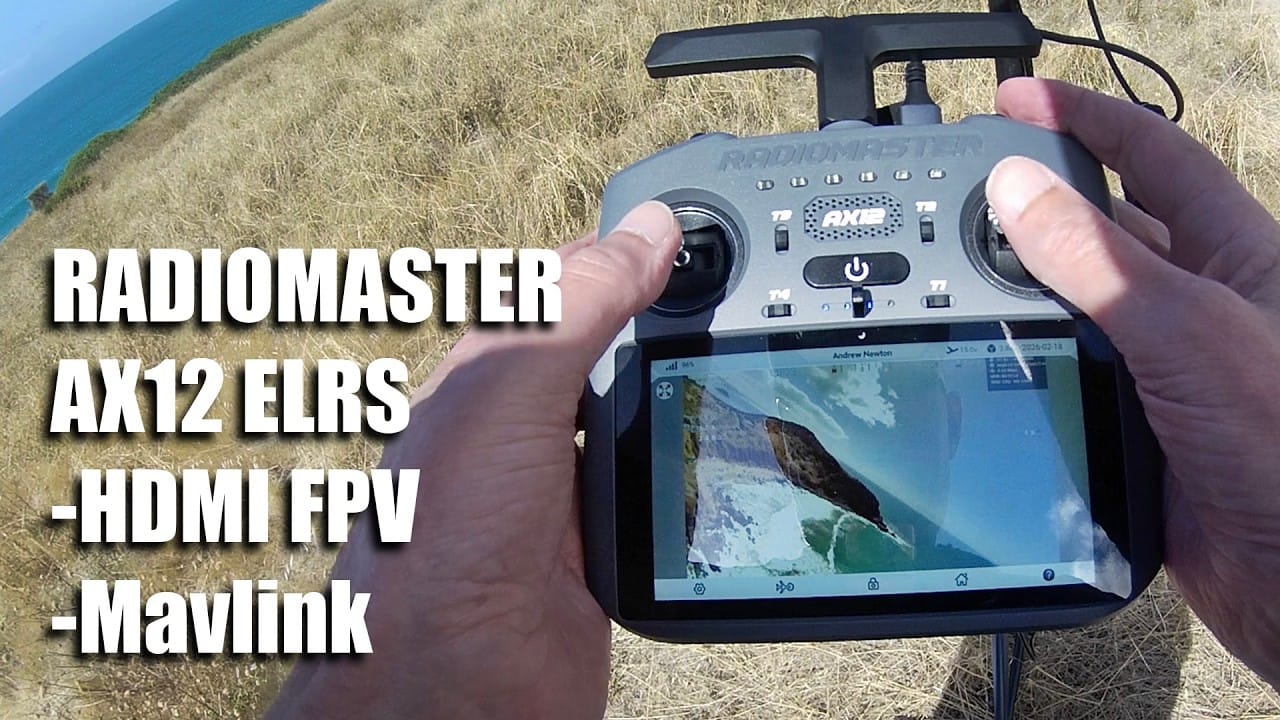
Radiomaster AX12 takes the usual ELRS radio idea and bolts it onto an Android 9 touchscreen, then adds HDMI FPV input and Mavlink passthrough. The payoff is a radio you can also use as a live video and GPS map display, with the usual “tune it by trial and error” caveat.
TLDR: What you actually need to know
- Best for: People who want Radiomaster AX12 as both transmitter and a ground-style screen for HDMI FPV plus GPS map overlays.
- Avoid if: You need EdgeTX features like full logical switches and a matching “special functions” workflow. Not stated in the video.
- Radiomaster AX12 uses a single LR1121 ELRS chip, with 250 mW max power and support for 2.4 GHz or 900 MHz.
- HDMI in supports live FPV on the screen, tested with RunCam OpenIPC over HDMI, with some jitter reported from OpenIPC.
- Mavlink passthrough is claimed for tools like QGroundControl and Mission Planner, but the Mavlink working demo was not completed in the video.
- Battery is reported as 10,000 mAh with “about six hours” operation, and the unit weighs “about 650 g”.
What is Radiomaster AX12, and why does it feel different?
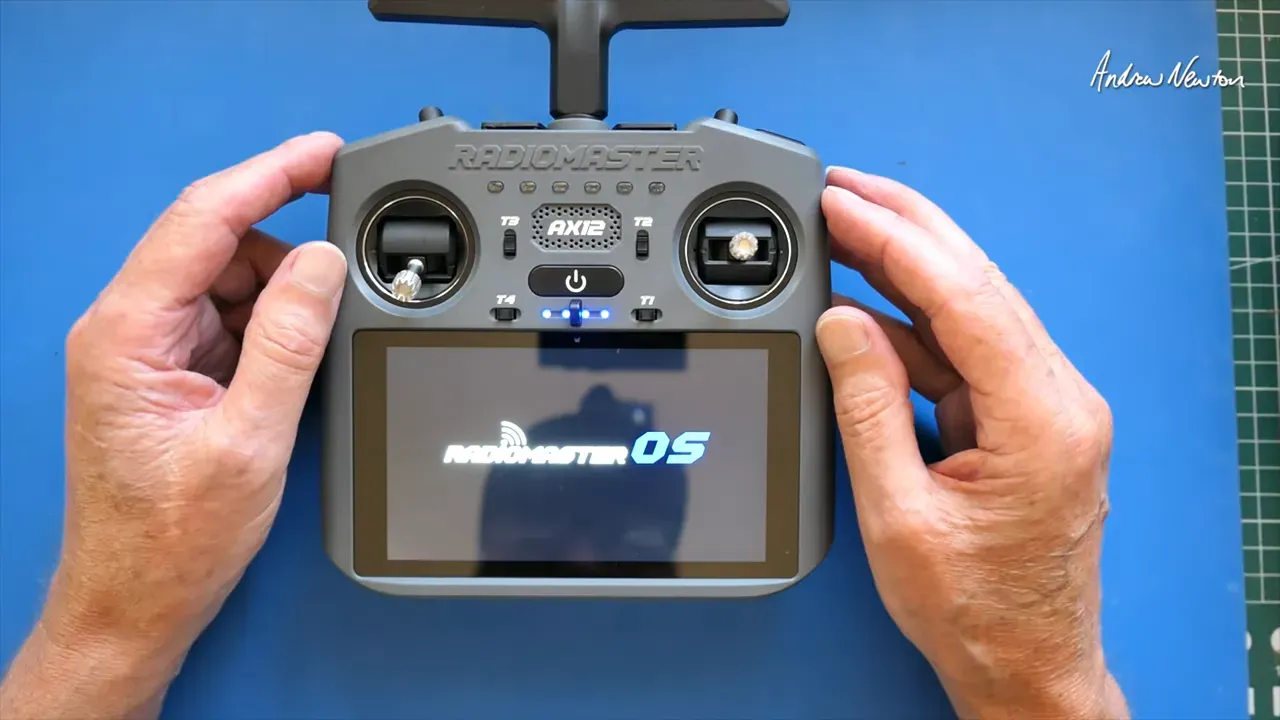
Radiomaster AX12 is a transmitter built on Android 9, running RadioMaster OS for control, instead of EdgeTX. In practice, it behaves more like an Android tablet you hold, with on-screen button and switch mapping.
It is “not EdgeTX”, it runs RadioMaster OS, and the ELRS radio stack is built in using a single LR1121 chip. The video also frames it as “parallel line” rather than a replacement for other RadioMaster radios.
So what? If you want a big, touchscreen driven workflow for telemetry, GPS maps, and HDMI video, Radiomaster AX12 is aiming straight at that.
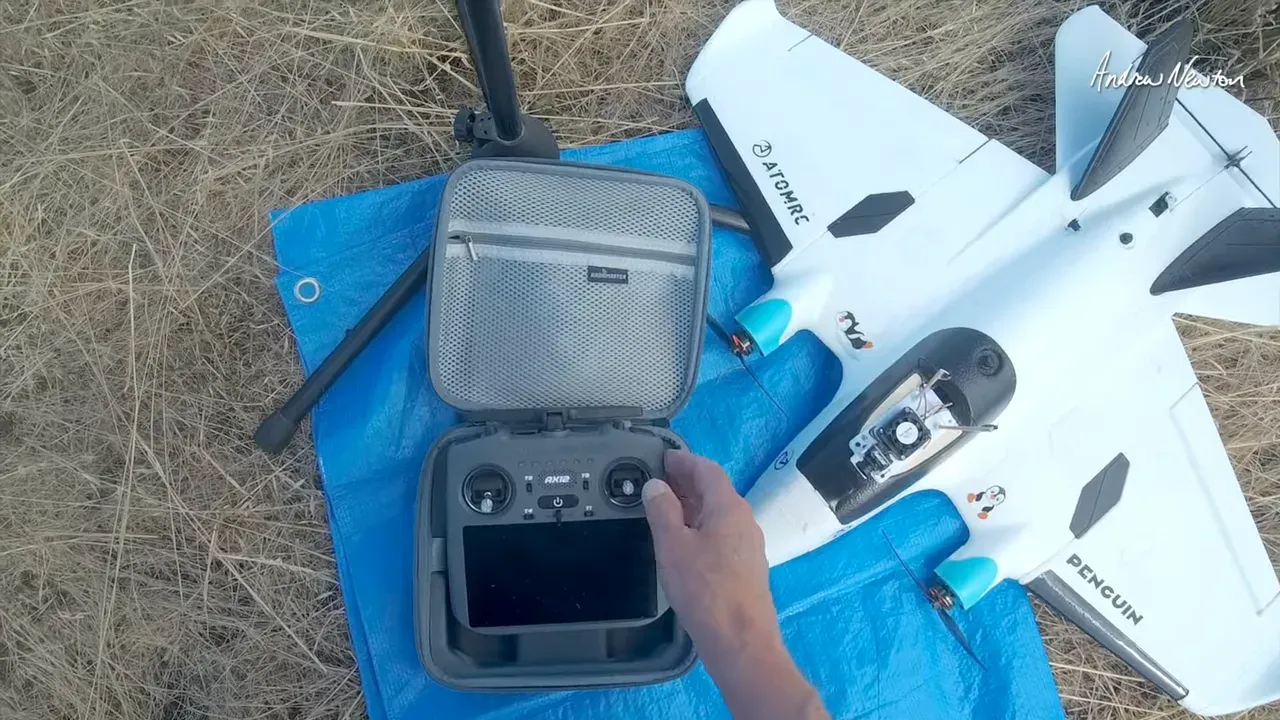
Does Radiomaster AX12 support HDMI FPV on the screen?
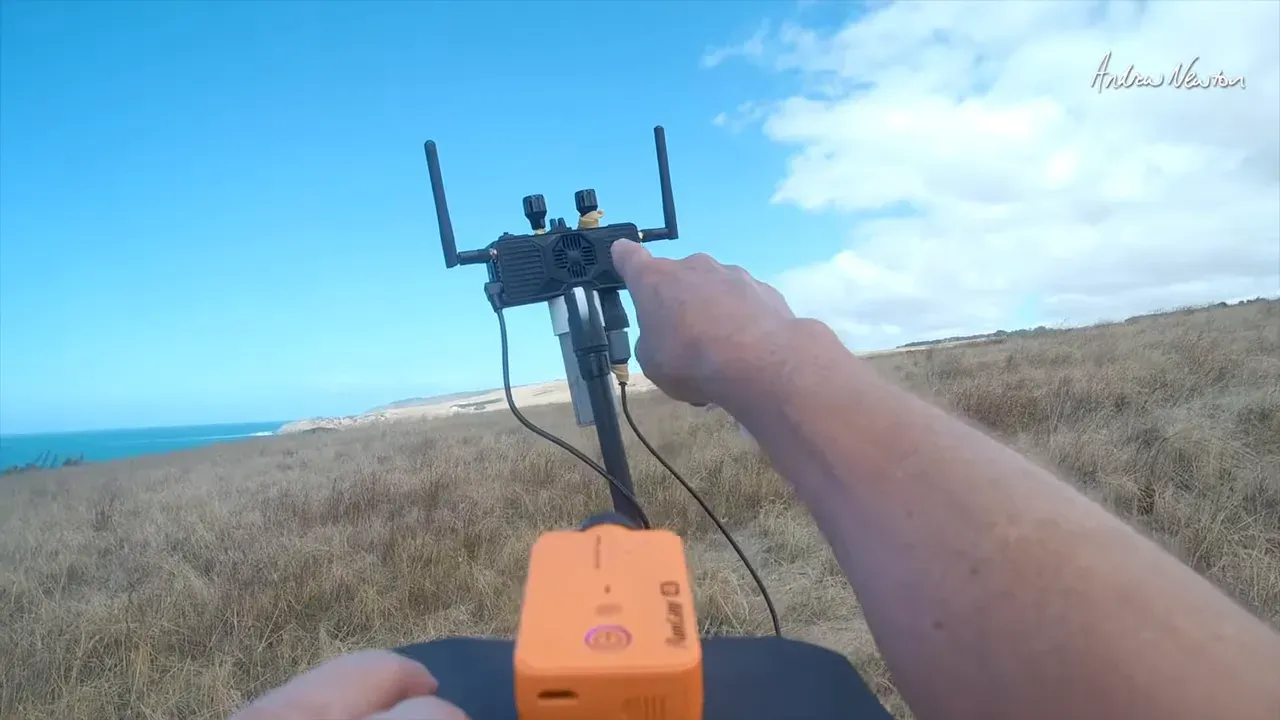
Yes, Radiomaster AX12 can show live FPV on its 5.5 inch touchscreen using HDMI in. The presenter plugs in an FPV Wi-Fi link style system via HDMI and the FPV feed appears on the display.
They demonstrate an FPV view and also note it can display an INAV style screen and OSD while the HDMI feed is active. Jitter is mentioned with RunCam OpenIPC, and it is suggested that DJI Walksnail users with HDMI “would be just wonderful”.
So what? This turns a “bring your goggles” setup into a “bring your eyes” setup, with the usual brightness and comfort limits for screens.
How does Radiomaster AX12 handle GPS maps and telemetry?
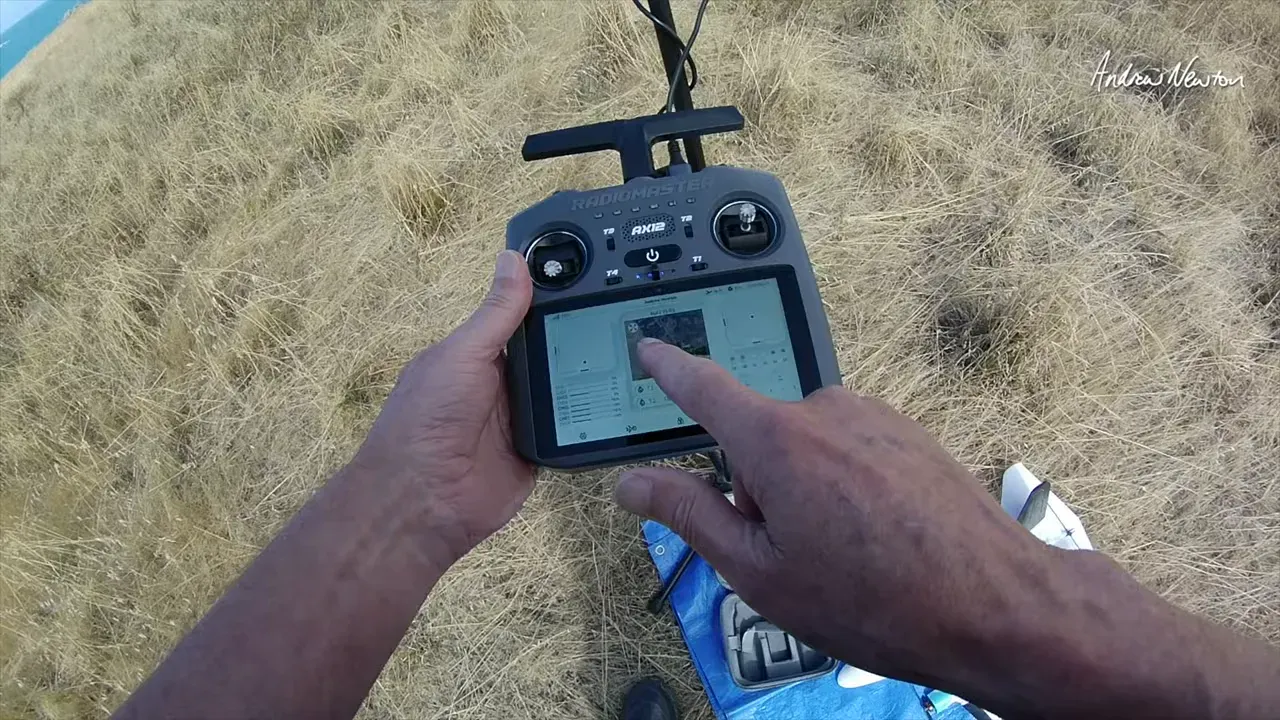
Radiomaster AX12 can show satellite acquisition and GPS map style overlays when it has a data path. In the outdoor test, it acquires LRS telemetry, reports nine satellites, then switches between satellite view and full screen satellite position.
For GPS map visuals, the demo uses internet via a phone hotspot, and the map view updates as the aircraft turns. The presenter also taps the screen to bring up satellite information and later the GPS view.
So what? If you want maps on the radio screen, the video suggests you may need an internet connection.
Can Radiomaster AX12 pass through Mavlink to QGroundControl?
Radiomaster AX12 is designed to support Mavlink passthrough over Wi-Fi for tools like QGroundControl and Mission Planner. The presenter explicitly says they have not worked out the Mavlink side yet, so they cannot show it working with QGroundControl in this run.
They do state that they will try again later and plan another demonstration once they can get Mavlink working “through Express LRS”. For now, the demonstrated flying is using a normal ExpressLRS connection.
So what? Consider Mavlink passthrough a “promised capability with unproven setup steps” based on this specific video.
How is Radiomaster AX12 set up, and how usable are its controls?
Radiomaster AX12 boots into RadioMaster OS with on-screen “stick display” and button mapping, but it still needs setup time. The presenter notes it takes a long press on power, then a few seconds startup to load the app, and the screen brightness is “very bright” outdoors.
They describe the physical controls, including small hall gimbals, multiple switches and trims, sliders, trainer port (USB-C), headphones (3.5 mm), plus HDMI in and out. On the software side, they show model templates (fixed wing, helicopter, delta wing, FPV drone), calibration, endpoints, mixes, and curve style tools.
So what? It seems usable, but the video is honest that instruction coverage is missing, so expecting “hit and miss” learning is reasonable.
What ELRS features are built into Radiomaster AX12?
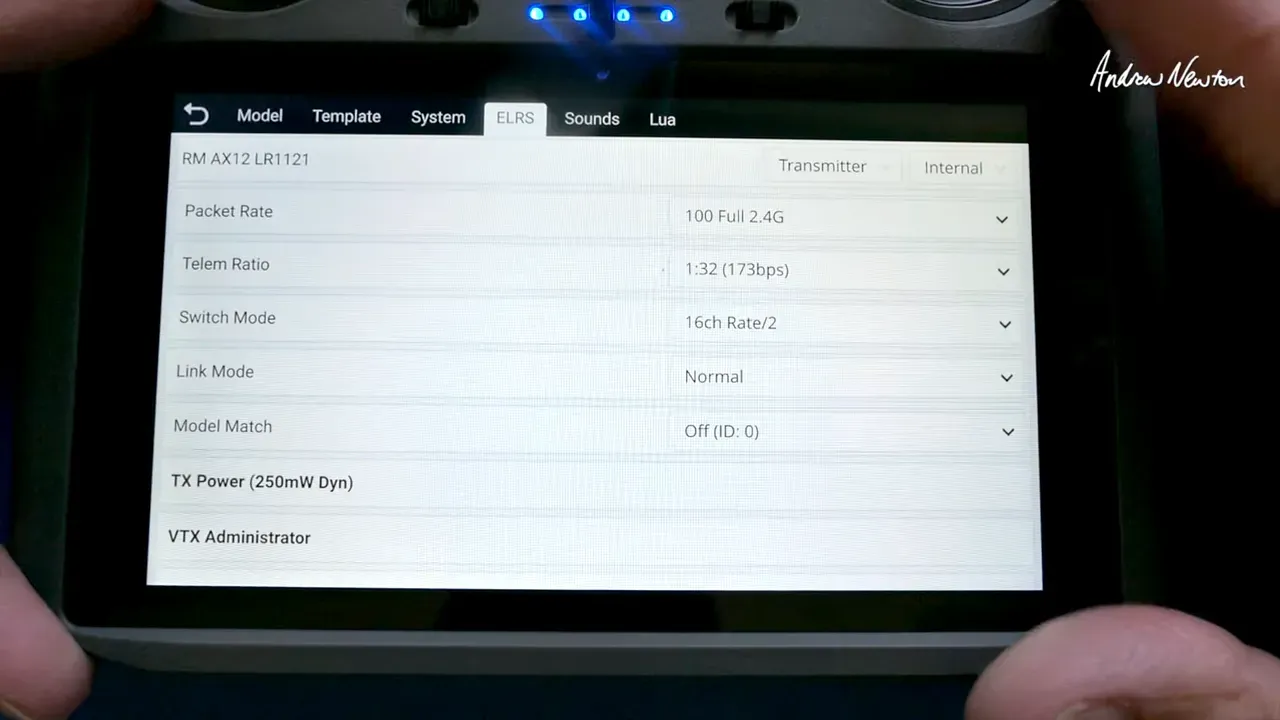
Radiomaster AX12 includes an ELRS setup screen and supports typical ELRS configuration workflows inside RadioMaster OS. The presenter describes configuring modes including “Lua script link mode” and switching the ELRS screen to Mavlink if desired.
The demo calls out ExpressLRS power settings, with “maximum power is 250”, which they say is enough for most uses. They also mention receiver and “backpack” style setup pages, plus dynamic power.
So what? You do not need an external module for ELRS in this design, and you get in-radio configuration screens.
Is Radiomaster AX12 worth it compared to typical ELRS radios?
Radiomaster AX12 looks most worth it if you care about screen-based operation, HDMI FPV, and big-picture telemetry, not if you want the most familiar ELRS transmitter UX. The presenter compares it to a TX16S Mark III, saying Radiomaster AX12 feels much smaller and “about 600 and something 650 grams”, and easier to fly one-handed.
They also point out functional differences from EdgeTX style layouts, specifically noting missing logical switch behavior and special function screen differences (as far as they could see). Even without needing HDMI on screen, they still like the lightweight radio feel for general flying.
So what? If your cockpit is “goggles plus laptop plus tablet”, Radiomaster AX12 may feel like consolidation. If you live in EdgeTX muscle memory, expect some friction.
FAQ
What frequency options does Radiomaster AX12 support?
The video states it has a single LR1121 chip, supporting 2.4 GHz or 900 MHz operation. It also mentions 250 mW max power.
Does Radiomaster AX12 run EdgeTX?
No. Not stated in the video as running EdgeTX, and the presenter says it is “not EdgeTX”. It runs RadioMaster OS on top of Android 9.
Why is my HDMI FPV feed jittery on Radiomaster AX12?
The presenter reports “bit of jittering” with RunCam OpenIPC in the displayed live setup. The video does not test fixes or alternate encoders, so “how to fix” is not covered.
Can Radiomaster AX12 show GPS maps without internet?
Not stated in the video. The GPS map view shown in the demo appears to rely on a phone hotspot internet connection, and the presenter says they have to hotspot it to get maps.
Does Radiomaster AX12 have voice callouts?
Yes. The presenter says the unit uses text-to-speech for voice callouts, and they also mention it may play MP3 files, though they did not manage to load custom audio successfully.
What model templates does Radiomaster AX12 include?
The video mentions template options for fixed wing, helicopter, delta wing, and FPV drone. More detail on template behaviour is not stated in the video.
Is Mavlink passthrough working in Radiomaster AX12?
Not proven in this video. The presenter says they have not worked out the Mavlink side yet, so they cannot show QGroundControl working. They plan to demonstrate later.
Key specs and claims mentioned
- Built on Android 9 with RadioMaster OS
- Single LR1121 ELRS chip, supports 2.4 GHz or 900 MHz
- 250 mW max power, with dynamic power mentioned
- 5.5 inch touchscreen (outdoor readability is claimed)
- HDMI in for live FPV display, plus HDMI out (mirror or external viewing not detailed)
- Mavlink passthrough intended for QGroundControl and Mission Planner, setup not demonstrated
- Voice callouts via text-to-speech, MP3 playback mentioned but not confirmed working
- Battery: 10,000 mAh, reported “about six hours” operation
- Weight: reported around 650 g
- Gimbals: small hall gimbals, described as compatible with AGO1 gimbals (believed)
This article was based from the video Radiomaster AX12 ELRS with HDMI FPV and Mavlink