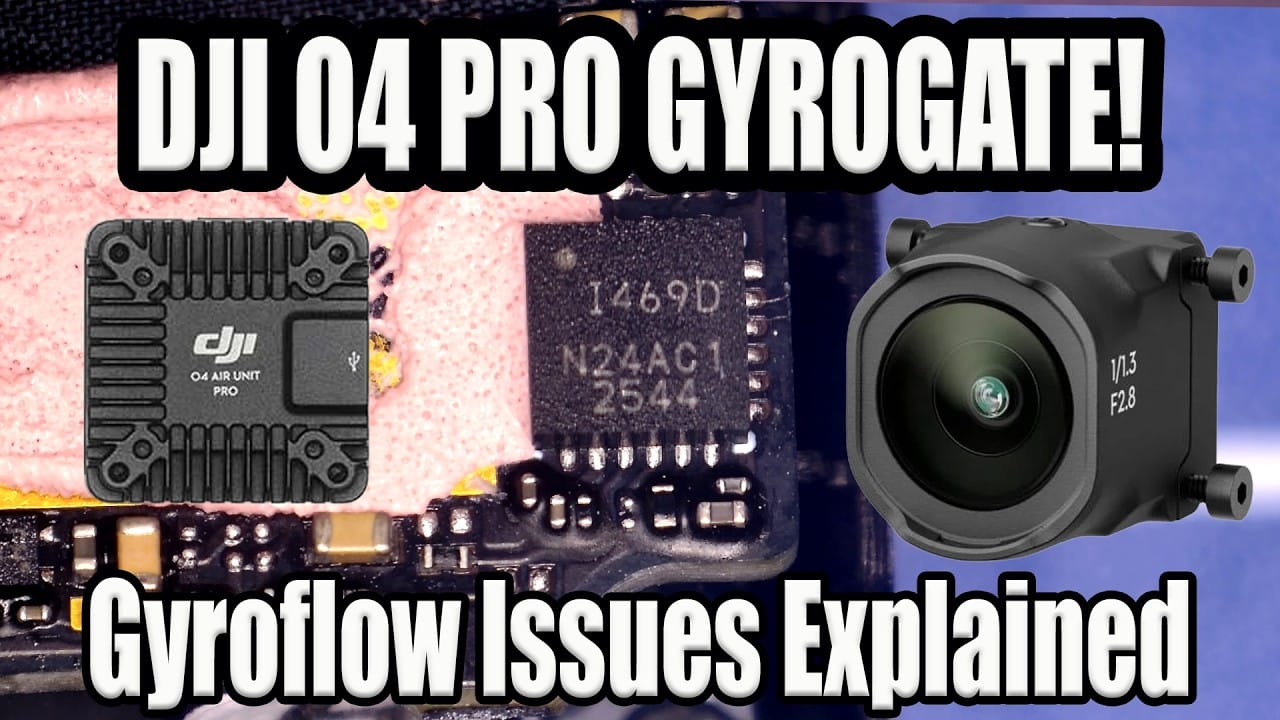
FPV drone forums have done what FPV drone forums do best: spot a real issue, then light it on fire for warmth. The DJI O4 Pro gyro problem is real for some 2026-production units, but the “do not buy” hysteria is well ahead of the evidence.
This matters because gyro data is not a side feature on a modern FPV drone. If you bought an O4 Pro for Gyroflow-compatible footage and the stabilisation starts twitching like a caffeinated flight controller, that is a proper problem.
TL:DR
Some 2026 DJI O4 Pro air units show bad stabilisation, with visible judder in RockSteady or Gyroflow, or both. DJI changed parts in 2026 production, including SRAM and the gyro sensor, but that does not prove the new gyro is the cause. Some 2026 units work perfectly fine. Right now, the most sensible verdict is: there is an issue, it affects some units, and firmware is a prime suspect.
What the DJI O4 Pro gyro actually does
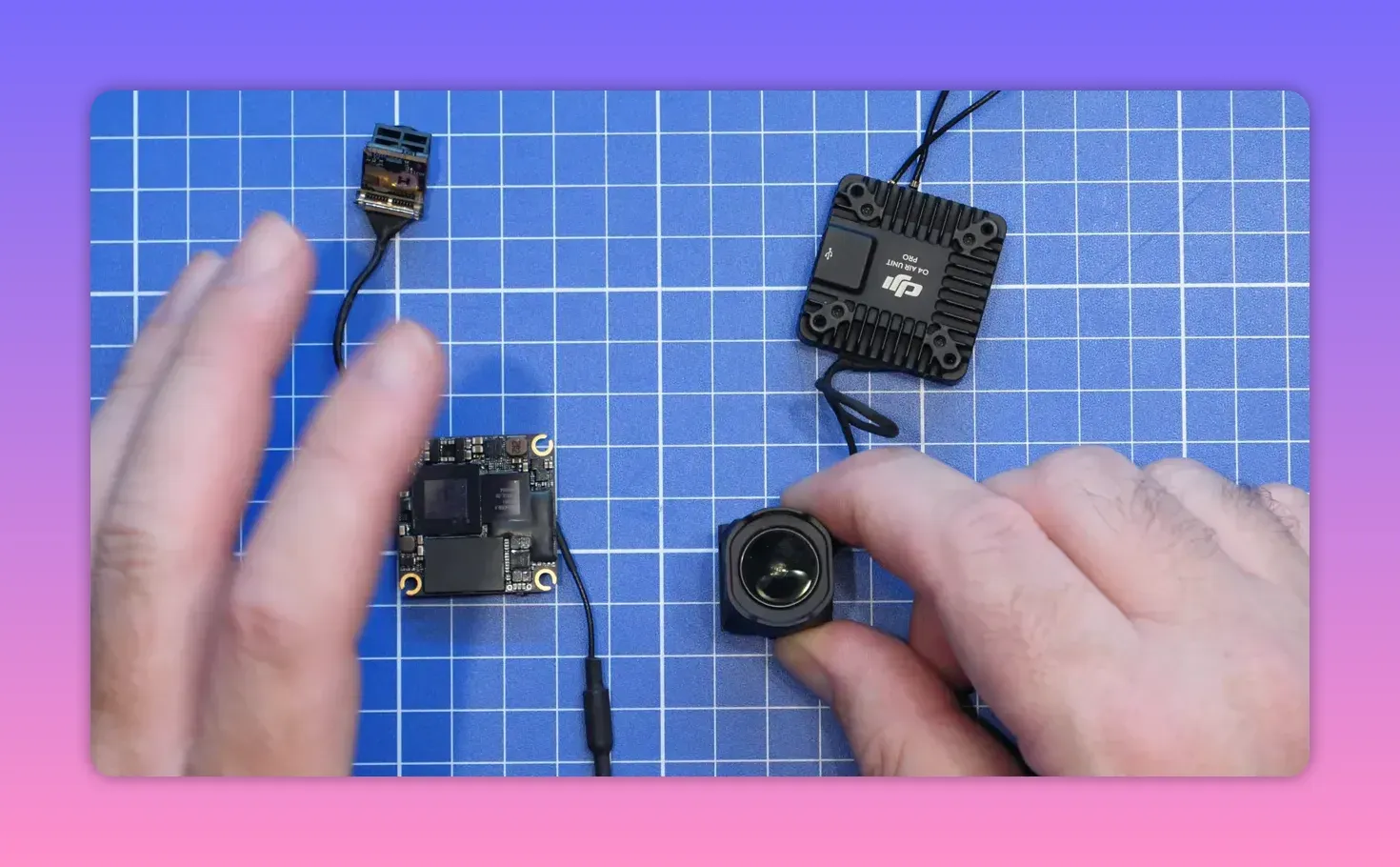
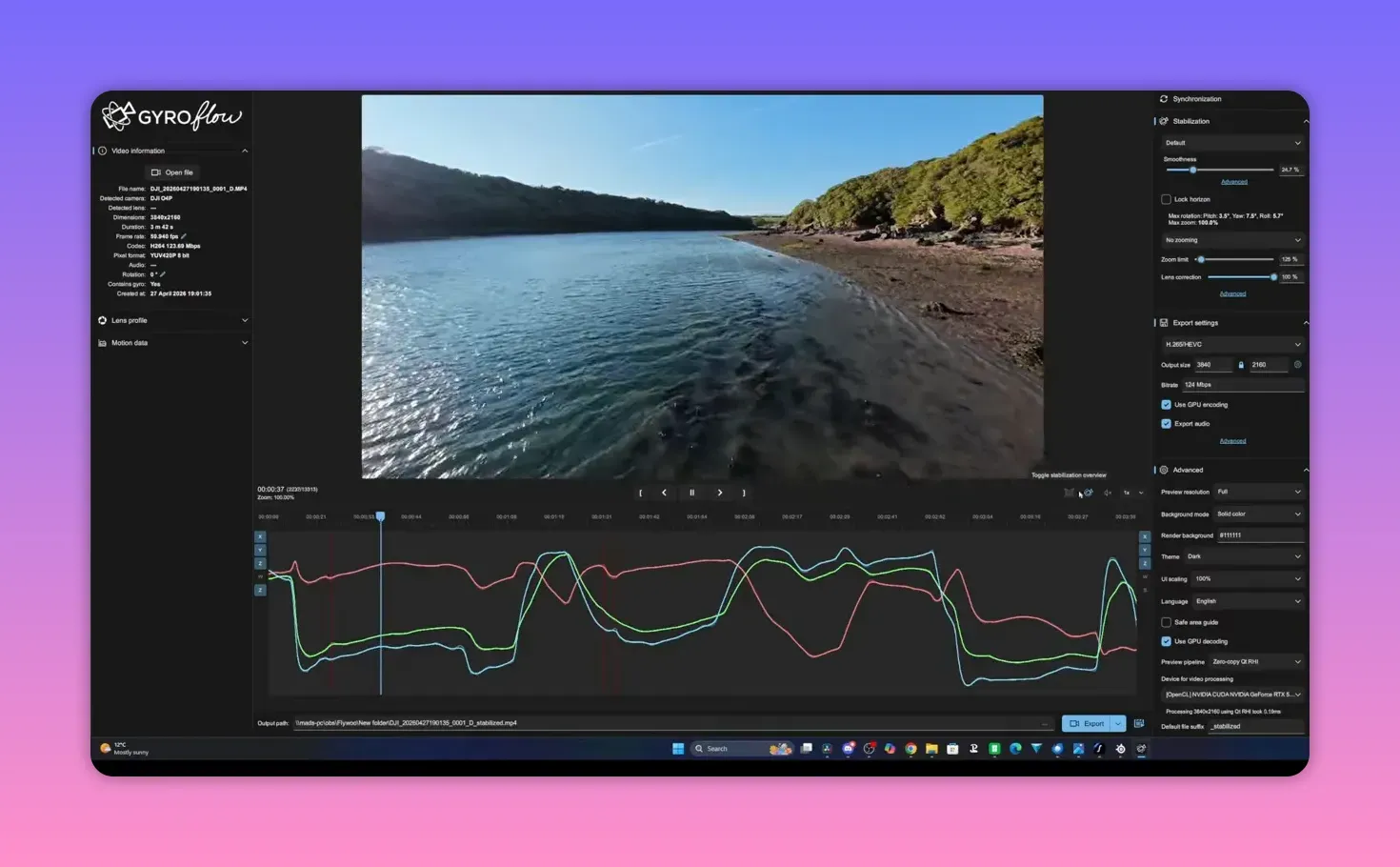
The DJI O4 Pro and the standard O4 unit both ship with a built-in gyro sensor. That sensor feeds stabilisation data for recorded footage—either through DJI’s own RockSteady or through exported gyro data for tools like Gyroflow.
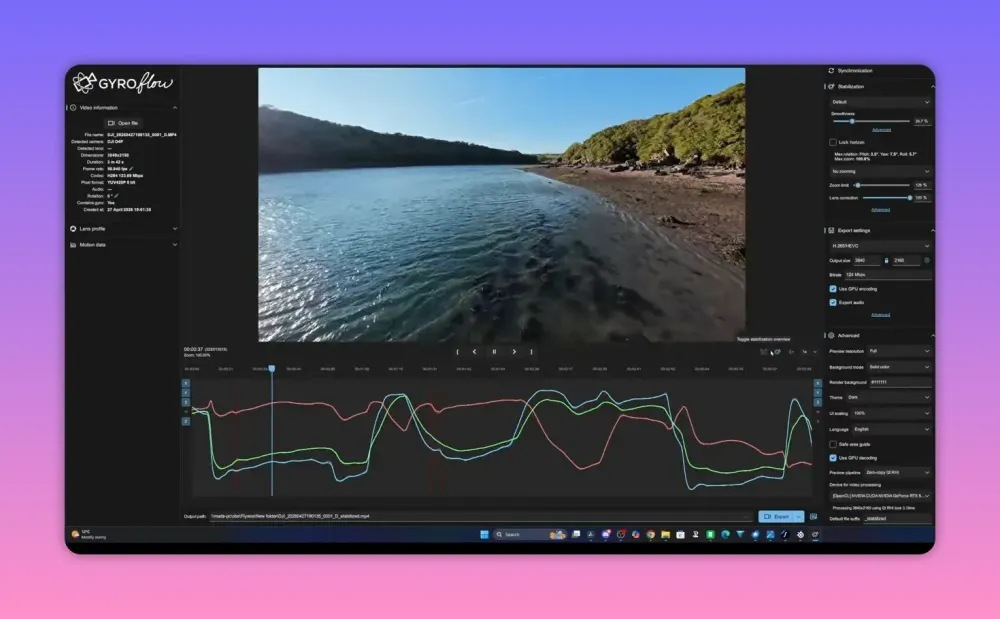
For a lot of pilots, RockSteady is enough. Flick it on, fly the FPV drone, and let the software smooth out the mess later. For everyone else—the people who fiddle with tune, mounts and post-processing until 2am—Gyroflow is the attraction.
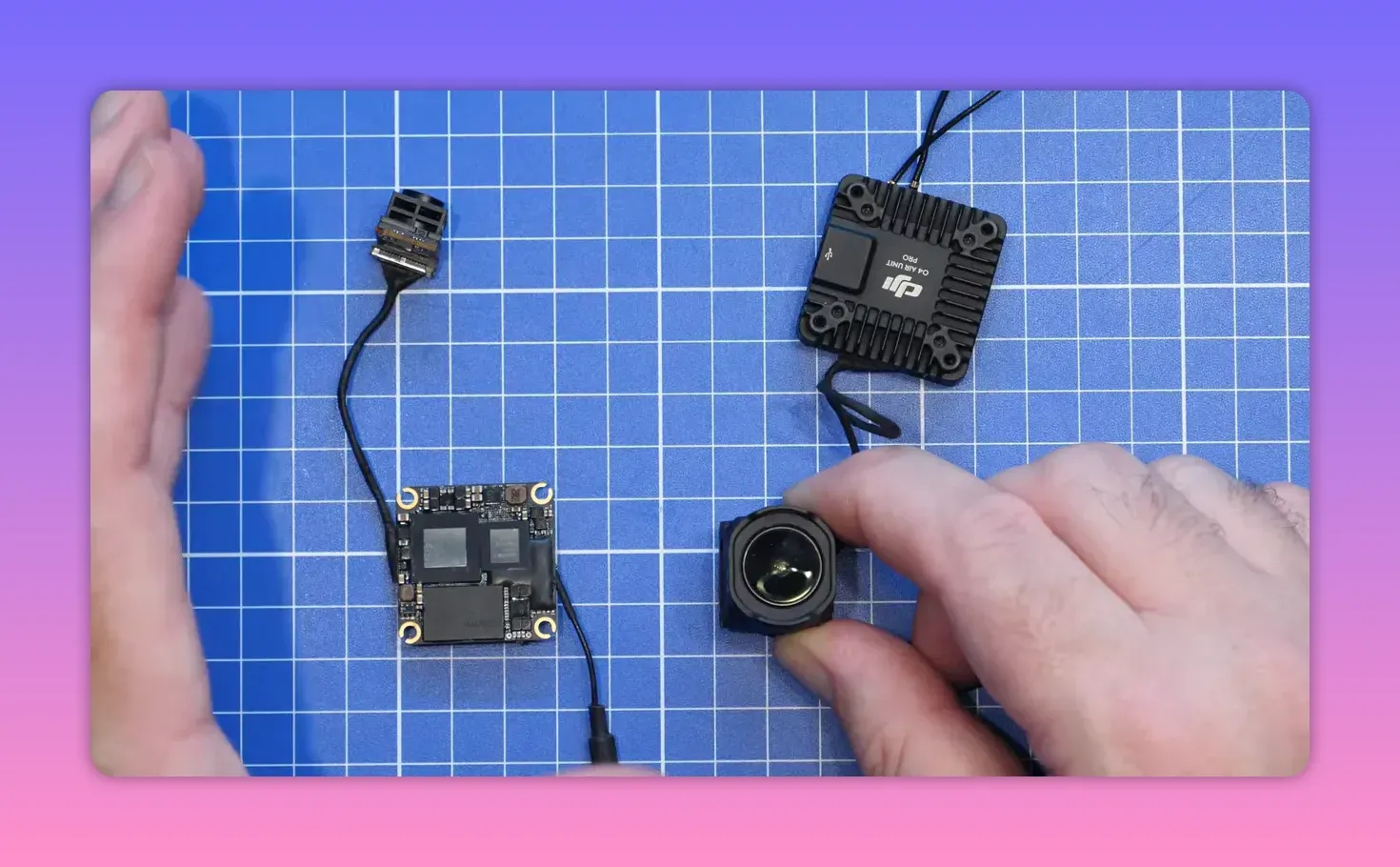
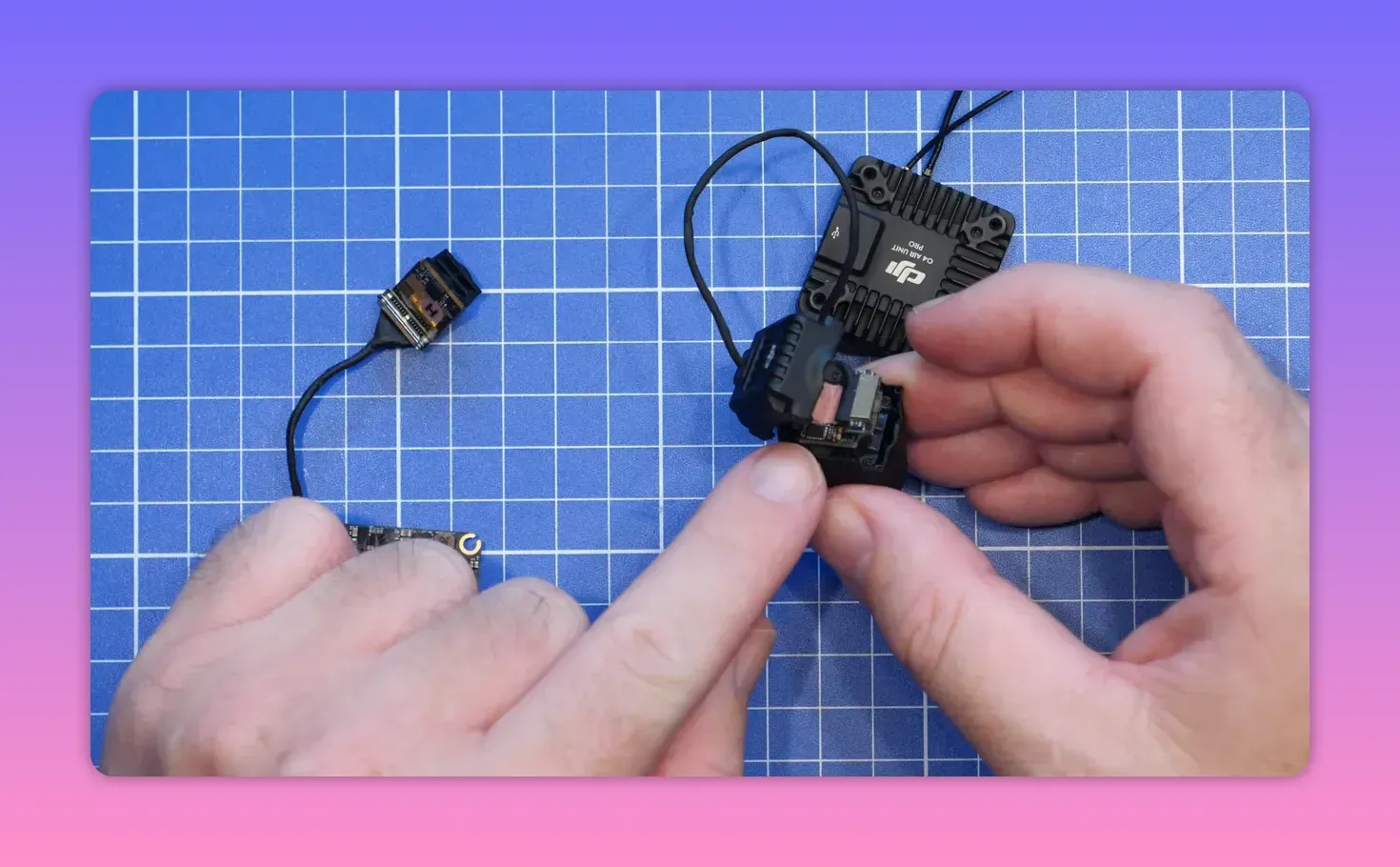
On the O4 Pro, the gyro sits inside the camera on the PCB. On the standard O4 or O4 Lite camera, the gyro is mounted on the back. That physical setup matters because DJI hard-mounts the camera gyro, which already brings quirks. Soft mounting the camera has long been part of getting the best result.
Up to now, the system mostly worked. Not perfectly, because this is FPV drone gear and perfection would be suspicious, but well enough that Gyroflow support was a genuine selling point.
What people started reporting
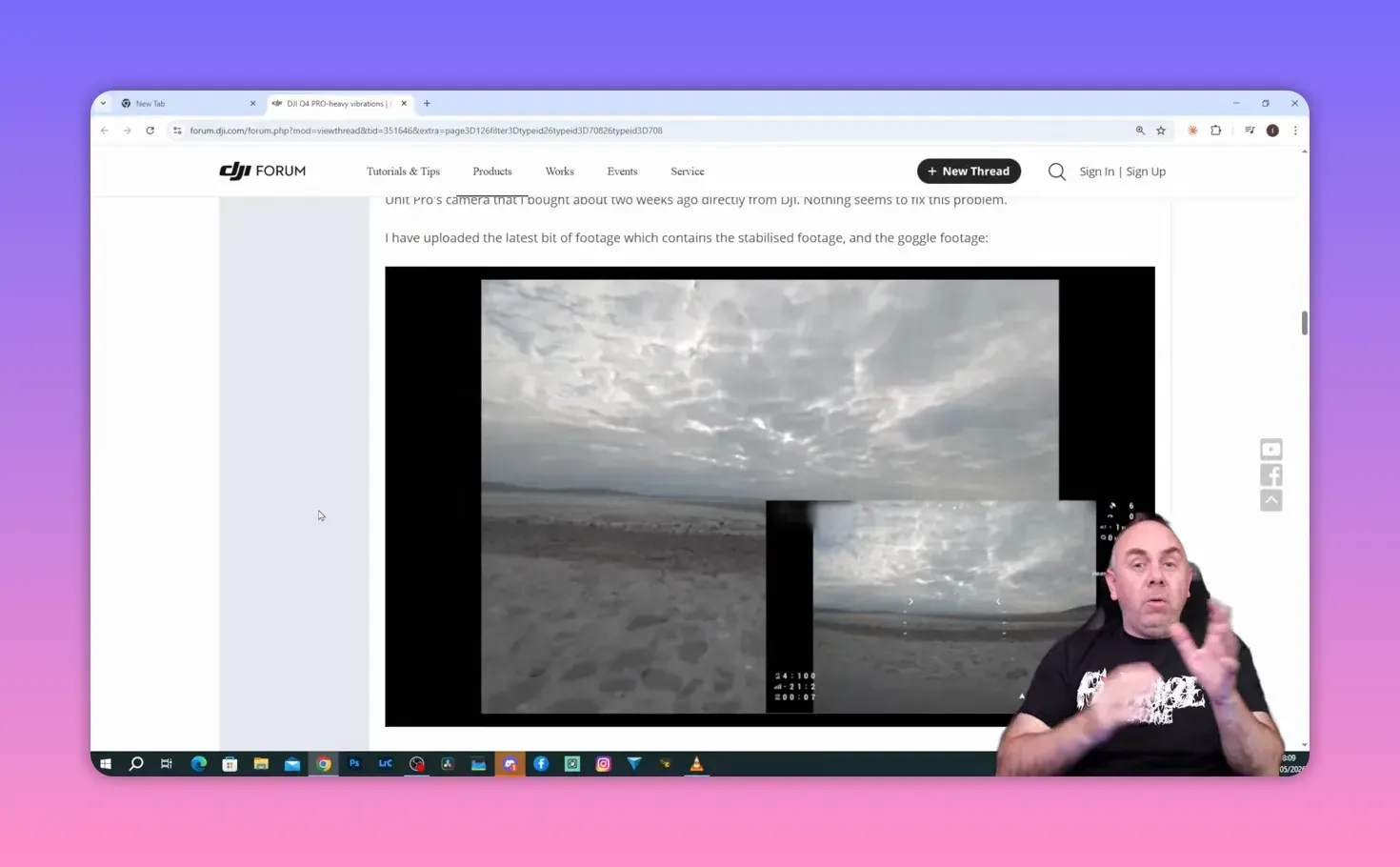
The trouble reports are not vague. People with new 2026 O4 Pro air units started posting footage with ugly stabilisation artefacts—big judders, odd vibrations, and footage that looked worse after processing than before.
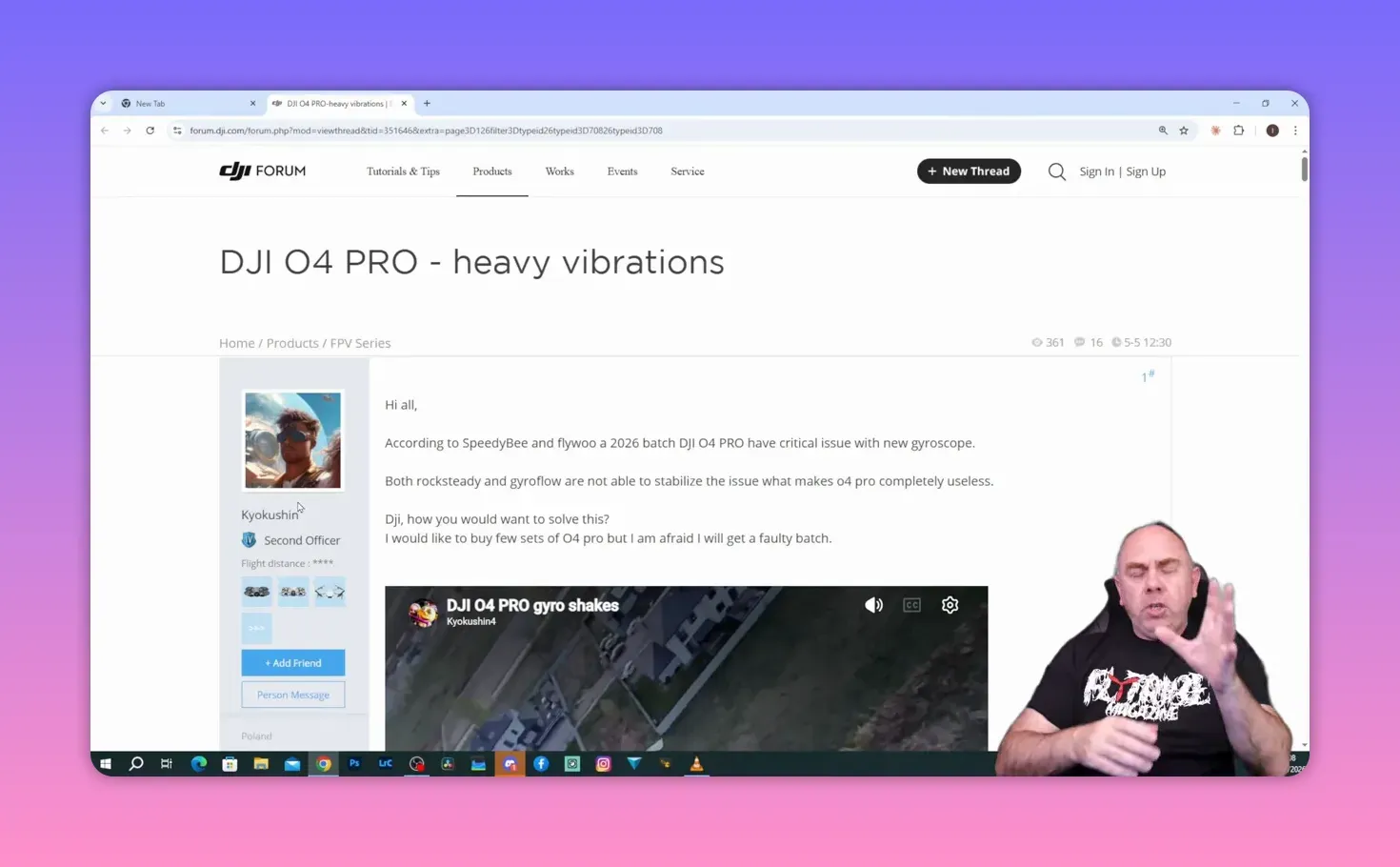
Examples posted on DJI’s forum show the issue clearly enough. One clip shows visible jitters in stabilised footage. Another compares unstabilised footage against Gyroflow output, and something is plainly off. The motion does not look like ordinary prop wash, mounting issues, or the usual “your tune is bad” sort of nonsense.
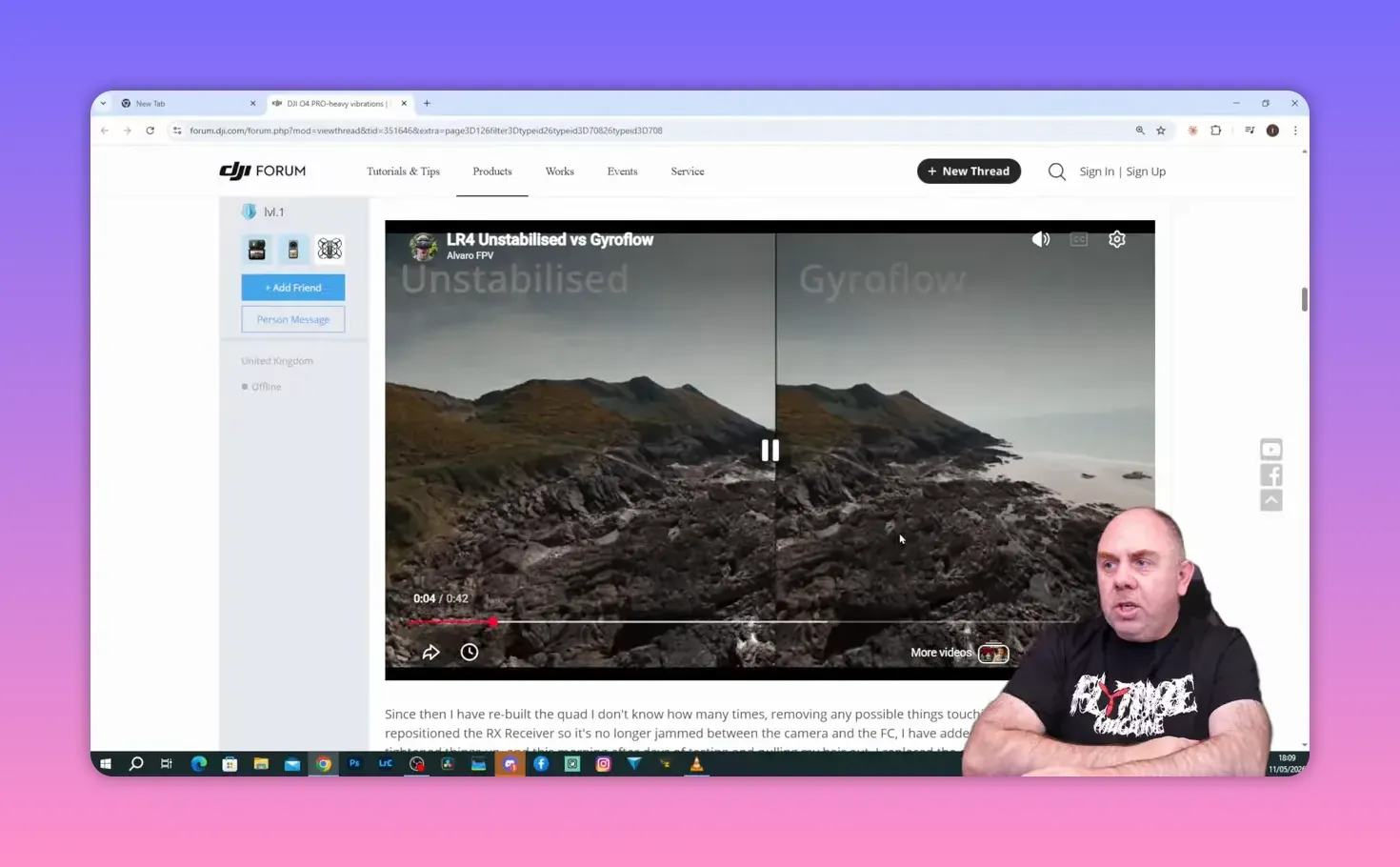
That said, most of the public examples stop short of the useful bit: raw footage with gyro traces. Without that, nobody can say with confidence whether the fault sits in the sensor, DJI’s firmware, or in the way Gyroflow is parsing the data.
What changed in 2026 production
This is where the internet spotted one hardware change and declared the case solved. DJI did change components in 2026 production. The O4 Pro got a new SRAM chip, and DJI also changed the gyro used in the camera.
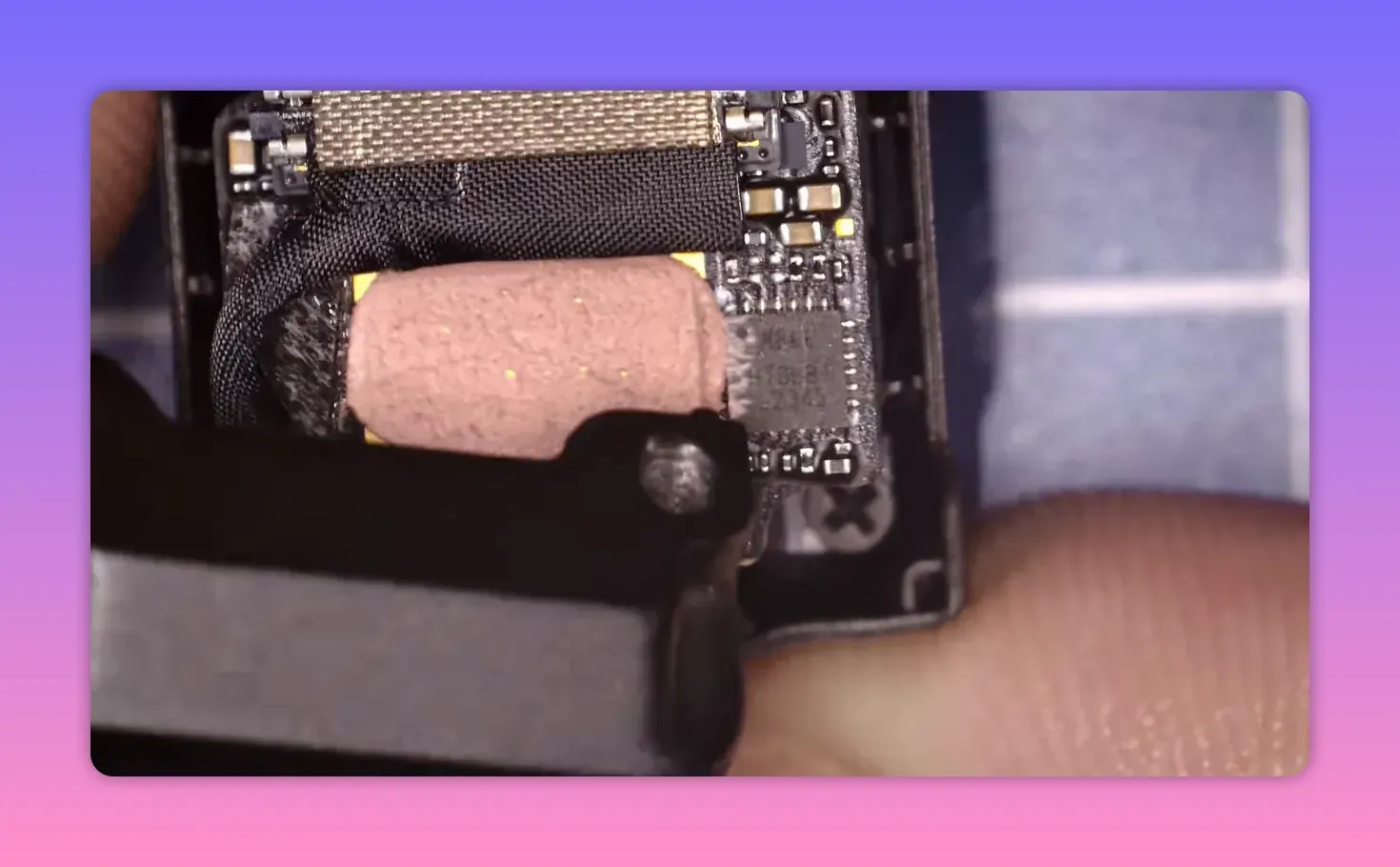
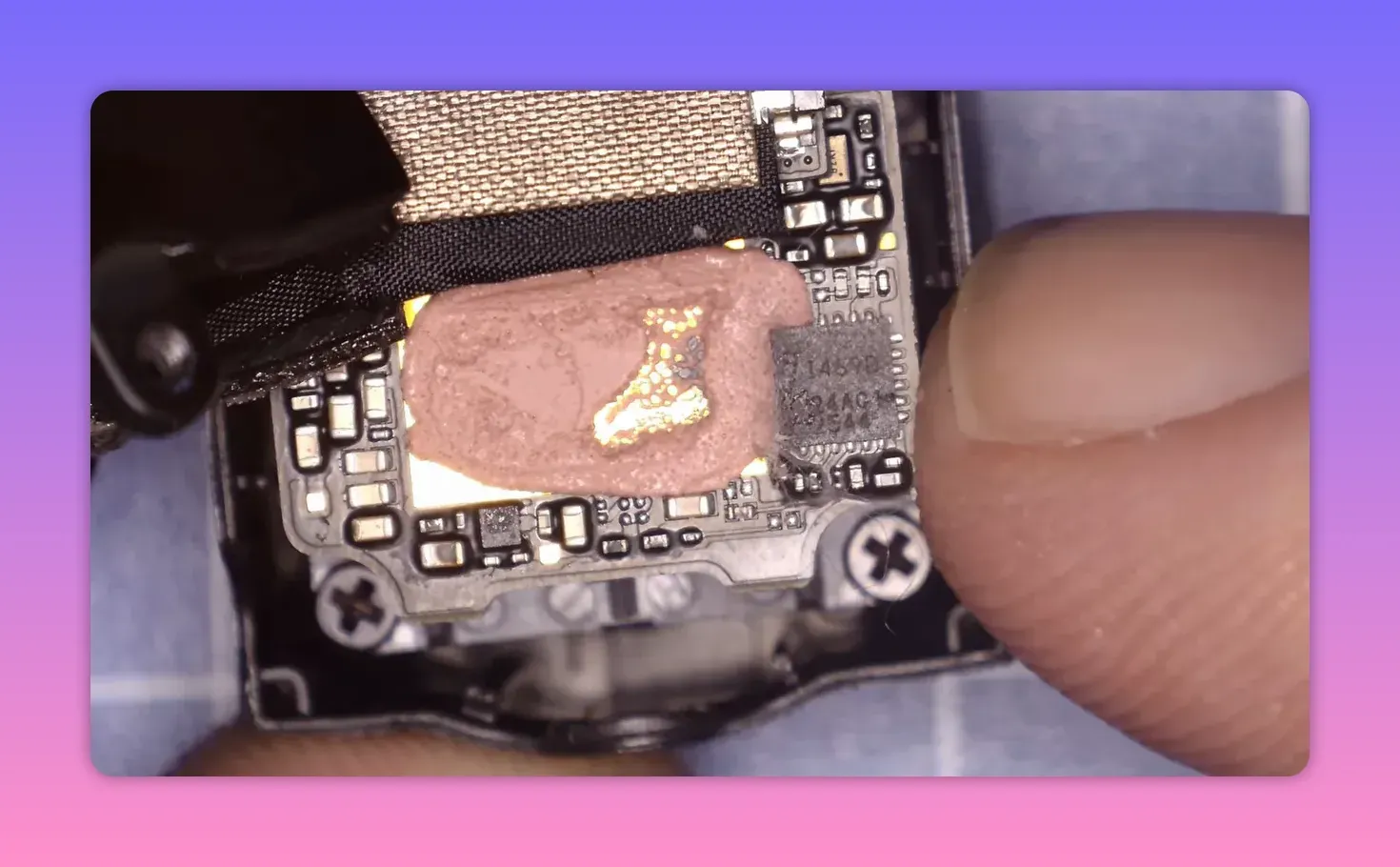
The original 2025 O4 Pro camera used a gyro marked MP66—an MPU-6600 family part. The O4 Lite used a different ICM gyro from launch, marked I469D, which maps to the ICM40609D.
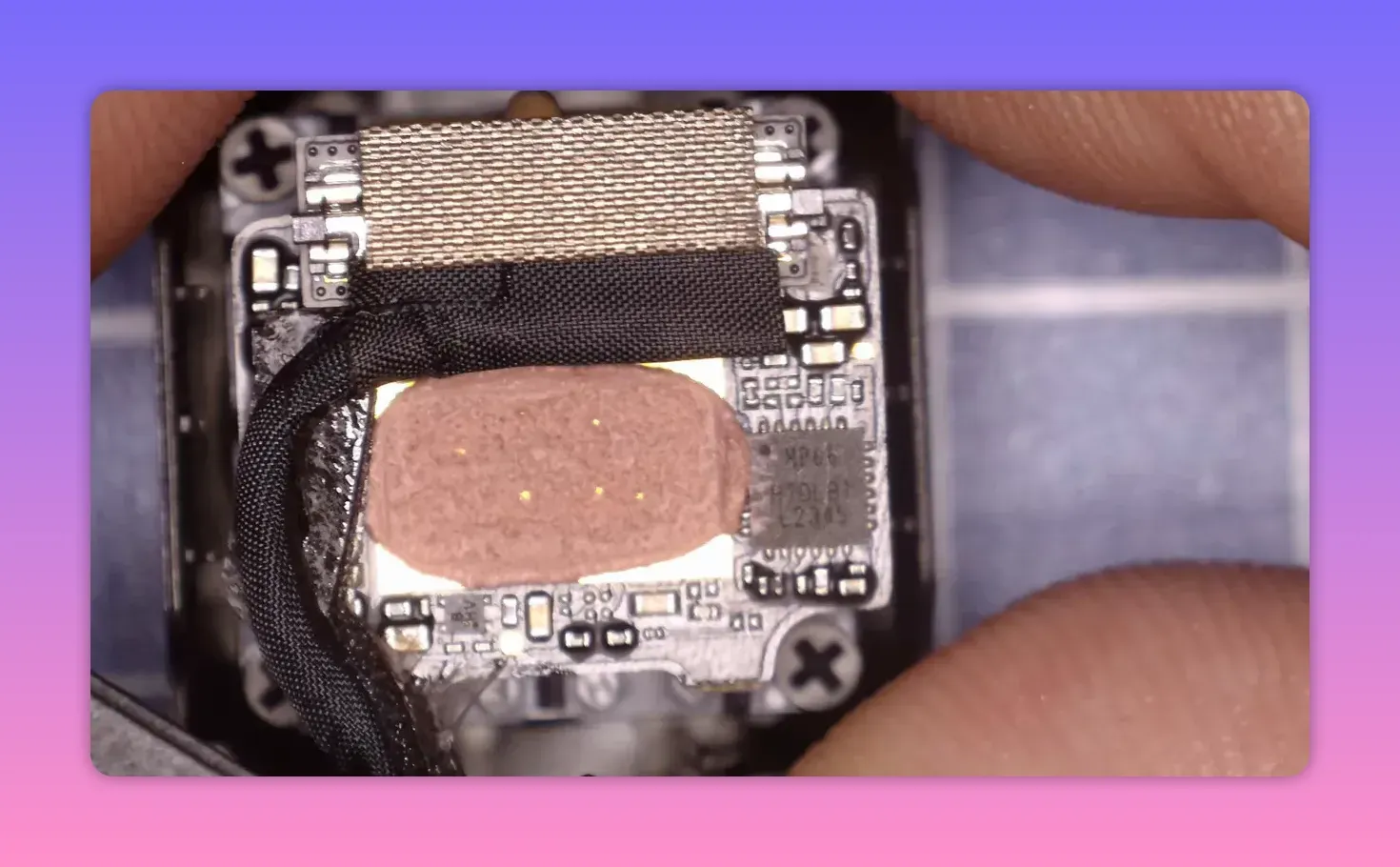
On the newer 2026 O4 Pro camera, DJI appears to have moved to that same ICM gyro used on the O4 Lite. So yes, the hardware changed. No, that does not automatically mean the replacement gyro is bad.
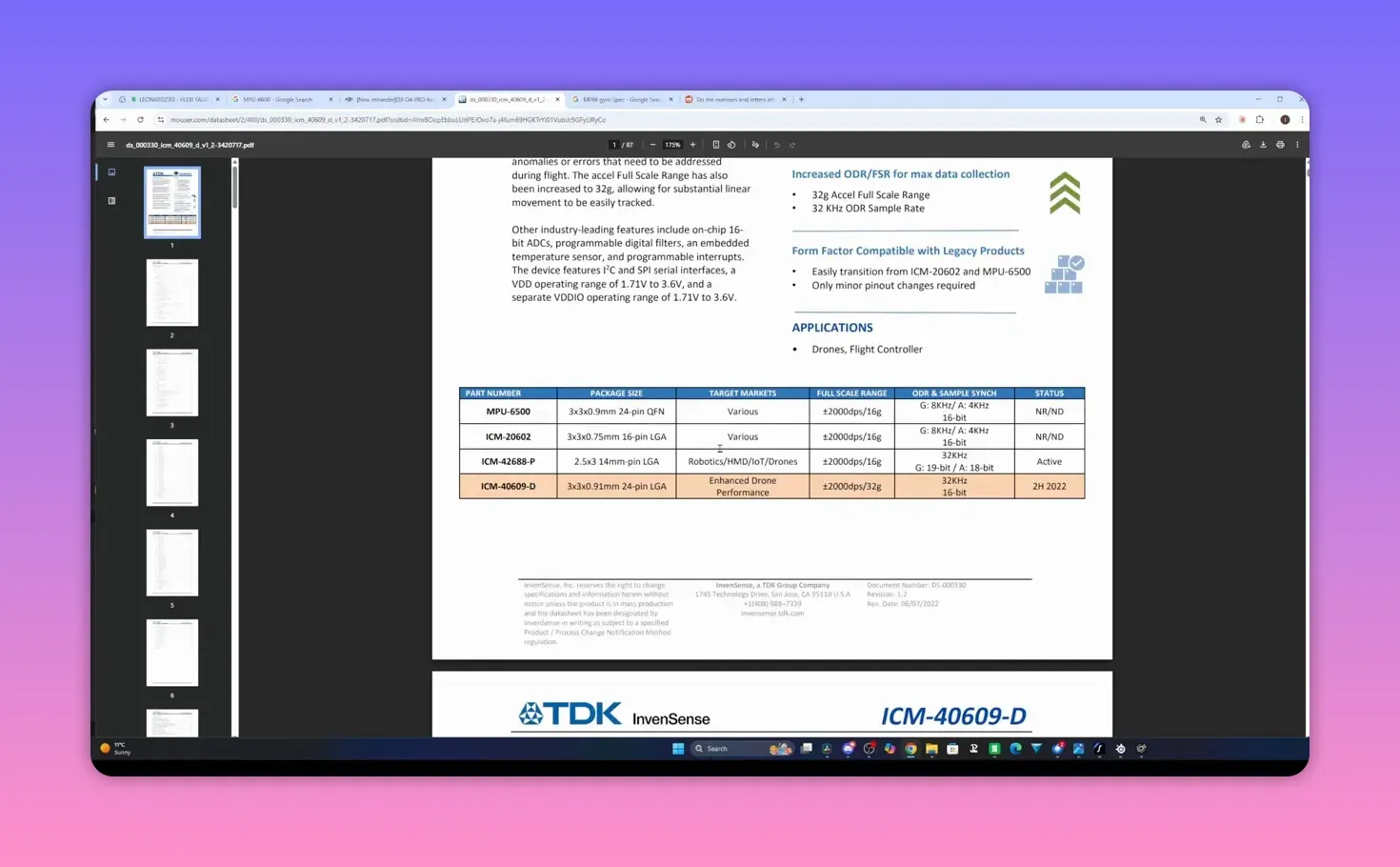
In fact, the ICM40609D makes technical sense. It is designed for drones and flight controllers, supports a 32kHz sample rate at 16-bit output, and reads like a sensible modern part—not a bargain-bin sensor pulled from a toy helicopter.
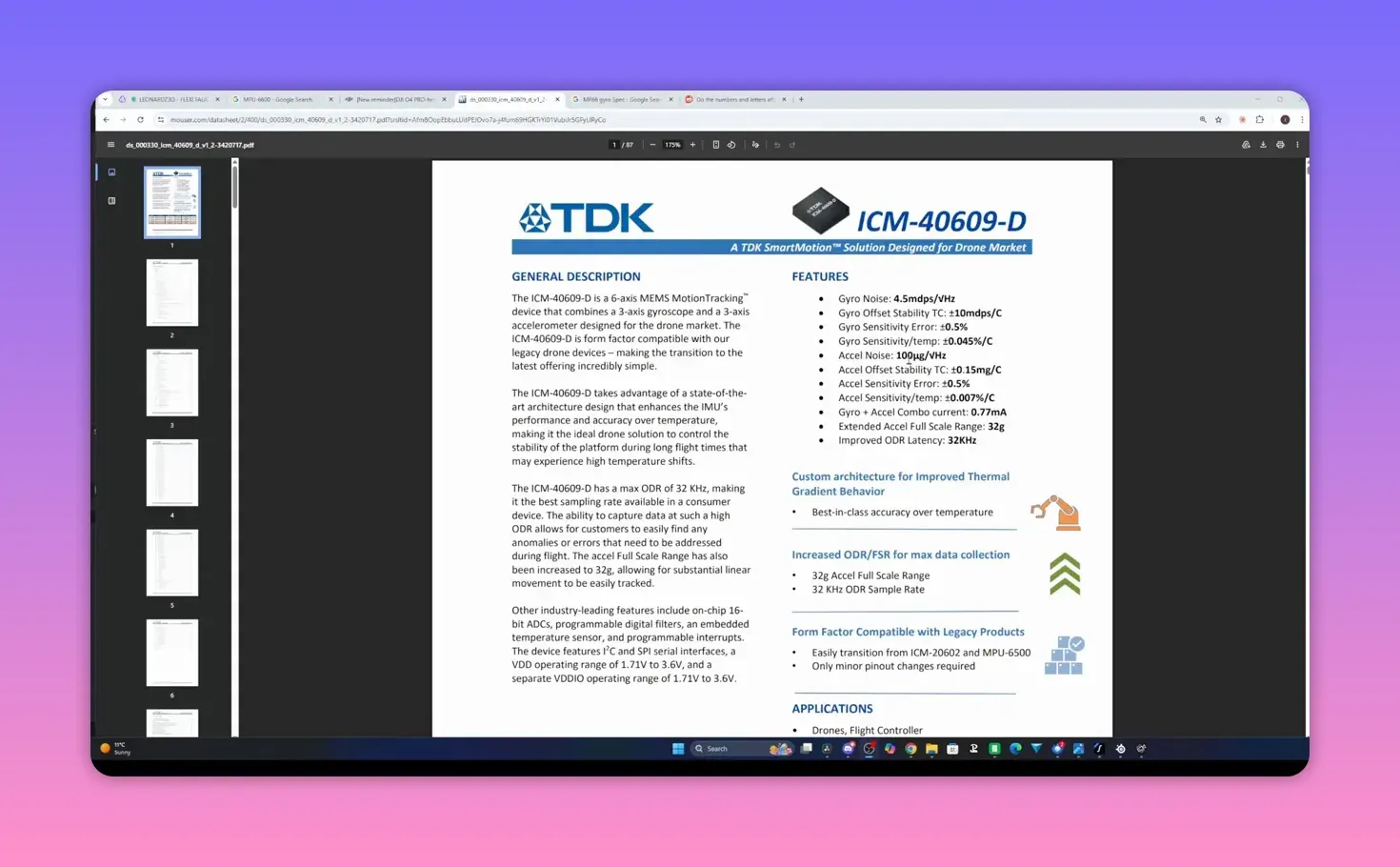
It is also presented as a direct replacement class device in the same broad family of use cases. So the simple “new gyro equals cheap gyro equals broken FPV drone” theory is far too neat for the evidence on hand.
Why the gyro swap may not be the real culprit
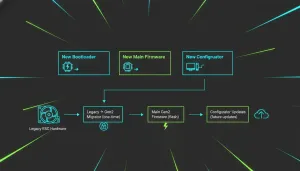
Several things changed at once. That is the sort of engineering detail social media dislikes because it ruins a good rant. DJI changed SRAM, changed gyro hardware, and also shipped two firmware updates for the O4 Pro in quick succession.
When multiple variables move together, blaming one component is guesswork. The new gyro may be fine. The firmware that reads it may be wrong. The output format may have changed in a way that trips Gyroflow. Or only a certain batch may be affected.
There are also reports of odd bitrate behaviour in race mode. That seems separate, but it adds weight to the idea that 2026 production changed in more ways than one. A product line that shifts memory parts, firmware, and sensor configuration at the same time can produce some odd edge cases.
The awkward fact: not every 2026 O4 Pro is broken
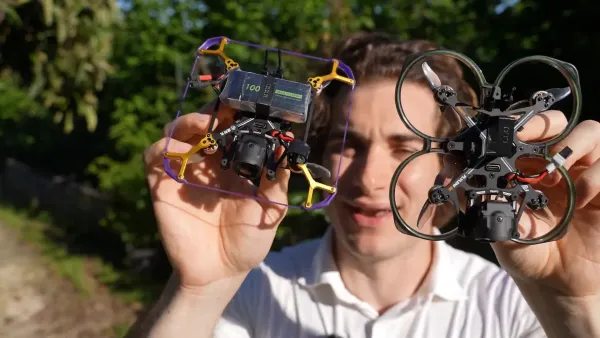
This is the bit that kills the easy headline. Mads Tech has a 2026-production O4 Pro air unit with the newer ICM gyro, and it works properly in both RockSteady and Gyroflow.
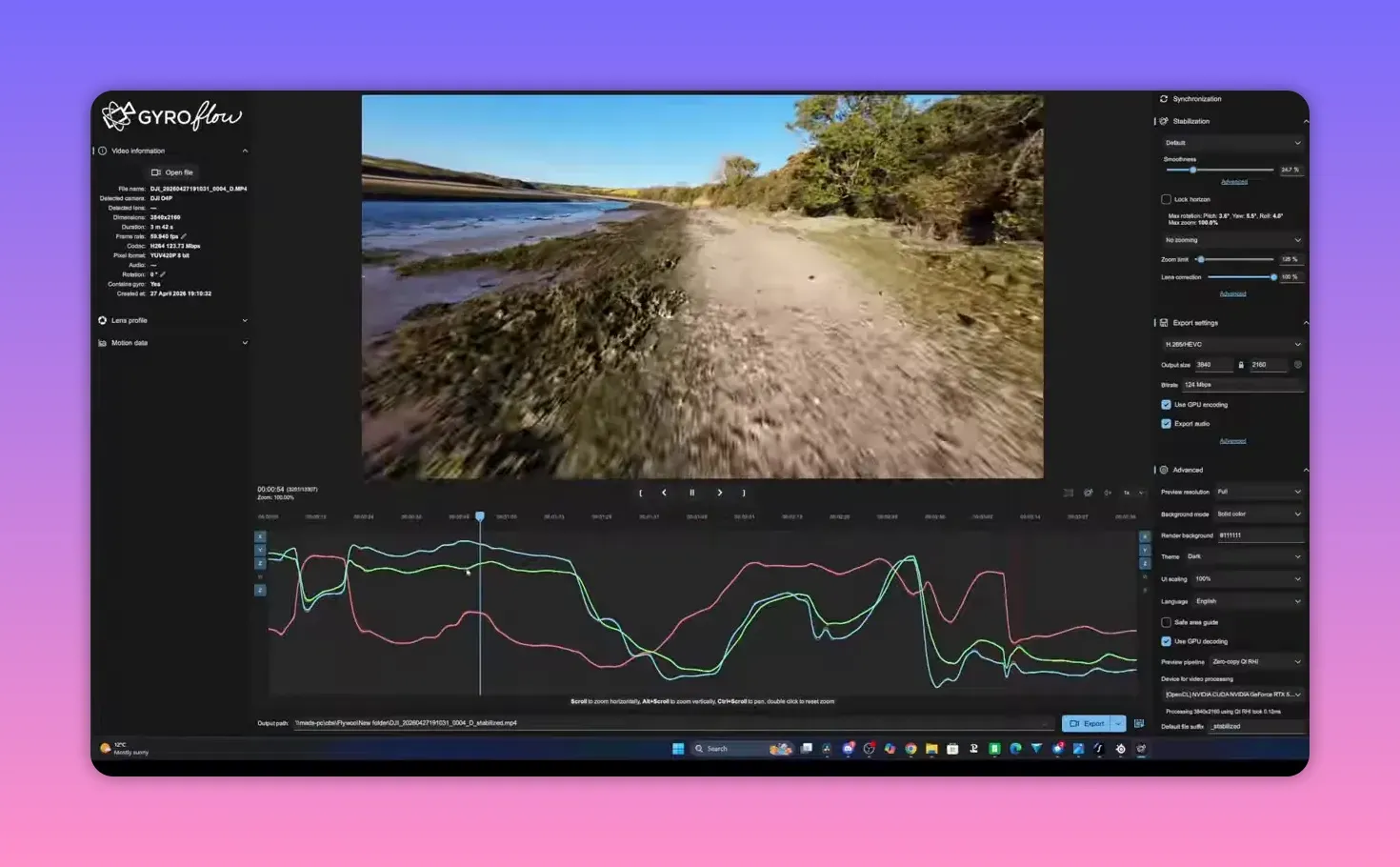
He points to footage from his Firefly 20 Pro review, recorded in windy conditions, processed in Gyroflow, and checked again after the issue reports surfaced. The stabilisation behaved normally. No odd trace behaviour. No obvious post-process judder. No drama.
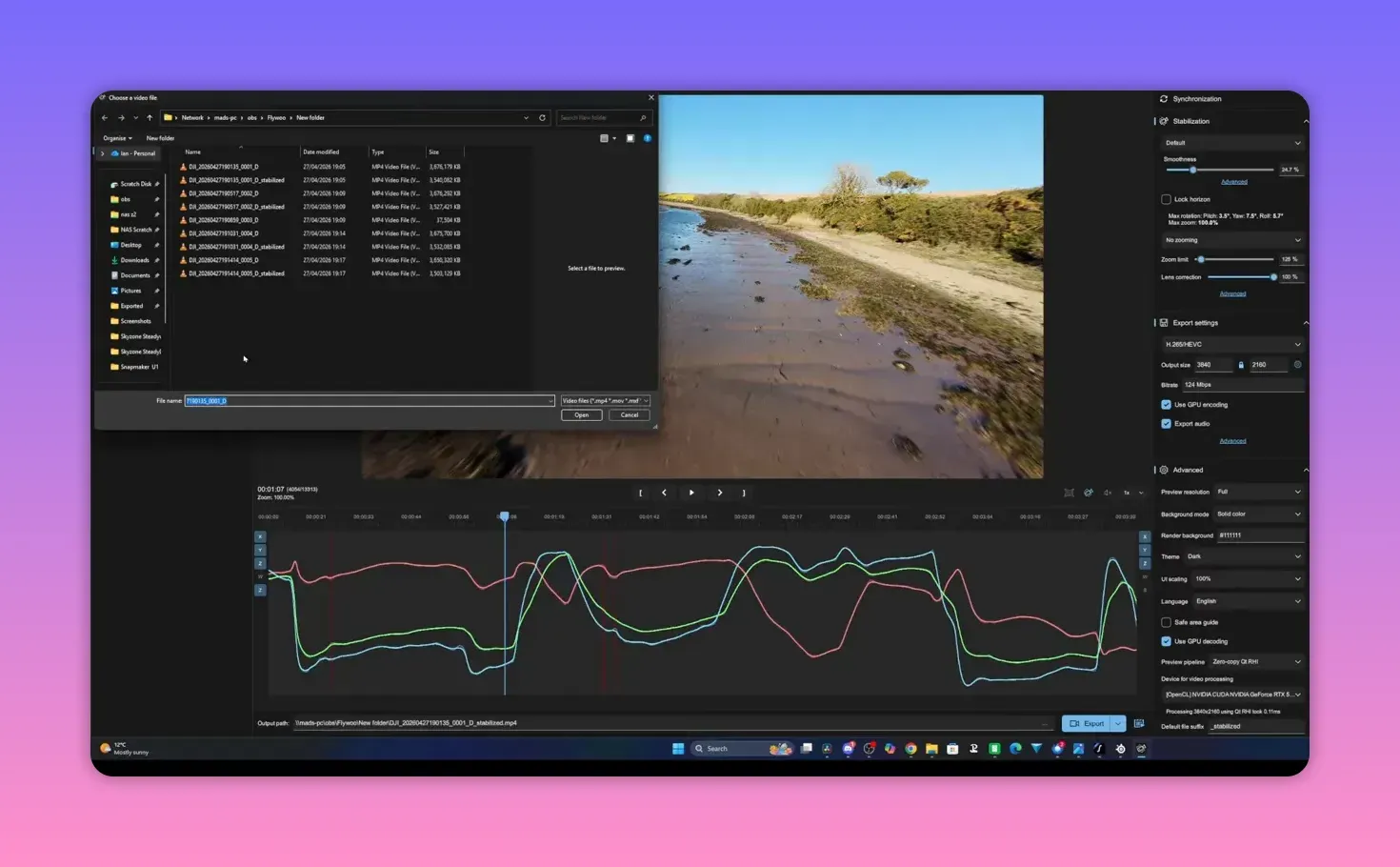
That does not disprove the fault reported by others. It does disprove the blanket claim that every 2026 O4 Pro unit is defective. Some work. Some do not. That alone suggests a batch issue, firmware bug, or some narrower production problem rather than a universal hardware failure.
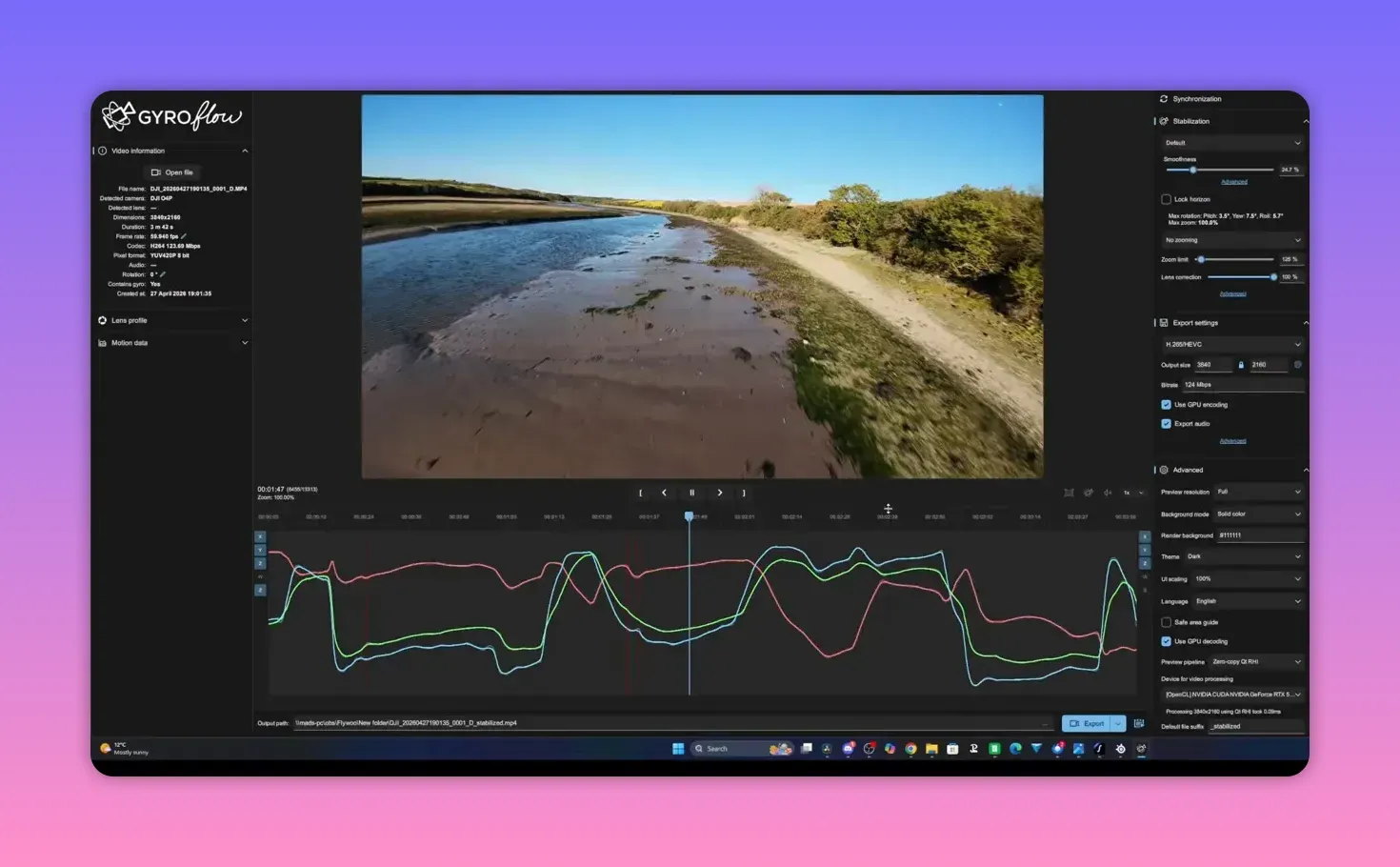
There are also cases where someone returned a problematic unit, received another 2026-production replacement, and found the replacement was fine. Again, not what a universal hardware defect looks like.
Why DJI may have changed the parts at all
The likely answer is supply chain pain, because of course it is. There is a global shortage affecting MEMS parts as well as memory, and flight controller manufacturers have already been talking about sensor shortages.
That makes the component swap less sinister and more boring. DJI probably changed production because it had to keep shipping units. That is normal manufacturing behaviour, not proof of sabotage, apocalypse, or a plot against your FPV drone footage.
What is still unknown
There are too many gaps to call this properly solved. Are all affected units on the latest firmware? Did the issue start after one of the two recent O4 Pro updates? Are the goggles updated too? Is the fault visible in both RockSteady and Gyroflow, or only one path?
That last point matters a lot. If RockSteady works and Gyroflow does not, the data interpretation path deserves scrutiny. If both fail, DJI’s own processing chain starts to look guilty. Right now, public reporting is too patchy to separate those cases cleanly.
Mads Tech has already asked the Gyroflow developers about it. Their response, in plain terms, is sensible: a gyro change should not inherently break support, but they need raw footage from affected units to test what is happening.
And that is the missing ingredient. Raw files from bad units would let developers inspect the gyro traces directly. Without those, everyone is arguing from symptoms and screenshots—fun for the comments, less useful for fixing a technical fault.
What FPV drone pilots should do right now
If you already own a 2026 O4 Pro and the stabilisation looks wrong, start with the boring checks. Update the O4 Pro firmware. Update the goggles. Check that Gyroflow is current. Confirm whether the fault appears in RockSteady, Gyroflow, or both.
Also remember the old O4 Pro caveat: the gyro is hard-mounted, so the camera needs proper soft mounting. That does not explain the new severe judder reports by itself, but it can still make a marginal setup look worse.
If the issue remains after updates, an RMA is a reasonable move. It may be the only practical route for some owners if the fault is batch-specific. Several signs suggest replacement units can be fine even within the same 2026 production run.
If you are shopping for a new FPV drone setup and wondering whether to avoid the O4 Pro completely, the evidence does not support that yet. Be aware of the issue. Test your footage early. But no, this is not “burn it all down” territory.
The most likely explanation
The best current guess is not dramatic: this looks like a firmware bug or a narrower production problem, not proof that DJI’s new gyro choice was a mistake. That fits the mixed reports, the working 2026 units, and the fact that DJI altered several things together.
DJI still needs to act. The company sold O4 Pro with gyro-based stabilisation as part of the package. If that feature is broken for some owners, the fault is real whether the root cause is hardware, firmware, or both.
So the sensible position is this: treat the issue seriously, skip the melodrama, and wait for harder data. The FPV drone world has enough actual fires already without inventing new ones.
FAQ
Is every 2026 DJI O4 Pro air unit affected?
No. Some 2026 units show bad stabilisation, but at least some 2026 units with the newer ICM gyro work normally in both RockSteady and Gyroflow.
Did DJI change the gyro in the 2026 O4 Pro?
Yes. DJI appears to have moved the O4 Pro to the same ICM40609D-family gyro used on the O4 Lite, alongside SRAM changes and other production tweaks.
Does the new gyro cause the problem?
That is not proven. The issue may come from firmware, batch variation, data handling, or another related change. The gyro swap alone does not explain all current reports.
Should I avoid buying a DJI O4 Pro for my FPV drone?
Not on current evidence. There is a real issue affecting some units, but not enough data to justify a blanket “do not buy” verdict.
What should I do if my stabilisation is jittery?
Update firmware on the air unit and goggles, update Gyroflow, check whether the fault appears in RockSteady or only in Gyroflow, and consider an RMA if the problem stays.
Why did DJI change parts in the first place?
The most likely reason is supply constraints. MEMS sensors and memory parts have both been in short supply, and manufacturers across the drone sector have had to switch components.
Takeaway box
- Some 2026 DJI O4 Pro units do jitter in stabilised footage—but not all of them. Panic is not data.
- DJI changed both gyro and SRAM in 2026 production, then pushed firmware updates. That complicates blame nicely.
- The new ICM gyro is not obviously a cheap downgrade. On paper, it is a sensible drone-grade part.
- If your FPV drone footage goes wobbly, update everything first, then test RockSteady and Gyroflow separately.
- Best current bet: firmware bug or batch issue. Worst current habit: shouting “do not buy” before the raw files show up.
This article was based from the video DJI O4 Pro 2026 Gyro Issues - Everything You Need To Know!