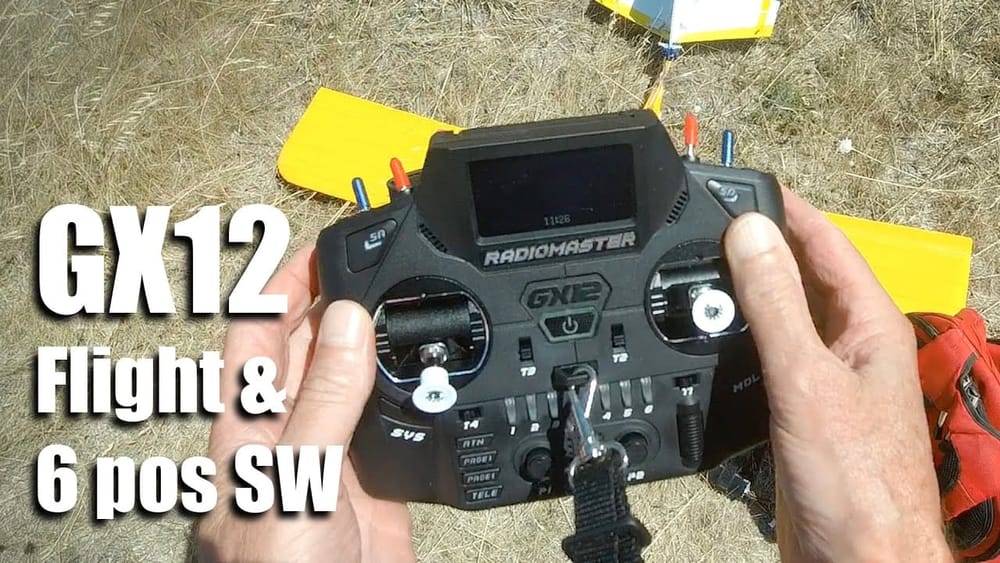
Ardupilot Flight Modes Setup matters because a radio with flexible switches saves you programming grief and mid-air improvisation.
TL:DR
Radiomaster GX12 feels solid, the screen polarises against sunglasses, and you can convert the top switches into flexible groups. Use the model setup to create up to six custom positions or many momentary switches, then map them in Mixers to control channels like flight modes.
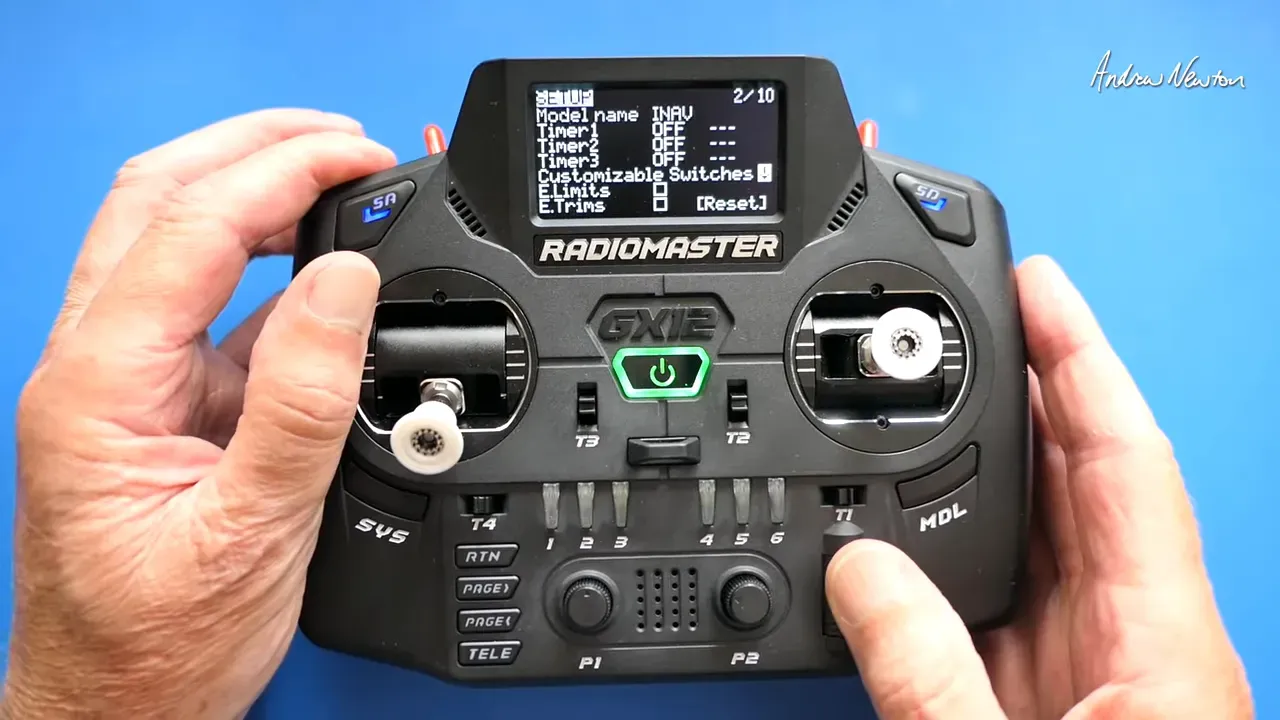
Create custom switches in Model Setup
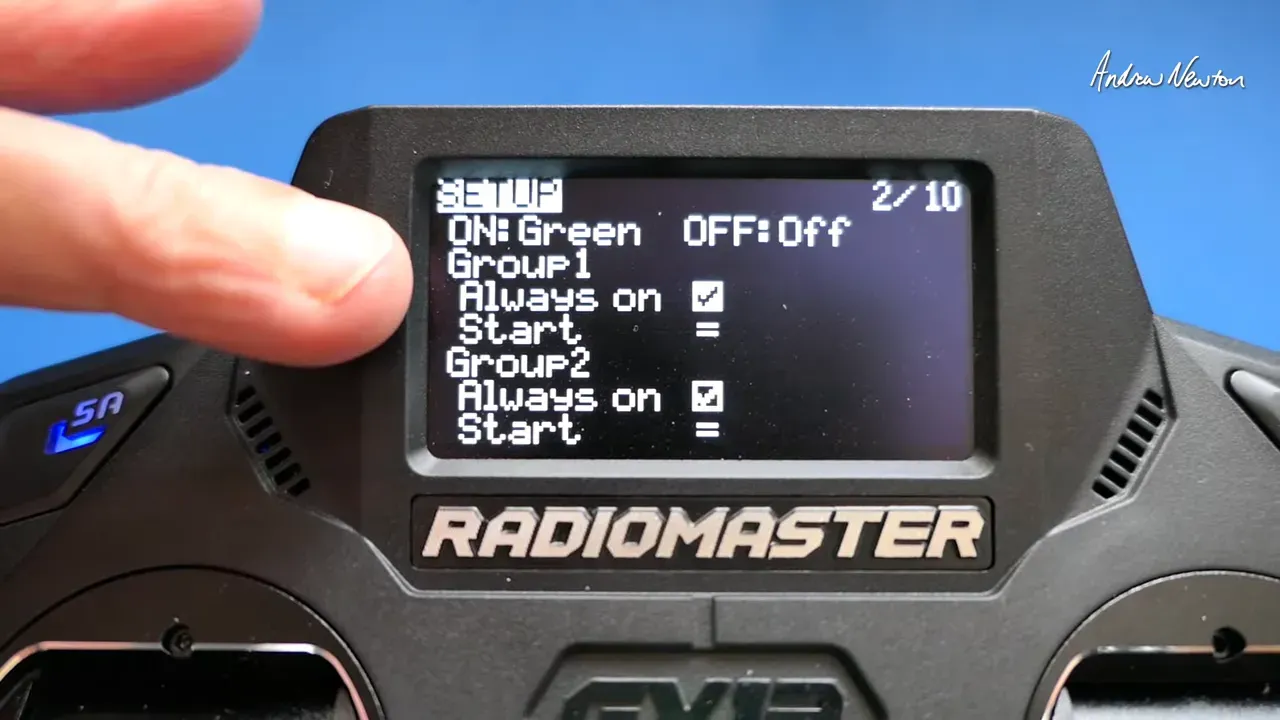
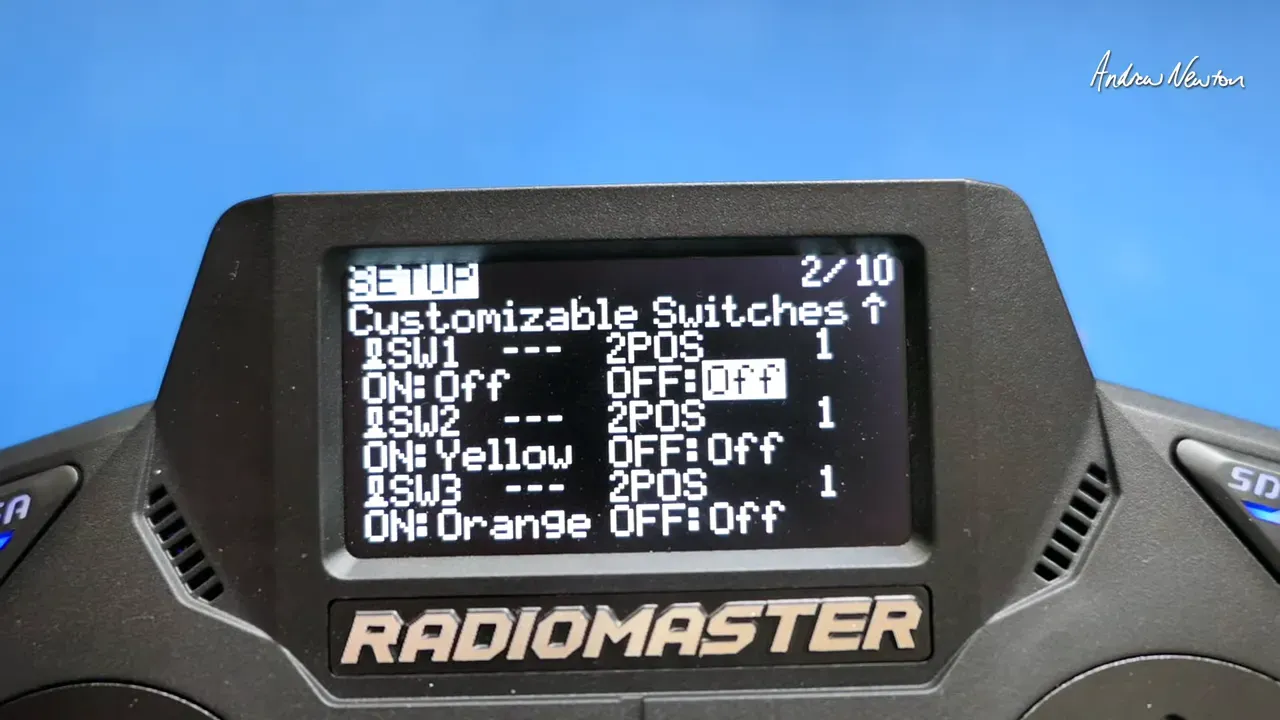
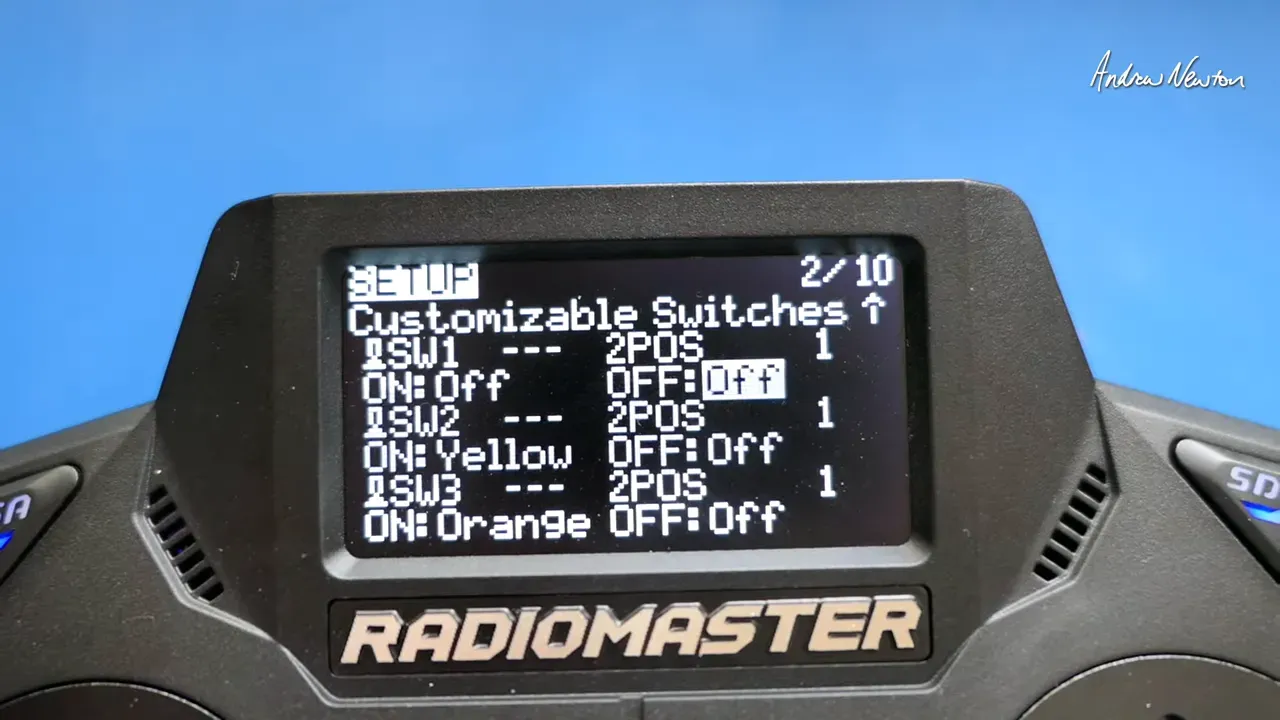
Open Model Setup, then choose Customizable Switches. The GX12 exposes Switch 1 through Switch 6. Treat them as individual switches or group them into up to three groups for multi‑position behaviour.
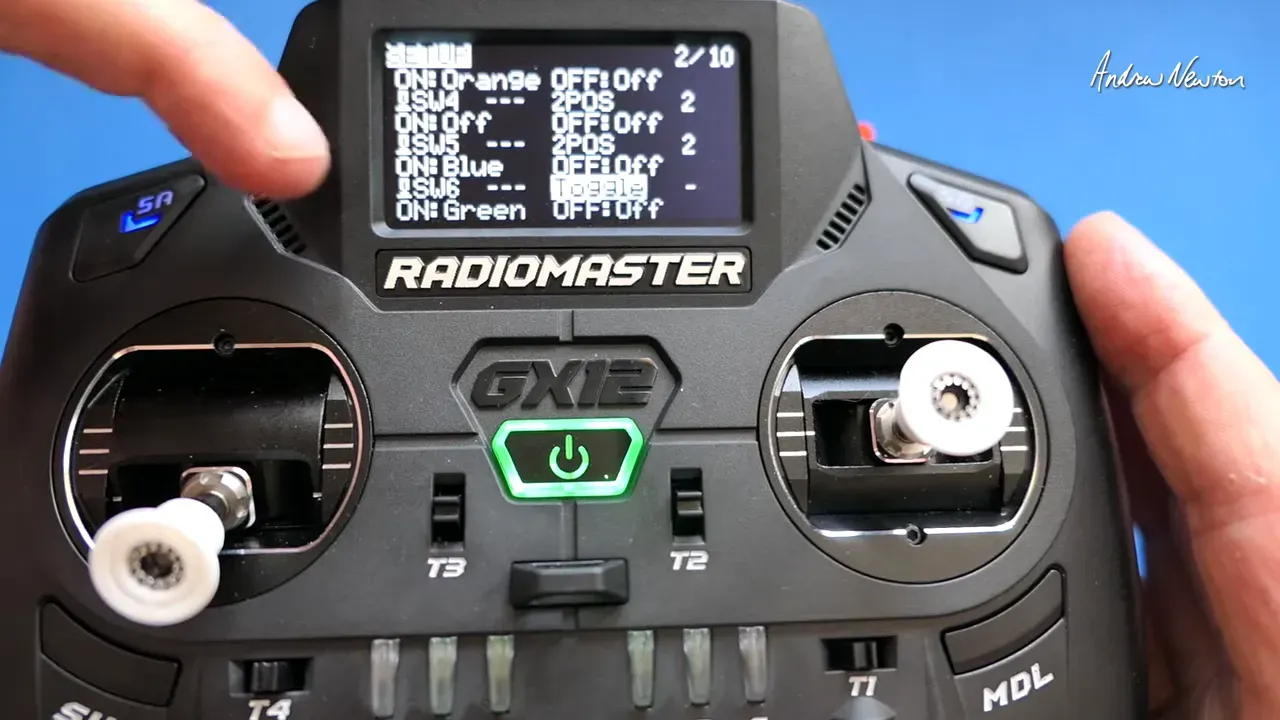
Each switch lets you set name, on/off default, group assignment, and LED colours. Pick a start position and choose distinct colours so you can glance at the radio and know the state.
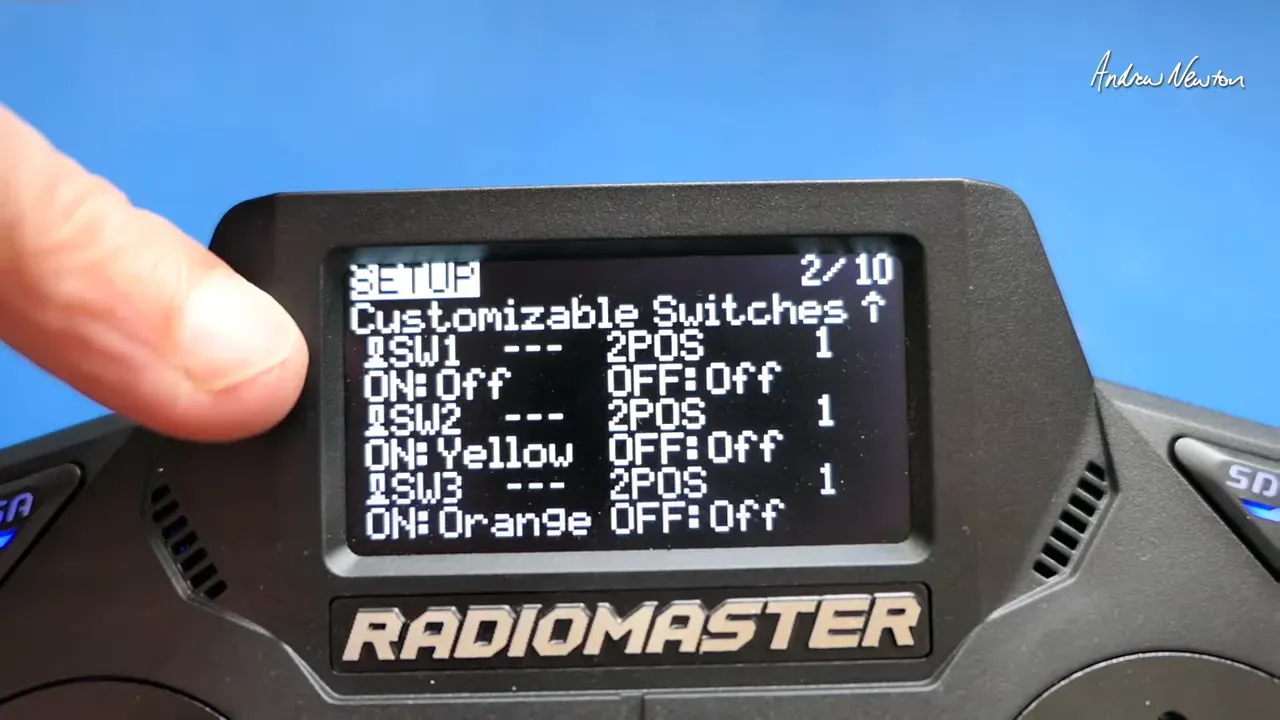
Define group behaviour
Create groups to change how switches interact. A group can act always‑on, remember last state, or start at a defined position. Groups appear in the menu once you create them.
Map switches to channels on the Mixers page
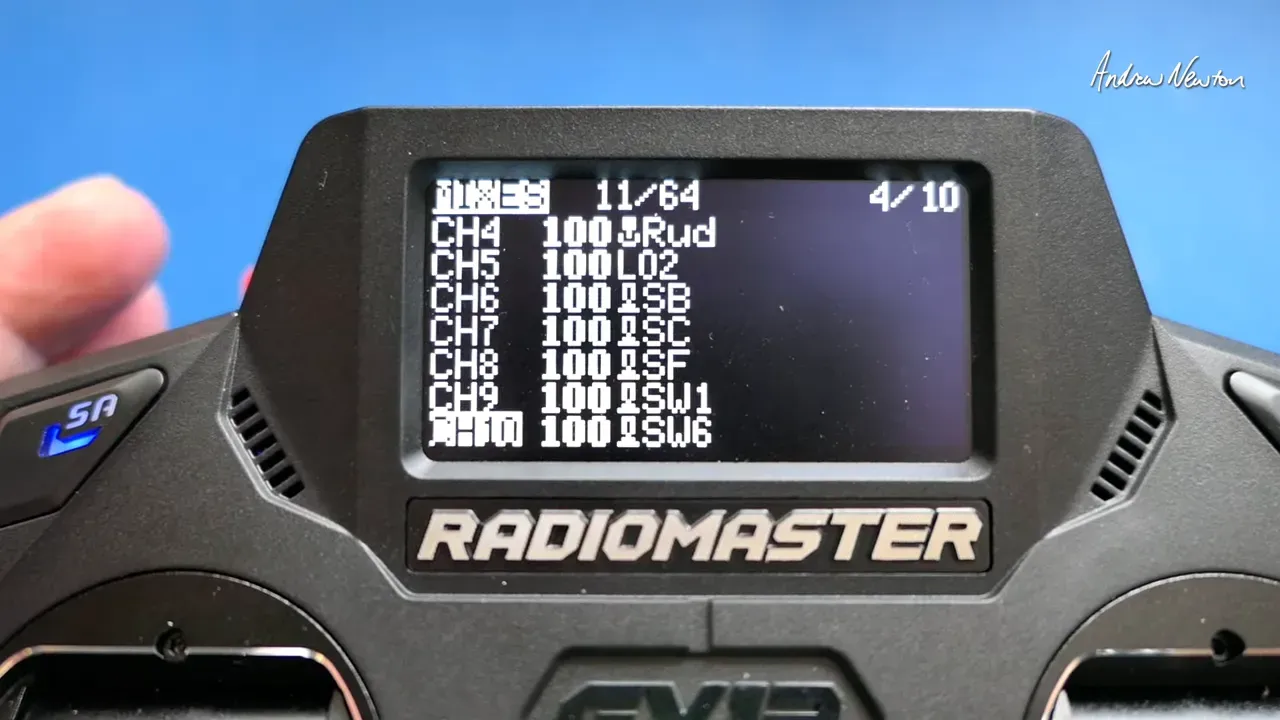
Go to Mixers, add a mixer on the intended channel (for example, Channel 10), then choose the source. You can select individual Switch 1–6 or any Group you created.
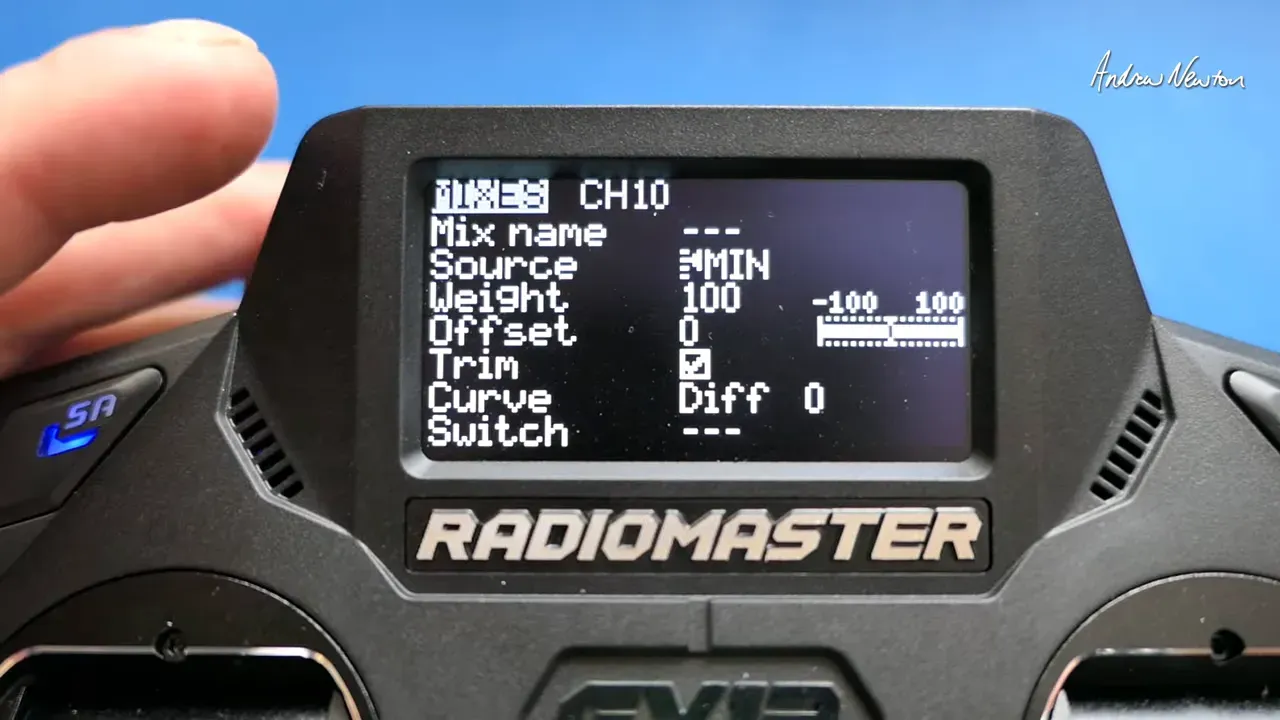
For a momentary behaviour, remove the switch from the group and set it as a toggle/momentary. For a three‑position switch use a group of three; for six positions put all six switches in a single group. The GX12 will then present down, middle, and up states, or a full six‑position sweep if you group them.
Example setups for Ardupilot Flight Modes Setup
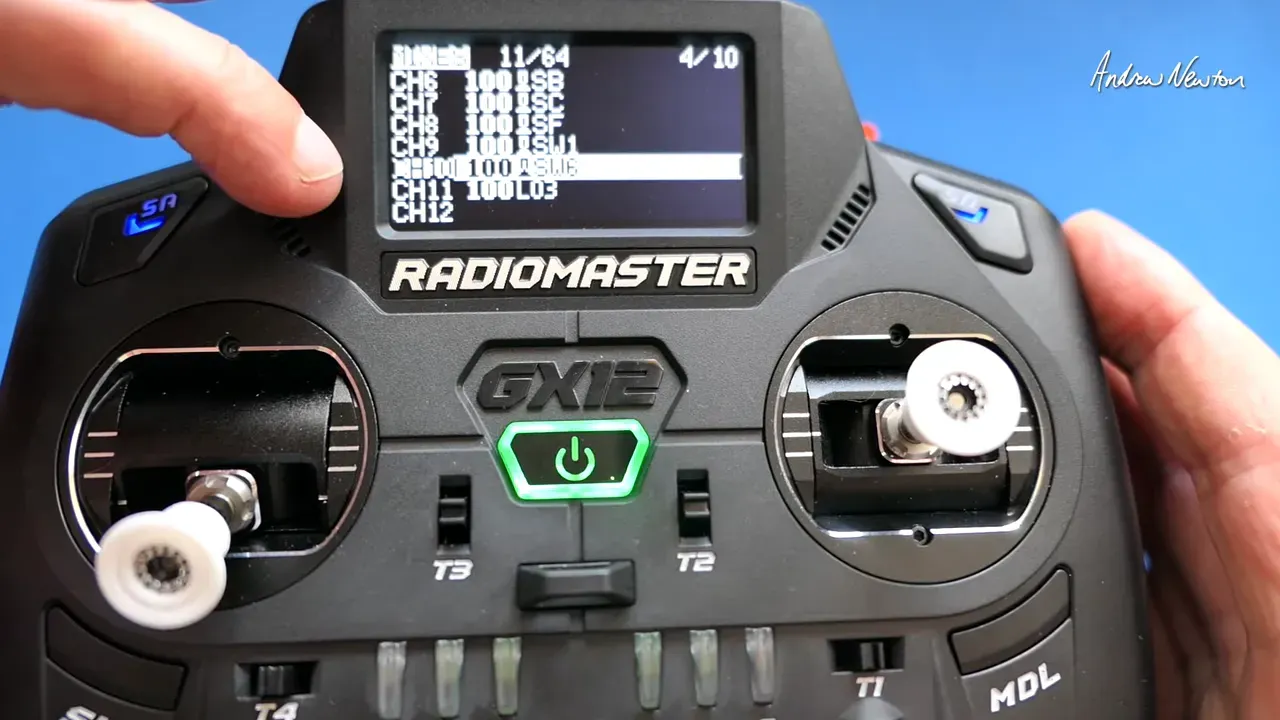
Map a grouped six‑position switch to a channel that Ardupilot reads for flight modes. Or map individual switches to toggles for auxiliary functions. Andrew mapped Channel 9 to Switch 1 and Channel 10 to Group 1 during testing.
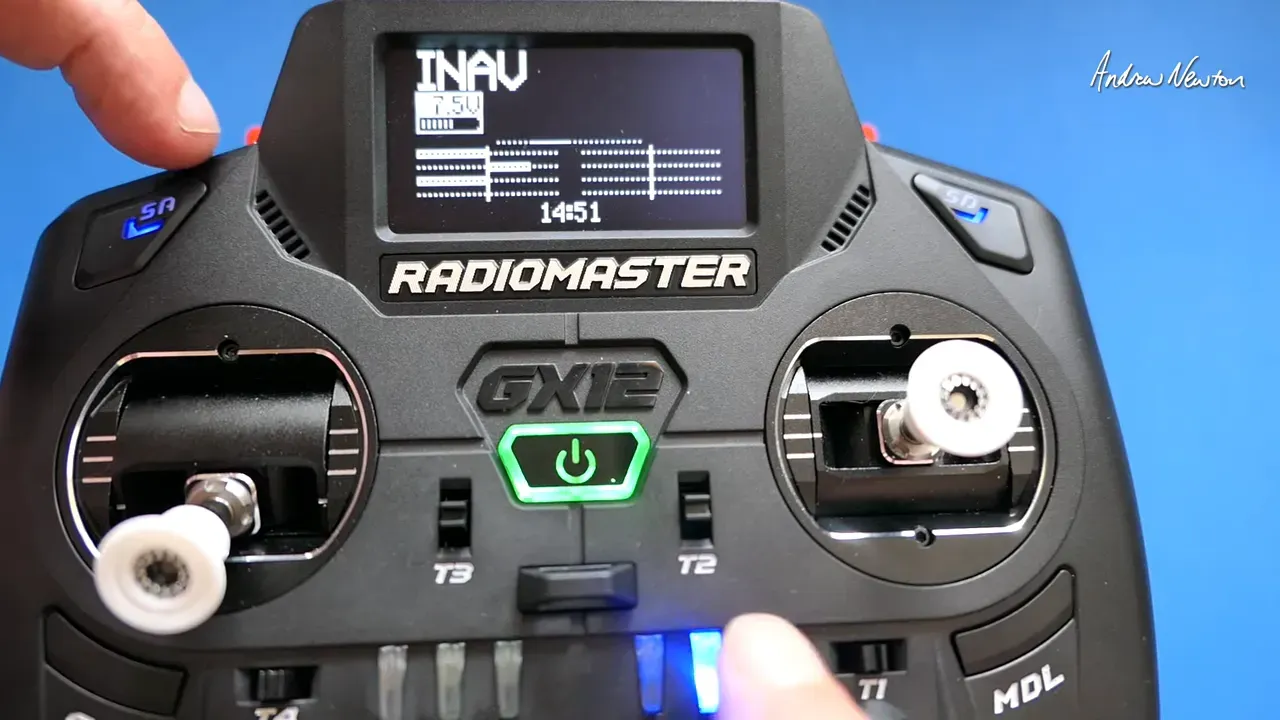
Use momentary switches for transient commands, three‑position groups for mode families, and a full six‑position group when you want many discrete modes without a menu. Colours reduce mistakes under stress.
FAQ
Will the GX12 screen always blackout with polarised sunglasses?
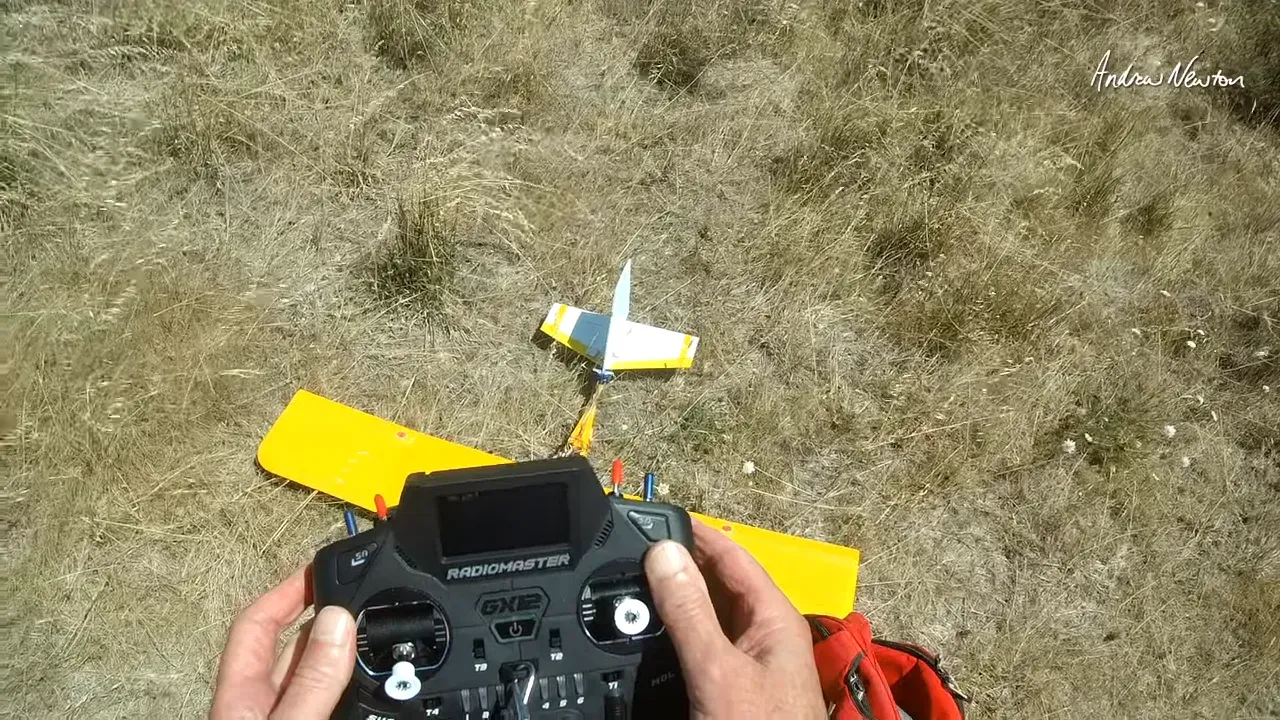
Not always, but many LCDs have cross‑polarisation. If your sunglasses are polarised you may see a black or dim screen at certain angles. Angle the radio vertically or remove the glasses to read it.
How do I make a switch momentary rather than a three‑position?
Remove the switch from any group, then set it as a toggle/momentary in the Customizable Switches menu. Test it in Mixers by watching the channel output when you press the switch.
Can I map multiple channels to the same switch group?
Yes. Multiple mixers can use the same group as their source. That lets one physical set of positions control several outputs, such as flight modes plus LED patterns.
Do the LED colours persist after power cycle?
You can choose whether a group starts with the last used position or a defined start. The colour settings indicate on/off states and persist with the model memory.
Takeaway
- Ardupilot Flight Modes Setup works best when you assign a grouped switch to a dedicated channel.
- Move arming to a top switch if you often hold the airframe with one hand.
- Give switches colours. It stops you flipping the wrong one mid‑flight.
- 3D‑printed gimbal tips improve control without changing stick height.
This article was based from the video Radiomaster GX12 Flight and 6 pos switch setup