The BetaFPV Meteor75 Pro HD kit promises budget HD FPV in one box, which is usually where the asterisk appears. It does deliver, but the P1 video system, goggle quirks, and indoor latency mean this kit makes more sense for some pilots than others.
TLDR: What you actually need to know
- Price: the full ready to fly kit is stated at $320, including quad, goggles, radio, two 580mAh batteries, charger, spare frame, props, screws, tools, manuals, and a carry case.
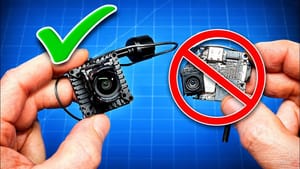
- Video system: this uses BetaFPV P1, and it is not compatible with HDZero, Walksnail, DJI, or analogue. Different ecosystem, different goggles, same hobby habit of making wallets nervous.
- Flight feel: outdoors, the HD video looks good and the quad flies well. Indoors, variable latency is noticeable, especially in tighter spaces and RF-hostile areas.
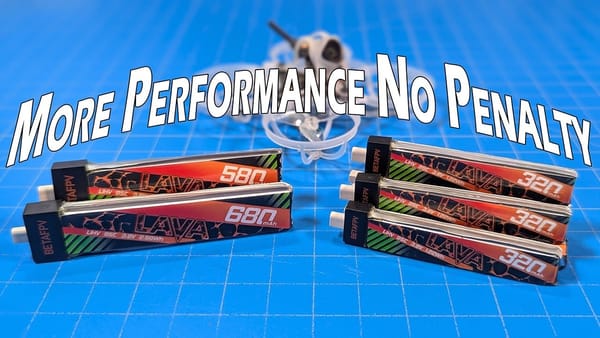
- Battery fit: the supplied 580mAh packs fit, and 480mAh and 680mAh packs were also reported to fit the tray.
- Best for: pilots who want an all-in-one, low cost entry into HD FPV, or existing FPV users who specifically want to try the P1 system.
- Avoid if: low latency indoor flying is the main goal, or if there is already investment in DJI, Walksnail, HDZero, or analogue goggles.
- Bottom line: the value looks decent, the quad is durable, and the image is clear, but the P1 system still carries enough caveats that a careful parts-and-purpose check is sensible.
What is the BetaFPV Meteor75 Pro HD FPV kit, exactly?
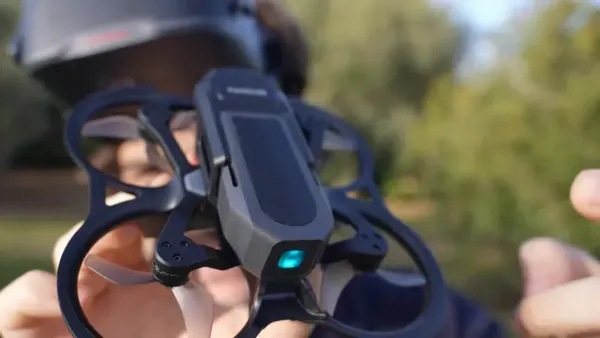
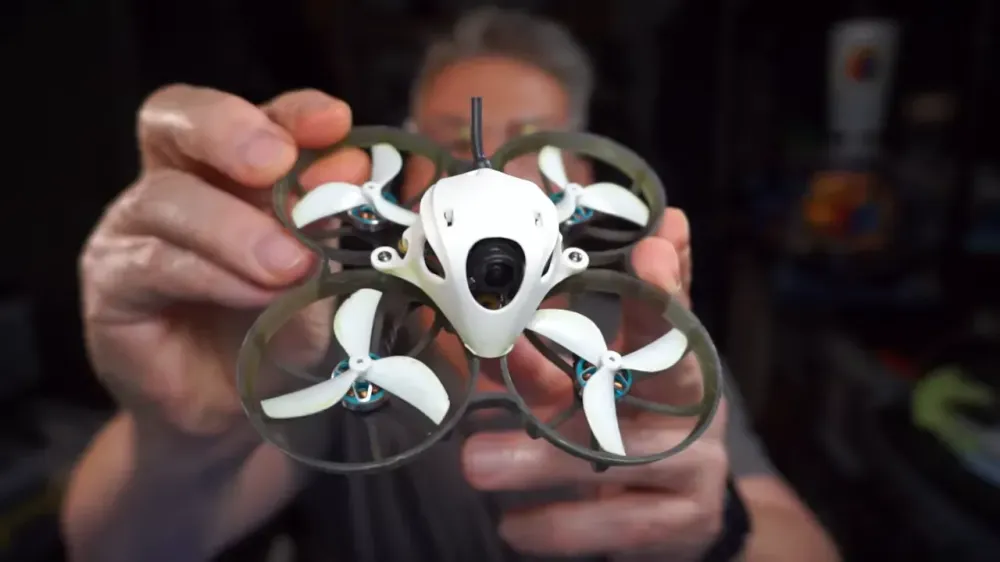
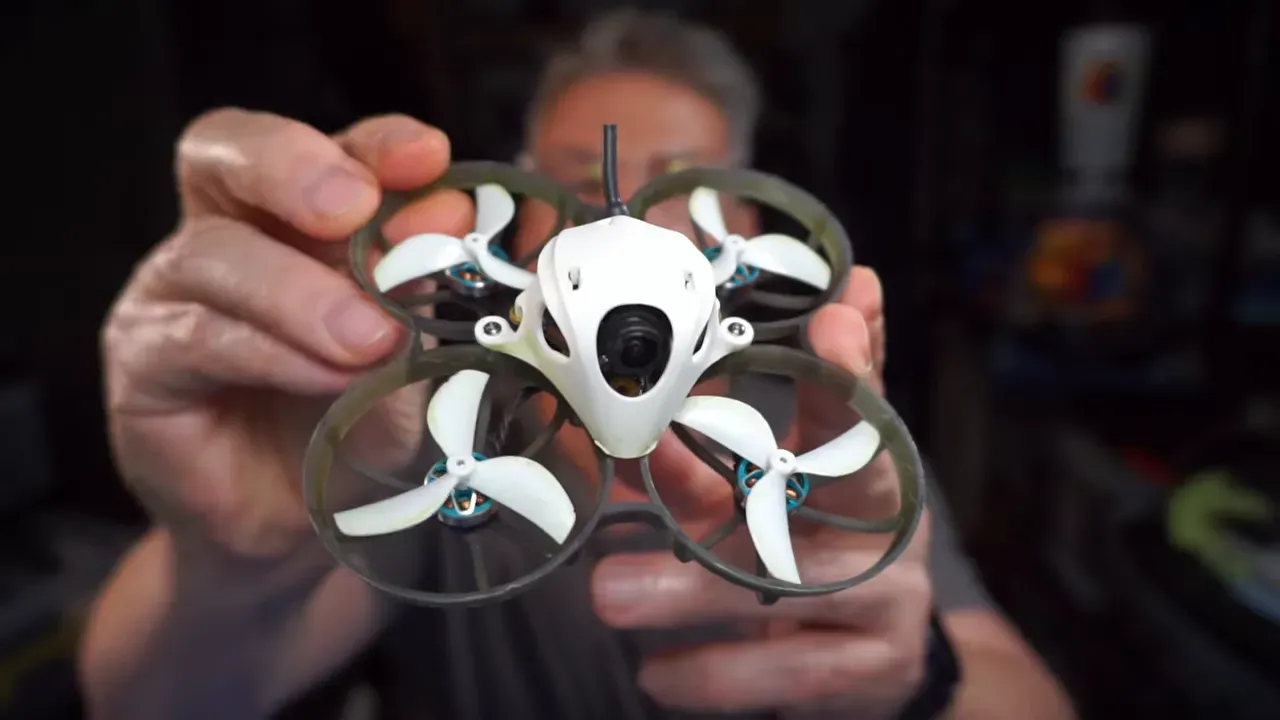
It is a ready to fly 75mm whoop package built around BetaFPV's P1 HD video system. The idea is simple enough, open the box, charge things, bind less than usual, and get in the air.
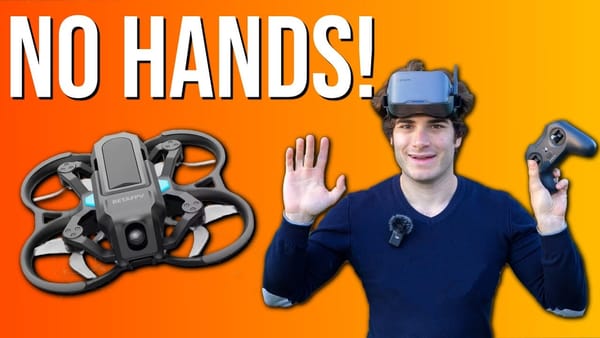
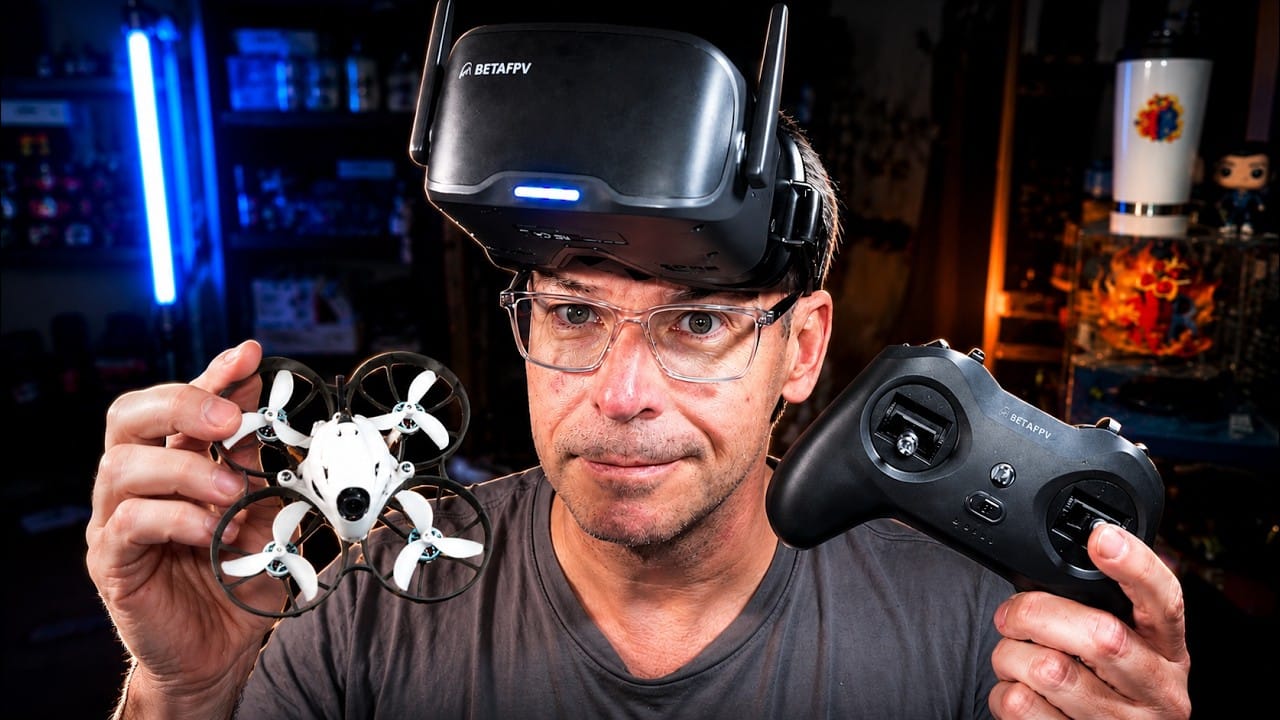
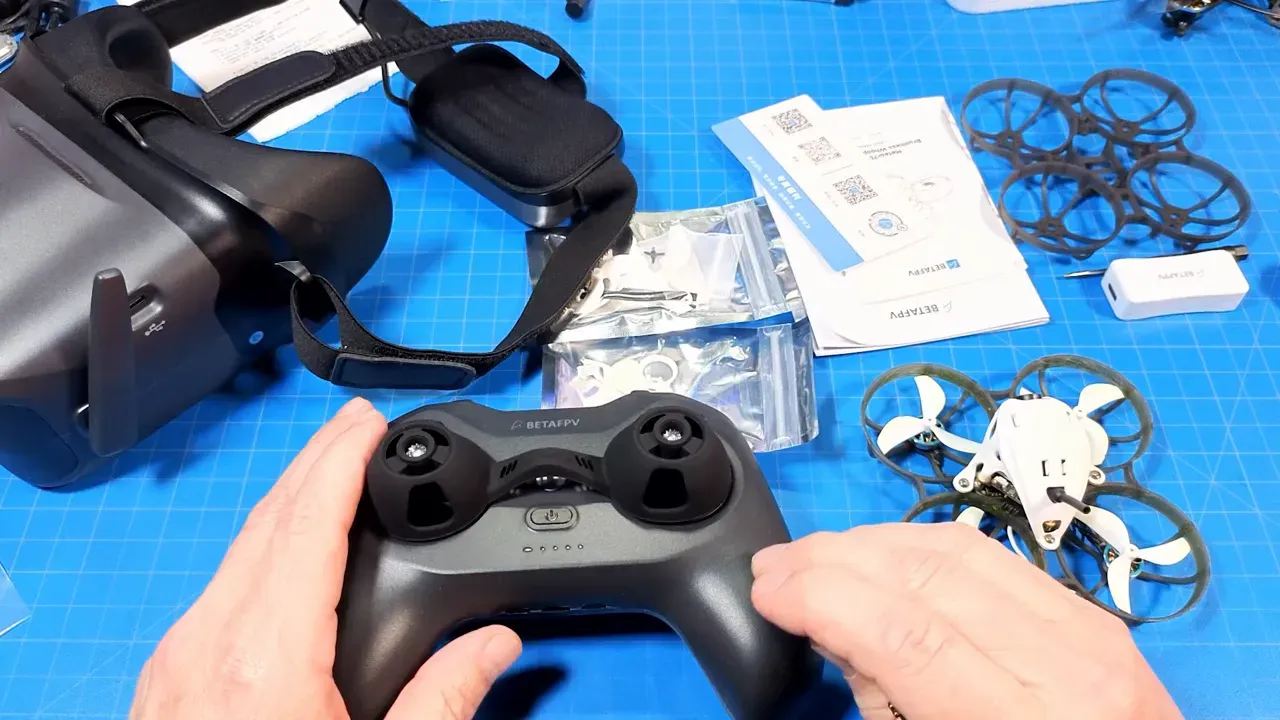
The kit includes the Meteor75 Pro HD quad, VR04 goggles, a LiteRadio 4 SE transmitter, two 580mAh batteries, a basic charger, extra props, screws, a screwdriver, USB-C cable, manuals, a USB dongle, and even a spare frame. There is also a carry case with a handle, which is more useful than many bundled accessories that exist mostly to fill foam cut-outs.
The radio is not a dead-end accessory either. It can also be used with other ExpressLRS quads, assuming the ELRS versions are close enough to bind without drama.
What does the P1 HD FPV system work with?
It works with P1 goggles, and that is the headline. Anyone hoping for magical cross-compatibility with existing HDZero, Walksnail, DJI, or analogue gear can stop there and save a support ticket.
The quad's video system is stated as incompatible with those other ecosystems. There is mention of a rumoured VRX for HDMI-capable goggles, and possible overlap with HGLRC's system, but neither point is treated as settled fact. So the safe reading is this, buy it for P1, not for maybe-later forum archaeology.
That matters because this kit can look cheap until it duplicates a goggle setup already sitting on the shelf. If the goal is only to sample the P1 system, the bundle still may make sense, but only after doing the maths part by part.
How good is the Meteor75 Pro HD outdoors?
Outdoors, it looks pretty good and flies well. The video clarity is the obvious selling point, especially for anyone coming from camera drones and expecting something less potato-shaped than analogue.
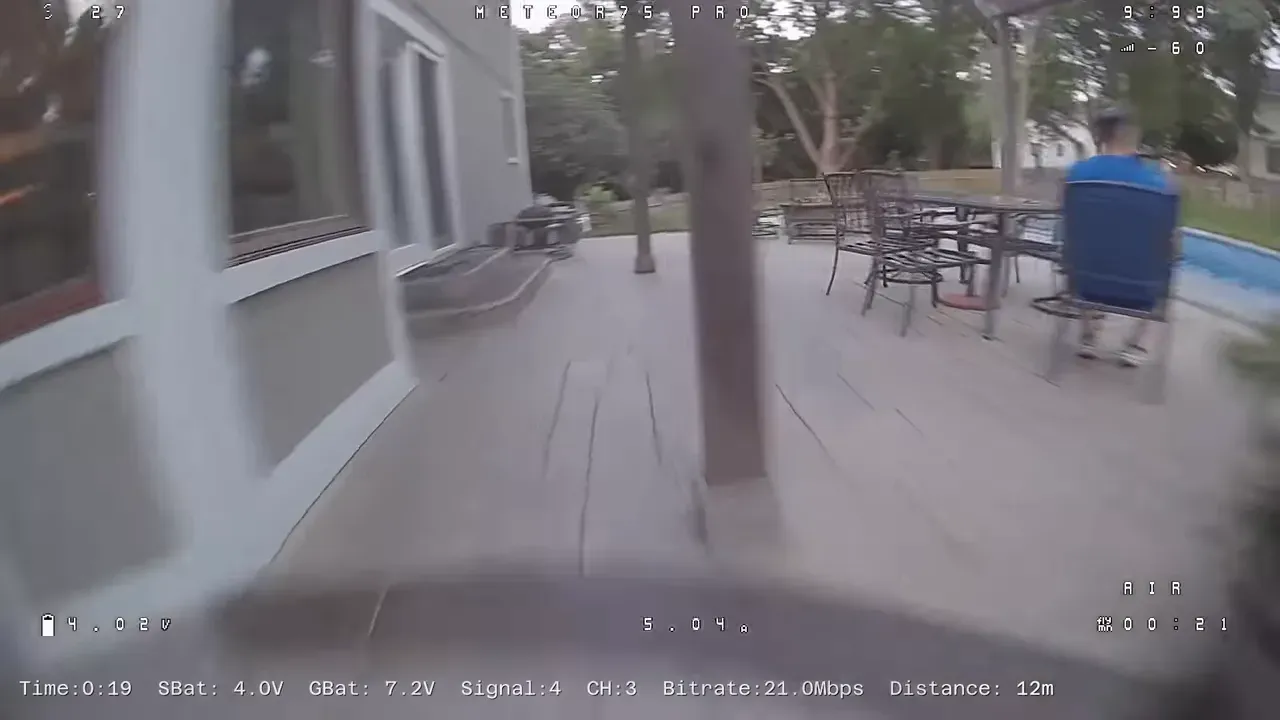
The test flight was done in the evening, not fully dark, and the image held up well enough to leave a positive first impression. The HD feed is clearer than analogue, and that gives more confidence when cruising around trees, fences, and garden furniture that probably did not consent to becoming race gates.
Flight times shown during the outdoor run ended around 4 minutes 9 seconds at roughly 3.59V, with the note that there was still a little left in the pack. That suggests sensible whoop endurance rather than miracle chemistry.
The practical takeaway is straightforward, outdoors is where this kit feels most comfortable. There is more room to absorb mistakes, and the latency issue is less punishing.
How does the BetaFPV P1 HD system handle indoor flying?
Indoors, the limiting factor is latency, not thrust or durability. The quad can do it, but the P1 system asks for adaptation, especially in tighter spaces.
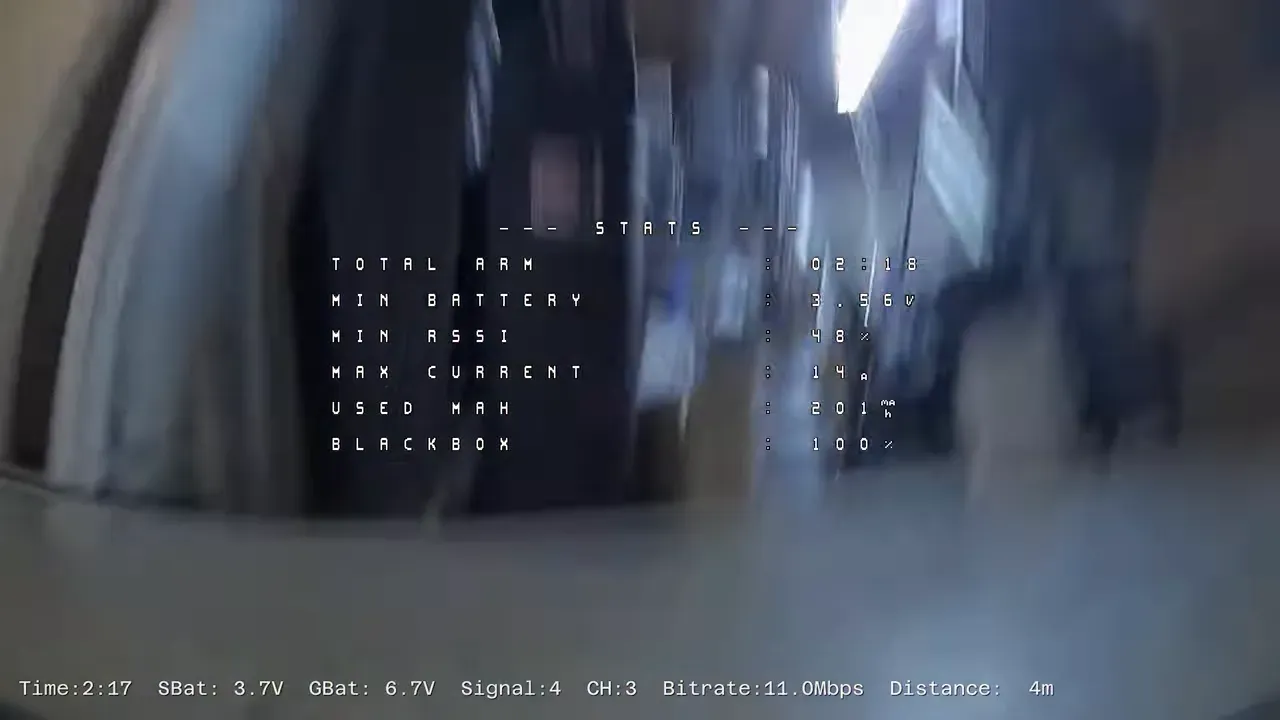
The delay between camera and goggles is noticeable indoors in a way that it is not outdoors. Worse, it is described as variable latency, which is the sort of detail that makes line choice and timing less predictable when threading doorways or turning around furniture.
It took around four flights of heavy crashing to start adjusting to that feel indoors. Some pilots adapt. Some never quite do. Some get a disconnected or mildly nauseating feeling, which is not ideal when learning FPV already involves a lot of negotiating with walls.
One trouble spot was around the basement HVAC and metal-heavy areas, where RF conditions seemed worse. That lines up with what many pilots see in awkward indoor environments. Wood studs and plasterboard are friendlier than concrete, metal studs, and utility rooms full of reflective nonsense.
The main lesson is that this is not the easiest indoor HD whoop setup for a beginner. It can be flown indoors, but lower-latency systems still have the edge for tight technical spaces.
Is the Meteor75 Pro HD a good beginner FPV kit?
Yes, with caveats. It is beginner-friendly in packaging, but not perfectly beginner-friendly in flight behaviour.
As a box set, it covers the basics well. There is a quad, radio, goggles, batteries, charger, spare parts, and a carry case. That reduces the usual scavenger hunt for connectors, compatible batteries, and obscure charging leads.
Where it gets complicated is the video latency. A brand new pilot may struggle indoors more than expected, and may not know whether the problem is control inputs, camera angle, nerves, or the video system lagging just enough to be irritating.
The better path for a beginner is still the boring advice, because boring advice works. Start in a simulator, learn the controls, begin real flights outdoors, and use a fairly flat camera angle before trying indoor work. Nobody ever regretted fewer early crashes, apart from the furniture losing its entertainment value.
What is included in the box, and what is actually useful?
Most of the bundle is useful, and one inclusion stands out more than expected, the spare frame. That is a cheap part with a high chance of saving a flying session later.
Also included are extra props, screws, manuals for the radio, goggles, and quad, plus QR codes linking to BetaFPV documentation. The quad uses a connector-only USB arrangement, so the little USB dongle is there because direct board USB is not provided.
The charger is usable to get started, but it is clearly a starter accessory. Anyone who sticks with whoops will probably move on to a multi-battery charger with storage charge support, such as the types mentioned in the review. That is not a fault so much as the normal lifecycle of bundled chargers, which tend to be tolerated rather than loved.
How durable is the BetaFPV Meteor75 Pro HD?
It appears to be tough enough for repeated crashes. That matters because indoor adaptation involved a lot of impacts, and the quad kept going.
Despite outdoor and indoor crashes, including repeated hits around doors and household obstacles, the quad was described as very durable. The spare frame was not needed during the test period, which is encouraging.
The camera remains a concern in the usual HD whoop way. The field of view is wide, which is great for flying, but it also leaves the camera more exposed than a deeply buried analogue setup. Even so, no direct camera damage occurred during the reported crashes.
So what? For a beginner kit, that is good news. Crashes are part of the hobby, whether one calls them learning opportunities or expensive percussion events.
Which batteries fit the Meteor75 Pro HD battery tray?
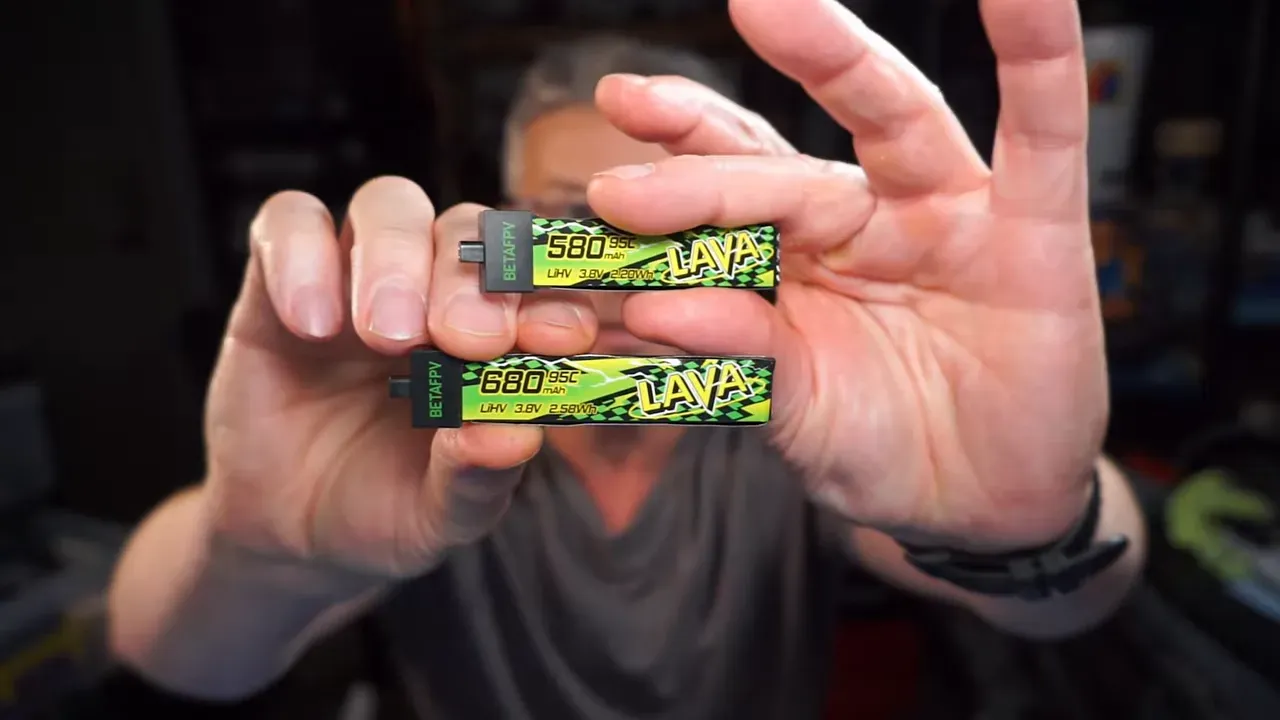
The supplied 580mAh packs fit, and the tray also accepts 480mAh and 680mAh packs. That gives a bit more flexibility than some tiny whoops with battery bays designed by optimists.
The included packs use BetaFPV's BT2.0 connector. That is standard enough in this class, and there is no requirement to stick to stick-style packs only. Batteries with leads should also work, but loose leads can be a problem after crashes.
If wires get into the props, especially when trying to use turtle mode to flip back over, things can go wrong quickly. It is not a dramatic flaw, just one of those small-whoop realities worth remembering before assuming every battery shape is equally convenient.
How good are the VR04 goggles for the BetaFPV P1 system?
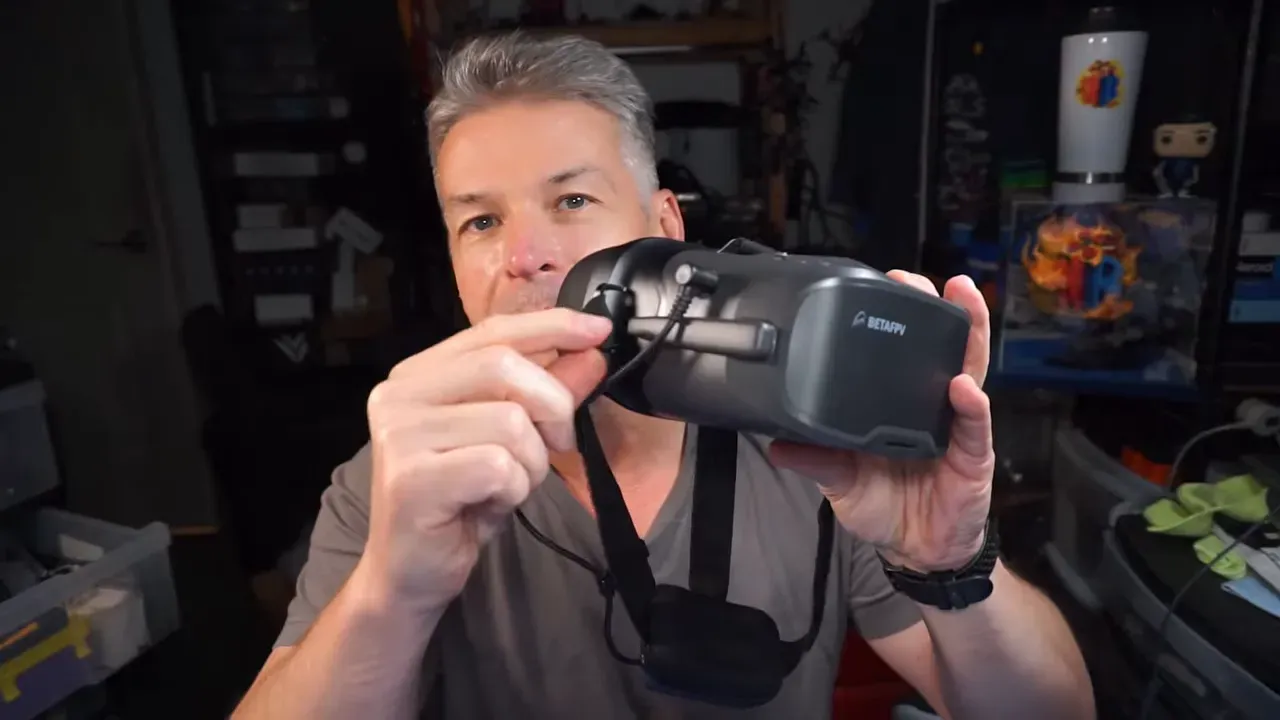
They are usable and reasonably featured, but they are not especially refined. The image works, the DVR works, and the fit has a few annoyances.
The design is the familiar box-goggle style rather than a slim binocular form factor. Fit was not ideal on this face shape, with noticeable light leak around the cheeks before flight. Once the screen is on, that mattered less, but it is still not a premium fit-and-finish experience.
The battery pack sits at the rear and uses 18650 cells, with charging available through a USB port on the battery. There is also a basic menu controlled by a small joystick, and DVR recording works as expected.
Glasses compatibility looked decent. A frame width of about 136.5mm was shown fitting inside. That does not guarantee every pair will fit, but it is at least one real measurement rather than the usual marketing phrase about broad compatibility.
What problems do the VR04 goggles have?
The biggest annoyance is the antenna and power layout. One antenna cannot be raised once the barrel power plug is connected, which is exactly the sort of design choice that happens when nobody on the project was allowed to be grumpy enough.
If the goggles are powered with that antenna folded down, reception can suffer. Fixing it means unplugging power, raising the antenna, and plugging back in. That is not a deal-breaker, but it is fiddly in a way that should have been avoidable.
Reception also improved noticeably by switching from channel 1 to channel 3 in the test location. On top of that, the system appears to use a lower-power standby mode before arming. Letting the quad sit armed for a brief moment before takeoff helped the video settle before flight.
That means the best practical setup was:
- Switch to channel 3 if channel 1 looks weak.
- Check both antennas are in the correct position before plugging in.
- After arming, wait a moment before takeoff so the video fully wakes up.
Does the LiteRadio 4 SE add value, or is it just bundle filler?
It adds some value, mostly because it is ExpressLRS and can be reused. That makes it more than a one-quad accessory.
For a pilot who already owns a preferred radio, the LiteRadio may become a simulator controller or a hand-me-down for somebody else. For a first kit, it does the obvious job of getting the quad in the air without needing a separate transmitter purchase.
There is no grand endorsement here beyond practicality. It is included, it works with ELRS quads where versions line up, and it helps make the kit usable beyond the first battery pack.
Is the BetaFPV Meteor75 Pro HD kit worth $320?
It looks reasonably priced for what it includes, especially compared with more expensive HD ecosystems. The value depends on whether the P1 system itself suits the intended use.
If the goal is a complete low-cost HD starter bundle, the price is hard to dismiss. Quad, goggles, radio, batteries, charger, extras, and case for $320 is a respectable package. Compared with traditional DJI-based FPV gear, it is clearly cheaper.
If the goal is the best indoor HD whoop experience, the value argument weakens because latency matters more than bundle completeness. If the goal is broad ecosystem compatibility, it weakens again because P1 is its own lane.
The sensible takeaway is this, the kit is worth considering if the buyer wants exactly what it is. Problems begin when expecting it to be a universal answer.
Evidence gaps
No official manufacturer specs, firmware notes, or compatibility documentation beyond the supplied material were provided here. Rumoured P1 VRX support and possible HGLRC overlap were mentioned but not verified, so they are treated as unconfirmed.
FAQ
Can the BetaFPV Meteor75 Pro HD use DJI goggles?
No. The supplied material states that the P1 video system is not compatible with DJI, HDZero, Walksnail, or analogue goggles.
Is the BetaFPV Meteor75 Pro HD good for indoor flying?
It can fly indoors, but latency is more noticeable there. Tight spaces, metal-heavy areas, and doorways make the delay harder to ignore, especially for newer pilots.
How long does the Meteor75 Pro HD fly on the included batteries?
Reported flights ended around 4 minutes 9 seconds outdoors and 5 minutes 19 seconds indoors, with landing voltage around the mid 3.5V range. Actual times will vary with throttle use and crash frequency, which small whoops tend to treat as part of the schedule.
Do larger batteries fit the Meteor75 Pro HD?
Yes, 480mAh and 680mAh packs were reported to fit the battery tray alongside the included 580mAh packs. The connector type mentioned is BT2.0.
Why is the BetaFPV P1 video not smooth right after arming?
The system appears to start in a lower-power standby mode before arming. Waiting briefly after arming before takeoff helped the video settle and become smoother.
Do the VR04 goggles work with glasses?
They can fit at least some glasses. A pair measuring about 136.5mm across the arms was shown fitting inside the goggles.
Why is reception poor on the VR04 goggles?
Two likely causes were identified. First, one antenna may still be folded down because the barrel power plug blocks movement once connected. Second, channel 1 performed worse than channel 3 in the tested location.
Is the included charger enough for regular whoop flying?
It is enough to get started, but probably not enough for long-term whoop use. A better charger with multiple ports and storage charge support makes more sense once flying moves beyond the first few packs.
Key specs and claims mentioned
- Product: BetaFPV Meteor75 Pro HD FPV Kit
- Video system: BetaFPV P1 HD
- Quad size: 75mm whoop
- Price mentioned: $320 for the full ready to fly kit
- Included batteries: 2 x 580mAh
- Other battery sizes reported to fit: 480mAh and 680mAh
- Battery connector: BT2.0
- Radio protocol: ExpressLRS
- Goggles: VR04
- Glasses width shown fitting: about 136.5mm
- Outdoor sample flight end: 4:09 at about 3.59V
- Indoor sample flight end: 5:19 at about 3.55V
- Compatibility claim: not compatible with HDZero, Walksnail, DJI, or analogue
- Included extras: spare frame, extra props, screws, screwdriver, USB-C cable, charger, USB dongle, manuals, carry case
This article was based from the video HD FPV On a Budget // BetaFPV Meteor75 Pro HD FPV Kit