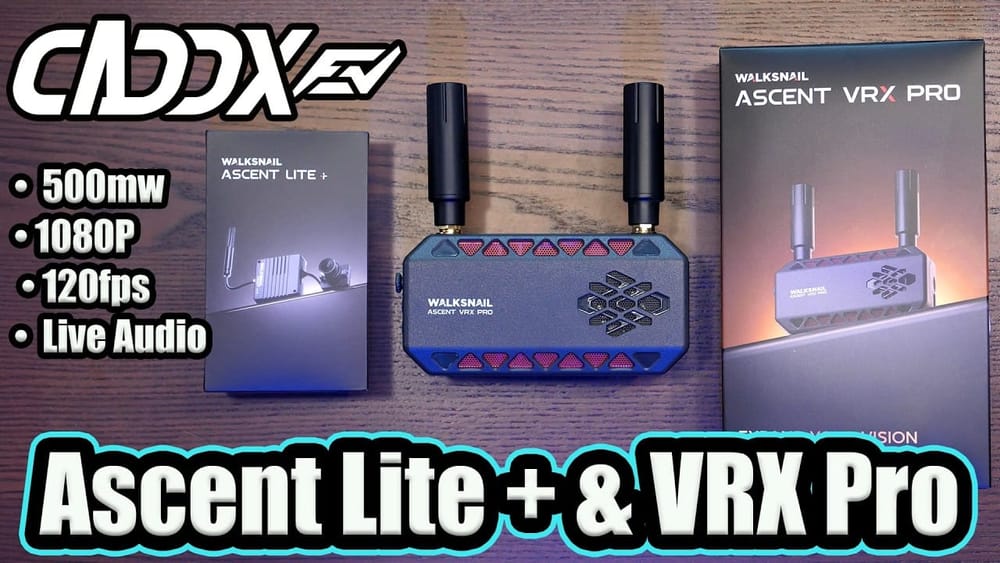
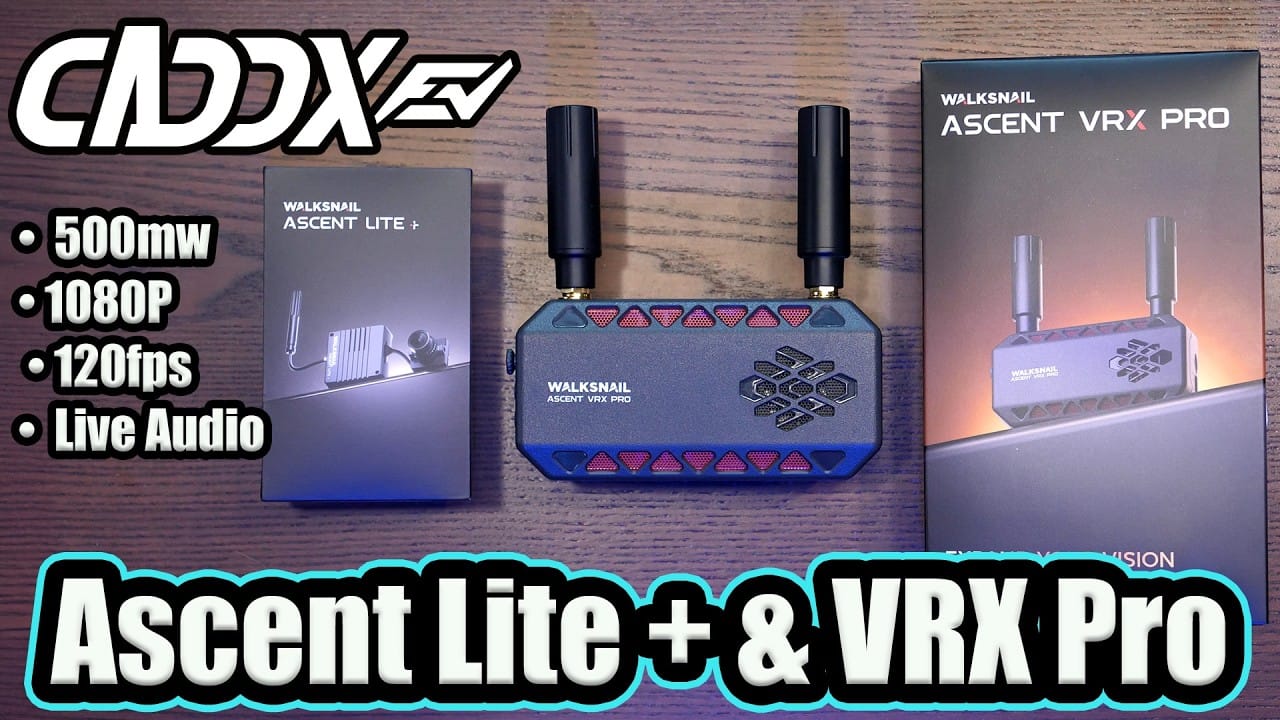
Caddx has given its budget digital FPV system more power, audio, 120fps modes and a receiver with rather more computer hiding inside it. The good news is that Ascent now makes a credible low-cost digital FPV case, while the bad news is that it still finds new ways to be slightly annoying.
Key Takeaways
- The Ascent Lite Plus adds 500mW output, audio and gimbal support for $39.99.
- 120fps support brings little benefit to most goggle users because tested goggles reject 120fps HDMI input.
- RF behaviour was predictable and adequate for field flying, though no long-range test was conducted.
- Random image stutters appeared across three builds and remained after firmware version 18.21.10.
TLDR: What you actually need to know
- Best for: pilots wanting the most capable low-cost digital FPV system without buying into DJI O4 or Avatar HD.
- The Caddx Ascent Lite Plus costs $39.99, just $4 more than the original Lite VTX.
- It adds 500mW RF output, 1080p at 120fps, camera microphone support and Caddx GM gimbal compatibility.
- The VRX Pro supports audio DVR recording, auto bandwidth, frequency hopping and up to 1W receiver-side RF power.
- Avoid if: a dependable 120fps goggle setup, onboard air-unit DVR or polished goggle mounting is non-negotiable.
- Field testing found decent, predictable penetration, but random image hiccups were present on three different builds.
What is the Caddx Ascent Lite Plus VTX?
The Caddx Ascent Lite Plus is a compact digital FPV VTX for Caddx's separate Ascent ecosystem, not the Avatar HD system. It works with Ascent Goggles, the original Ascent VRX and the newer VRX Pro, but it is not cross-compatible with Avatar hardware. Standards, apparently, remain illegal in certain corners of FPV.
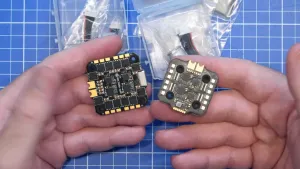
The redesign trades the original board's exposed construction for a small metal enclosure with a heatsink and thermal pads. It remains a single-antenna unit aimed at lightweight builds rather than DJI O4 or Moonlight-sized hardware.
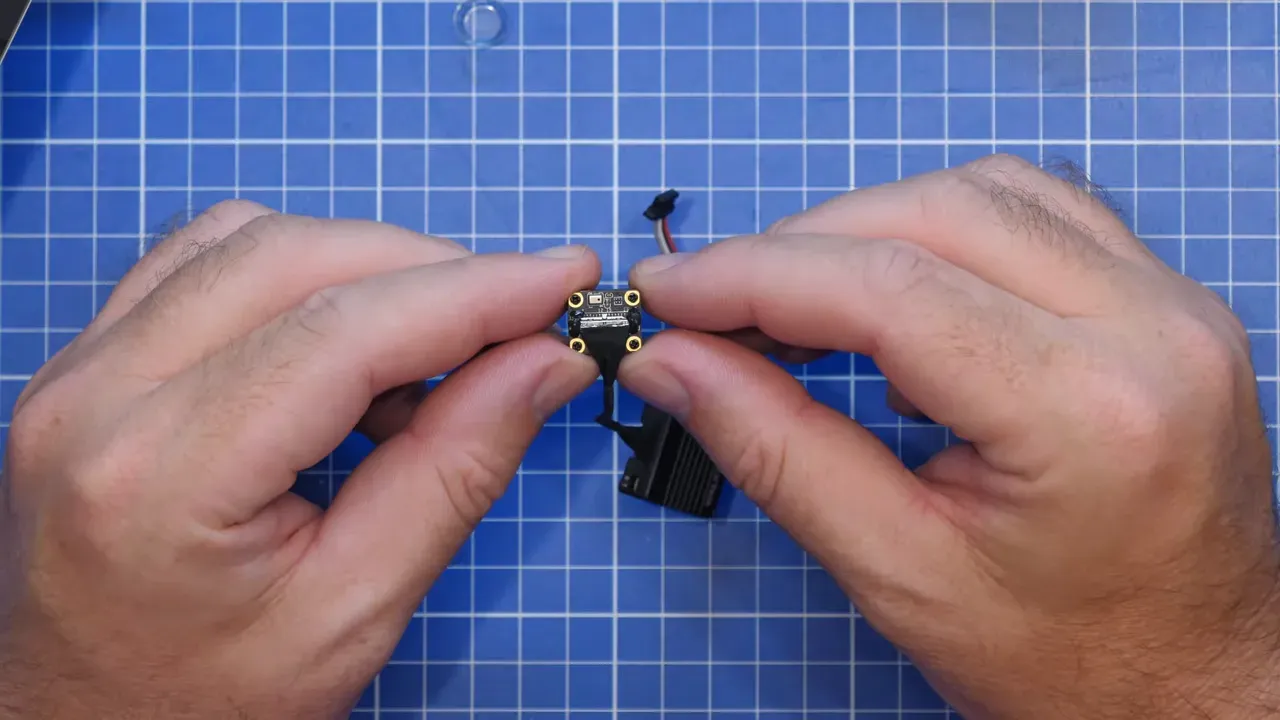
With the case fitted, the complete VTX and camera assembly weighed 10.22g. Removing the casing reduced the VTX assembly to 6.35g. The board is roughly 22 to 23mm square and about 8mm deep, while the supplied camera is a 14mm model.
Decasing is viable for a weight-sensitive build, but it also removes the thermal mass Caddx has deliberately added. That is a reasonable trade only when the frame has reliable airflow. Tiny ducted builds are brilliant until physics arrives with a clipboard.
What does the Caddx Ascent Lite Plus add over the original?
The Ascent Lite Plus makes the original Lite difficult to recommend because it offers several meaningful upgrades for roughly four dollars more. It raises RF power, adds audio, supports gimbals and improves the physical design.
- RF output: up to 500mW, a substantial increase over the original Ascent Lite.
- Video: up to 1080p at 120fps, with up to 25Mbps and 20MHz bandwidth.
- Camera: 1/2.8-inch sensor, 16:9 output, 720p and 1080p modes, plus a built-in microphone.
- Input voltage: 3V to 12.6V.
- Flight-stack support: Betaflight, iNav, ArduPilot and other usual OSD arrangements were stated as supported.
- OSD: Canvas Mode support.
- Latency claim: approximately 35ms average latency.
- Head tracking: support for Caddx GM-series gimbals.
The GM-series connection is not plug-and-play. The TX and RX pads sit inside the VTX enclosure, so installing a gimbal requires opening the unit and soldering to those pads. This is not impossible, merely a reminder that “supported” and “convenient” are different engineering disciplines.
The camera microphone is entirely open on the rear of the camera. A small piece of open-cell foam may reduce wind and environmental noise, though that specific modification was not tested.
For a broader look at where Caddx fits into the current digital FPV market, see our DJI O4 and Caddx digital FPV comparison.
Is the Caddx Ascent VRX Pro worth buying?
The Caddx Ascent VRX Pro is the sensible receiver choice for a new Ascent setup, although its upgrade benefits depend heavily on the display attached to it. It retains the original VRX functions but adds 120fps support, audio recording and updated Redbird Pro antennas.
Its hardware includes two antenna ports, a joystick and side buttons, a microSD DVR slot, UART port, USB-C firmware connection, HDMI output, a 1/4-20 tripod mount and a 7.4V to 25.2V DC input. The receiver supports up to 1080p live video, 20MHz bandwidth, auto bandwidth, frequency hopping and up to 30dBm, or 1W, RF power.
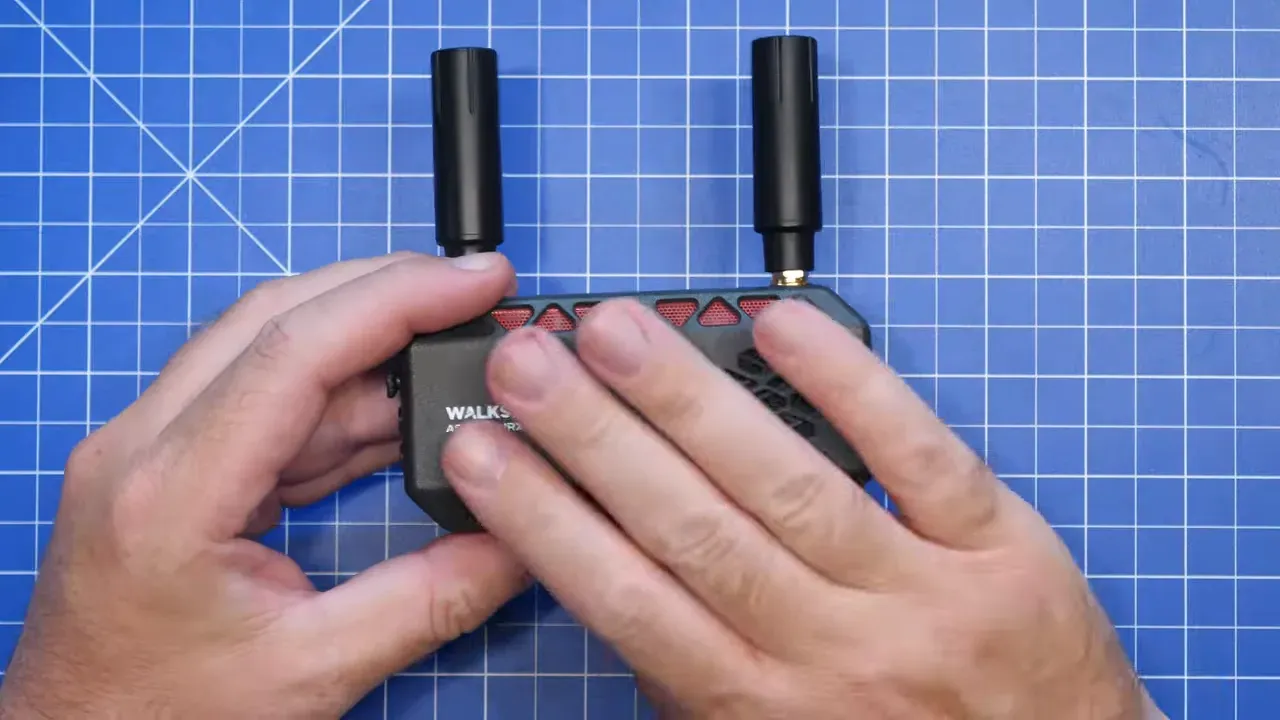
The receiver uses a Rockchip system-on-chip with 1GB of DDR4X memory, replacing the earlier Artisan system-on-chip. In practical terms, Caddx has used a Radxa Zero 3W-like platform to provide more processing headroom for HDMI and receiver duties.
The new Redbird Pro antennas are left-hand circular polarised models covering 4.9GHz to 7GHz. Caddx claims an average gain of 2.8dBi. No controlled antenna A/B comparison was included, so treat that as a manufacturer claim rather than a measured improvement.
Why is the Ascent VRX Pro mounting setup awkward?
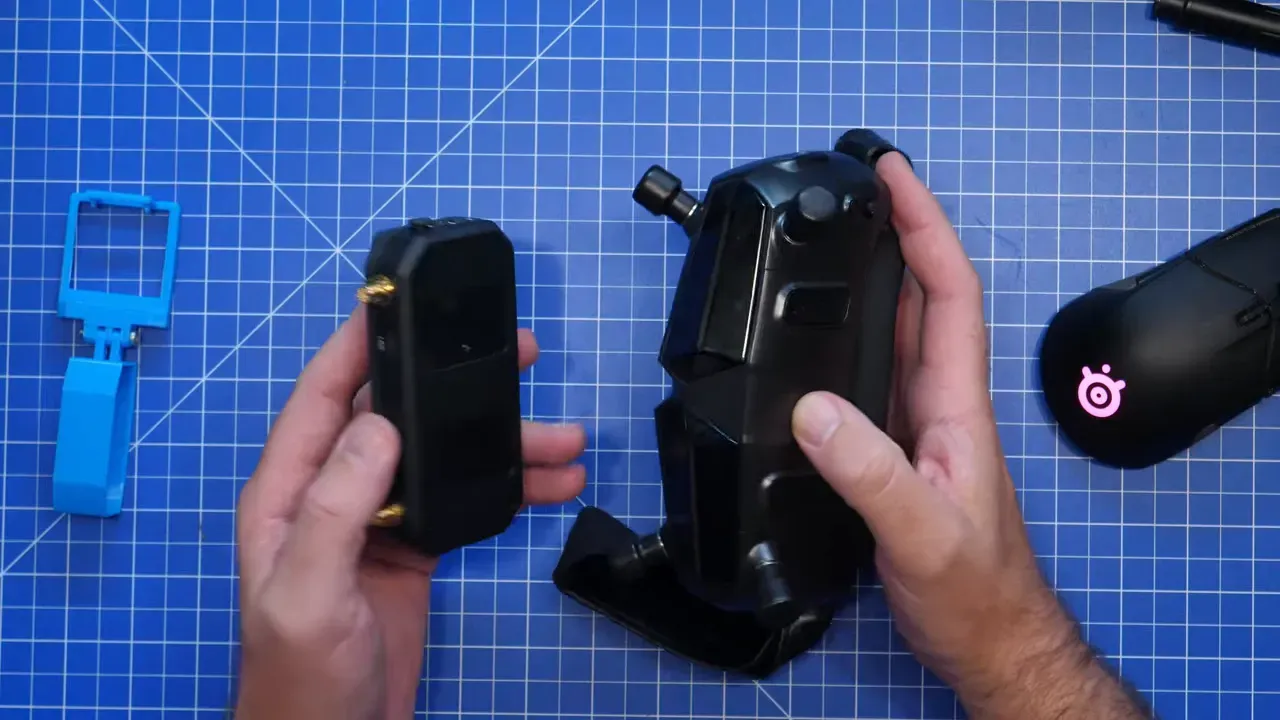
The VRX Pro can physically mount to many goggles, but Caddx has not made the job elegant, especially with Goggles X. It includes adhesive pads and a 1/4-20 mount, yet neither solves every goggle combination.
A receiver can be attached to HDZero Goggles or Fat Shark goggles with adhesive pads, or a printed mount can hang it from a fan assembly. Goggles X presents the awkward case because its front profile offers no convincing flat area for the module.
The HDMI choice is similarly confused. Caddx fitted a full-size HDMI port and includes a full-size HDMI-to-HDMI cable, despite its own Goggles X using mini HDMI. A mini HDMI port, or at least a suitable cable in the box, would have prevented the usual field-bag cable archaeology.
For Goggles X context, our Goggles X coverage tracks the system's wider compatibility story.
How does Ascent Lite Plus audio recording work?
The Lite Plus can transmit camera audio to the VRX Pro for DVR recording, but it cannot provide live audio from the VRX Pro. There is no headphone socket and no audio output over HDMI.
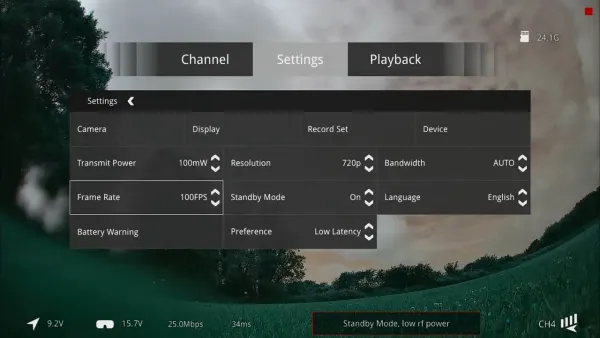
Audio recording worked in 720p at 50fps, 60fps and 100fps, plus 1080p at 50fps and 60fps. Audio did not work in 720p 120fps, 1080p 100fps or 1080p 120fps modes.
Audio also appeared in DVR recordings made with standard Ascent Goggles when paired with the Lite Plus. The original Ascent VRX could not be confirmed because the required firmware was unavailable at test time.
The more important caveat is delay. Testing measured roughly 450ms of audio delay. That is tolerable for a recorded props-and-wind soundtrack, but it is hardly the stuff of synchronised live audio dreams. Caddx has stated that a future Cine Goggle will offer live audio output.
Does Caddx Ascent 120fps work with FPV goggles?
For most goggle users, no, the 120fps mode is more specification-sheet confetti than a practical flying mode. It is aimed at external displays because the tested goggles did not accept 120fps HDMI input.
- Caddx Goggles X: 720p and 1080p worked up to 100fps with current firmware. Neither 120fps mode worked.
- HDZero Goggles: 720p at 60fps and 100fps worked, as did 1080p at 60fps. 1080p at 100fps did not display, and 120fps modes did not work.
Ascent's 100fps mode showed no major latency improvement over the prior Ascent Lite implementation. A 120fps mode may lower latency slightly on a compatible display, but that does not benefit a goggle that cannot accept the signal.
The practical decision is simple. Use 1080p at 60fps when DVR audio matters. Use 720p at 100fps for the lowest latency mode available on the tested goggles. Do not buy the VRX Pro solely for 120fps unless an external display is the actual destination.
How good is Caddx Ascent Lite Plus image quality and RF range?
Image quality and RF behaviour were good enough for ordinary field flying, with predictable breakup and strong detail in 1080p. This is not DJI O4 territory, but it sits in broadly respectable Avatar HD territory for practical penetration.
Testing covered a Firefly 25 Mini, an Eagle 2 and a five-inch quad. The smallest builds used small antennas and were not intended to demonstrate maximum range. The five-inch build used a proper antenna and offered the clearest look at RF behaviour.
During five-inch flight, breakup appeared progressively while flying low and behind a tree line. The important bit is that it behaved predictably rather than disappearing into a digital void without warning. Predictable degradation gives a pilot time to turn around, which is mildly preferable to discovering a hedge from inside it.
The test was not a long-range assessment. UK flying restrictions prevented that kind of test. The conclusion was that 500mW is adequate for field flying, not that it creates a long-range monster.
Ascent's former yaw stutter was reported as fixed by the earlier firmware. Smearing was also described as almost non-existent in the 720p 100fps flight mode. Exposure control looked good in bright conditions, though its changes were visibly step-like.
Why does the Caddx Ascent Lite Plus stutter?
Random image hiccups remain the main concern because they appeared across three separate builds and persisted after a late firmware update. They were not the old yaw stutter, which had been addressed in prior Ascent firmware.
The issue appeared as intermittent image stutters during flight. It was visible on HDZero Goggles, Caddx Goggles X and in VRX DVR footage. That makes a display-only explanation less convincing.
Firmware version 18.21.10 was supplied shortly before release and was said to address 100fps stuttering. A 1080p 60fps test still showed the stutter after installation, while the issue appeared less obvious in 720p modes.
Because the symptom occurred across three builds, it was not attributed to one specific quad. The working suspicion was that the issue sits air-side, within the Lite Plus VTX or its system interaction. That remains a suspicion, not a confirmed root cause.
It did not make the system unusable, but it stops the package being an uncomplicated recommendation. Anyone sensitive to motion irregularities should wait for a firmware fix or buy with this caveat firmly taped to the battery lead.
Which Caddx Ascent setup should pilots buy?
The Ascent Lite Plus is the clear pick over the original Lite VTX, while the VRX Pro is the newer receiver to buy if an Ascent VRX is needed. Neither upgrade has a convincing downside against its older sibling.
The Lite Plus is smaller when decased, has higher output power, adds GM gimbal support and can record transmitted audio. The $39.99 price makes retaining the original Lite in the range look less like customer choice and more like an inventory management experiment.
The VRX Pro adds recording audio and 120fps capability, though the latter is display-limited. It also brings improved internal hardware, but it inherits a compromised mounting and cable arrangement.
Ascent still lacks features that matter to many digital FPV pilots. There is no onboard air-unit DVR, no image stabilisation, no stated full-size 19mm camera option, and no dual-antenna 1W VTX equivalent. A longer camera cable would also help five-inch installations, since the supplied cable is too short and Avatar camera cables cannot be used as substitutes.
For VTX wiring and configuration fundamentals, our FPV VTX telemetry guide covers the usual control concepts, though Ascent uses its own digital system rather than SmartAudio.
Is Caddx Ascent now the best low-cost digital FPV system?
Yes, with the Lite Plus, Ascent is the strongest low-cost digital FPV option discussed here, even though it is still not a finished product in the way pilots reasonably expect. Caddx has moved it from a poor launch toward a usable and competitive system.
Firmware improvements introduced auto bandwidth, auto RF power and frequency hopping, while addressing the older yaw-stutter complaint. The new hardware adds genuinely useful features at a budget price.
The system needs Caddx to focus on the mundane-but-important parts next: reliable air-side behaviour, better camera options, air-unit DVR and practical mounting. Audio is interesting, but it does not outrank a stable image and footage that survives without being captured through goggles.
The recommendation is conditional but positive. Buy the Lite Plus rather than the original Lite. Consider the VRX Pro if its HDMI behaviour and mounting compromises suit the intended goggles. Keep expectations realistic around 120fps and do not ignore the unresolved stutter report.
FAQ
Is Caddx Ascent Lite Plus compatible with Avatar HD?
No. Ascent is Caddx's lower-cost digital FPV ecosystem and is separate from Avatar HD. The Lite Plus works with Ascent Goggles, the Ascent VRX and VRX Pro.
Can the Caddx Ascent Lite Plus record onboard video?
No onboard air-unit DVR was demonstrated. Video recording occurs on compatible goggles or on the VRX Pro's microSD DVR.
Does Caddx Ascent 120fps work on Goggles X?
No. Goggles X supported 720p and 1080p up to 100fps with current firmware. The tested 120fps modes were not compatible.
Why will 1080p 100fps not display on HDZero Goggles?
The tested HDZero Goggles accepted 720p at 60fps and 100fps, plus 1080p at 60fps. They did not display 1080p at 100fps, so use 720p 100fps instead.
Does the Ascent VRX Pro have live audio output?
No. The VRX Pro records audio to its DVR but has no headphone output and does not send audio over HDMI. Caddx has stated that future Cine Goggles will add live audio output.
Is the Caddx Ascent Lite Plus stutter fixed?
Not fully in the tested firmware. Random image stutters remained after firmware version 18.21.10 and appeared on three different builds.
Should pilots buy the original Caddx Ascent Lite VTX?
The Lite Plus is the better buy. For approximately four dollars more, it adds higher RF power, audio support, gimbal support and a redesigned heatsink enclosure.