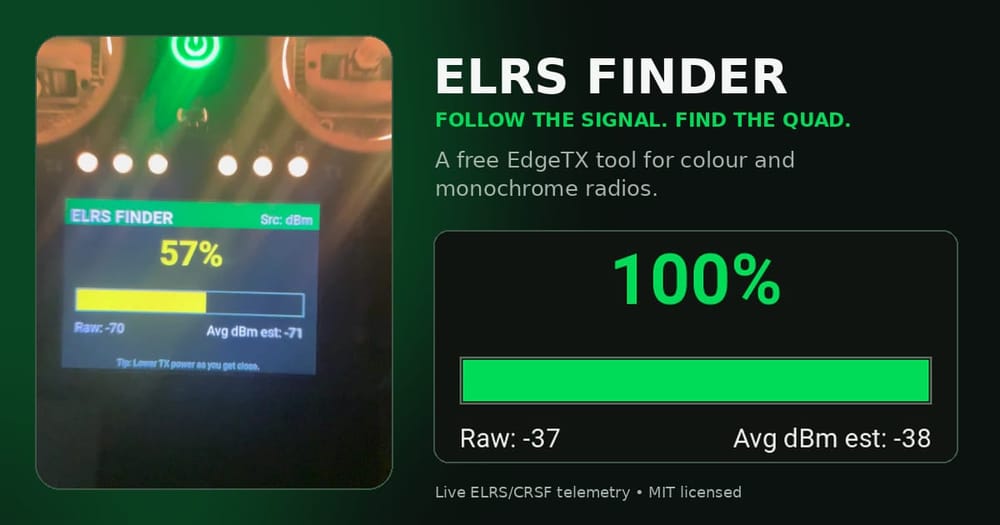
Quick answer: ELRS Finder turns a compatible EdgeTX radio into a simple signal-strength tracker for a missing quad. It reads the live ELRS/CRSF telemetry already arriving at the handset, smooths the reading and turns it into a large meter with Geiger-counter-style tones. Walk, sweep the radio slowly and follow the improving trend.
There is one non-negotiable catch: the aircraft must still be powered and sending telemetry. If the battery has ejected, the receiver is dead or the link has disappeared completely, the script has nothing to follow. This is a useful recovery aid, not a replacement for a self-powered buzzer or GPS.
What is the ELRS Finder project?
Sunil Chahal's original ELRS Finder is a small, MIT-licensed Lua tool built for monochrome EdgeTX radios. It appeared in August 2025 and presents live signal strength as a numeric value, a bar and progressively faster tones.
Ray Noland's colour-screen adaptation, released in July 2026, keeps the finder logic but redraws the interface for colour radios. Its layout scales from the radio's LCD dimensions instead of assuming one screen size. Signal strength is red when weak, yellow in the middle and green when strong.
Both repositories are open source under the MIT licence. The colour project explicitly credits Sunil's original logic, while adding the larger interface and testing it on current colour handsets.
Which version should you install?
- Colour screens: use ELRS_Finder_Color.lua. It requires EdgeTX 2.8 or later because the interface uses colour drawing functions. The repository lists the RadioMaster TX15 at 480×320 and TX16S MKIII at 800×480 as tested.
- Monochrome screens: use ELRS_Finder.lua from the original repository. It is designed around compact 128×64 displays such as the RadioMaster Boxer.
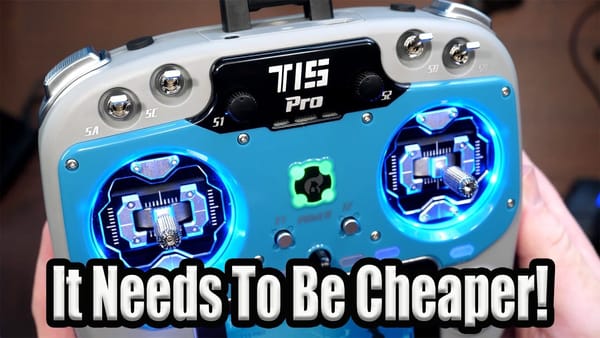
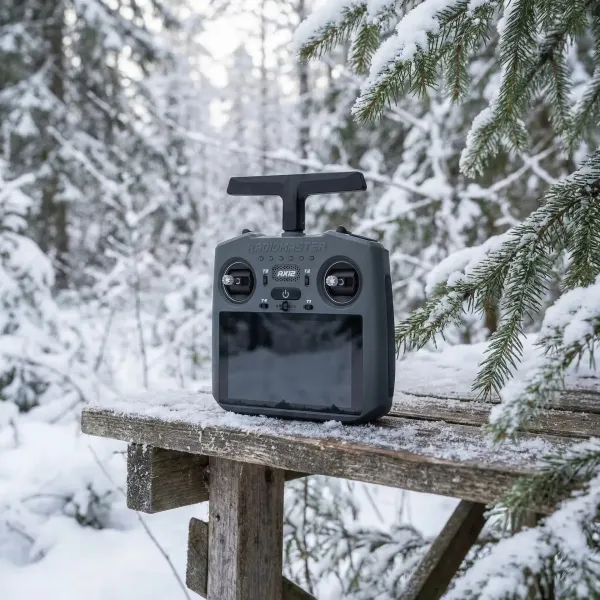
If you are choosing a colour handset, the RadioMaster TX15 ELRS is one of the two radios on which the new interface has been tested. The larger RadioMaster TX16S MK3 ELRS is the other tested format. For the original monochrome layout, the RadioMaster Boxer is the obvious fit.
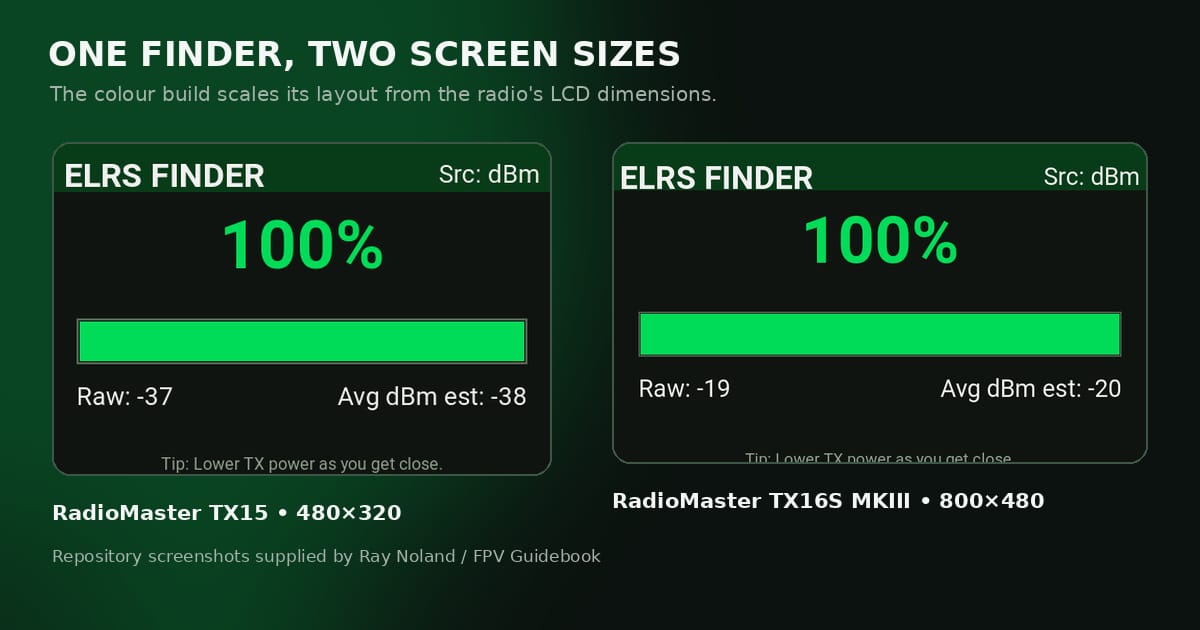
Repository screenshots show the same colour interface scaling from the TX15's 480×320 display to the TX16S MKIII's 800×480 display. Images: Ray Noland / FPV Guidebook.
How the signal finder works
The script asks EdgeTX for three possible telemetry sensors in a fixed order. It prefers 1RSS, the CRSF RSSI value reported in dBm. If that is unavailable it tries RSNR, then RQly. Those fallback values are mathematically rescaled so the rest of the finder can still operate.
That detail matters. When the source is RSNR or RQly, the displayed “Avg dBm est” is an estimate used by the script, not a calibrated RF measurement. Treat the direction of travel as useful information; do not treat the number as a distance ruler.
Each new sample is fed into an exponential moving average: 80% of the previous average and 20% of the new reading. The smoothing stops every tiny fluctuation from making the display and audio chatter. The averaged signal is then mapped to a 0–100% strength scale.
- Below 33% is shown in red on the colour version.
- 33–65% is yellow.
- 66% and above is green.
- The tone interval tightens from roughly 1.2 seconds at the weak end to 0.1 seconds at the strong end.
- Tone pitch also rises from about 600 Hz towards 1,200 Hz.
Those thresholds come from the Lua code. They are a search interface, not a promise that “70% means ten metres”. Transmit power, antenna orientation, walls, wet vegetation and RF reflections can all change the reading.
How to install ELRS Finder on EdgeTX
1. Download the correct file. Colour-radio users need ELRS_Finder_Color.lua. Monochrome users need ELRS_Finder.lua.
2. Put the file in the Tools folder. Connect the radio or its SD card to a computer, then copy the Lua file into /SCRIPTS/TOOLS/. Copying the complete SCRIPTS folder from either repository to the SD-card root also preserves the correct directory structure.
3. Start the tool. Return the card to the radio, long-press SYS, open the Tools tab and run ELRS Finder. On the colour build it may appear as ELRS Finder Color.
If the screen shows no useful signal
The colour repository's troubleshooting note is the first thing to try: open Model Setup → Telemetry → Discover new sensors, then wait for 1RSS, RSNR or RQly to appear. The script cannot read a sensor that EdgeTX has not discovered for that model.
Also confirm that the correct model is selected, the receiver is linked and telemetry is actually returning to the radio. A working control link does not automatically prove that the required sensor is registered in EdgeTX.
How to use it without chasing random RF noise
Make the aircraft safe first. The battery needs to stay connected for the finder to work, so disarm the model and use whatever precautions are appropriate to prevent the motors starting while you search. Do not carry an armed quad through long grass because a screen says the signal is improving.
Before walking, set a fixed low transmitter power in the ExpressLRS menu. Both repositories recommend 10–25 mW. High power can keep the meter pinned near the top across a wide area, removing the contrast you need. Restore your normal power configuration before the next flight.
Start near the last place you saw or heard the model. Sweep the radio slowly through different headings, note where the average climbs, then walk a short, deliberate leg and check again. Ignore one-off jumps. A reading that improves repeatedly after several steps is much more useful than a single green flash caused by multipath.
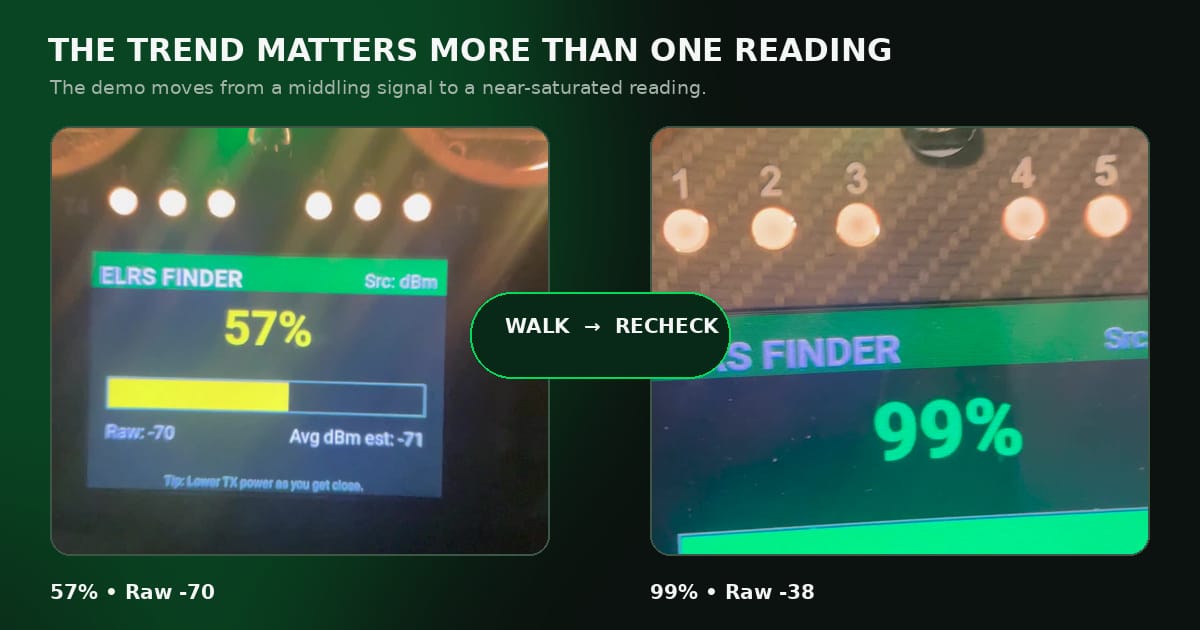
In Ray Noland's TinyWhoop demonstration, the display rises from a middling yellow reading to a near-saturated green reading as the search reaches the powered whoop. Screenshots used with source attribution to the supplied demonstration.
As the signal approaches 100%, lower the fixed power again if your hardware allows it. Reducing power gives the meter room to separate “somewhere nearby” from “under this clump of grass”. If you cannot lower it further, use smaller movements and compare antenna orientations.
What ELRS Finder can and cannot do
This tool makes the most sense for a powered whoop or freestyle quad that has vanished into vegetation, behind furniture, inside a building or just beyond a visual obstruction. It costs nothing, adds no weight and uses hardware already in the aircraft.
It cannot draw a bearing arrow, place the model on a map or recover a quad whose battery is gone. It also cannot tell the difference between a direct path and a reflected signal. For expensive long-range aircraft, use it as one layer alongside GPS, recorded coordinates and an independent self-powered buzzer.
There is also no need to pretend the percentage is scientific. The clever part is the feedback loop: smooth a noisy telemetry value, make changes obvious on a small radio screen and let the pilot search by trend rather than stare at raw negative numbers.
Verdict
ELRS Finder is exactly the sort of small open-source tool EdgeTX is good at. Installation takes a file copy, the controls are understandable in seconds and the limitation is honest: it works only while the live ELRS telemetry path survives.
Colour-radio users now have a polished version that fills the TX15 or TX16S display without changing Sunil Chahal's original finder logic. Boxer and other monochrome-radio users still have the compact original. Install the correct file before you need it, discover the telemetry sensors and practise with a powered, disarmed quad somewhere easy. Learning what the readings look like before a real loss will save more time than any amount of panicked button pressing in a field.
Project links and credit
- Colour-screen project: Ray Noland / FPV Guidebook, adapted from the original finder and licensed under MIT.
- Monochrome original: Sunil Chahal, licensed under MIT.
- Example video: Ray Noland's ELRS Finder colour-screen demonstration on r/TinyWhoop.
Download the colour version from GitHub or the monochrome version from GitHub. Read each repository's current README before copying files, because open-source projects can change after this article is published.